Description
Tired of losing track of your open asset tabs?
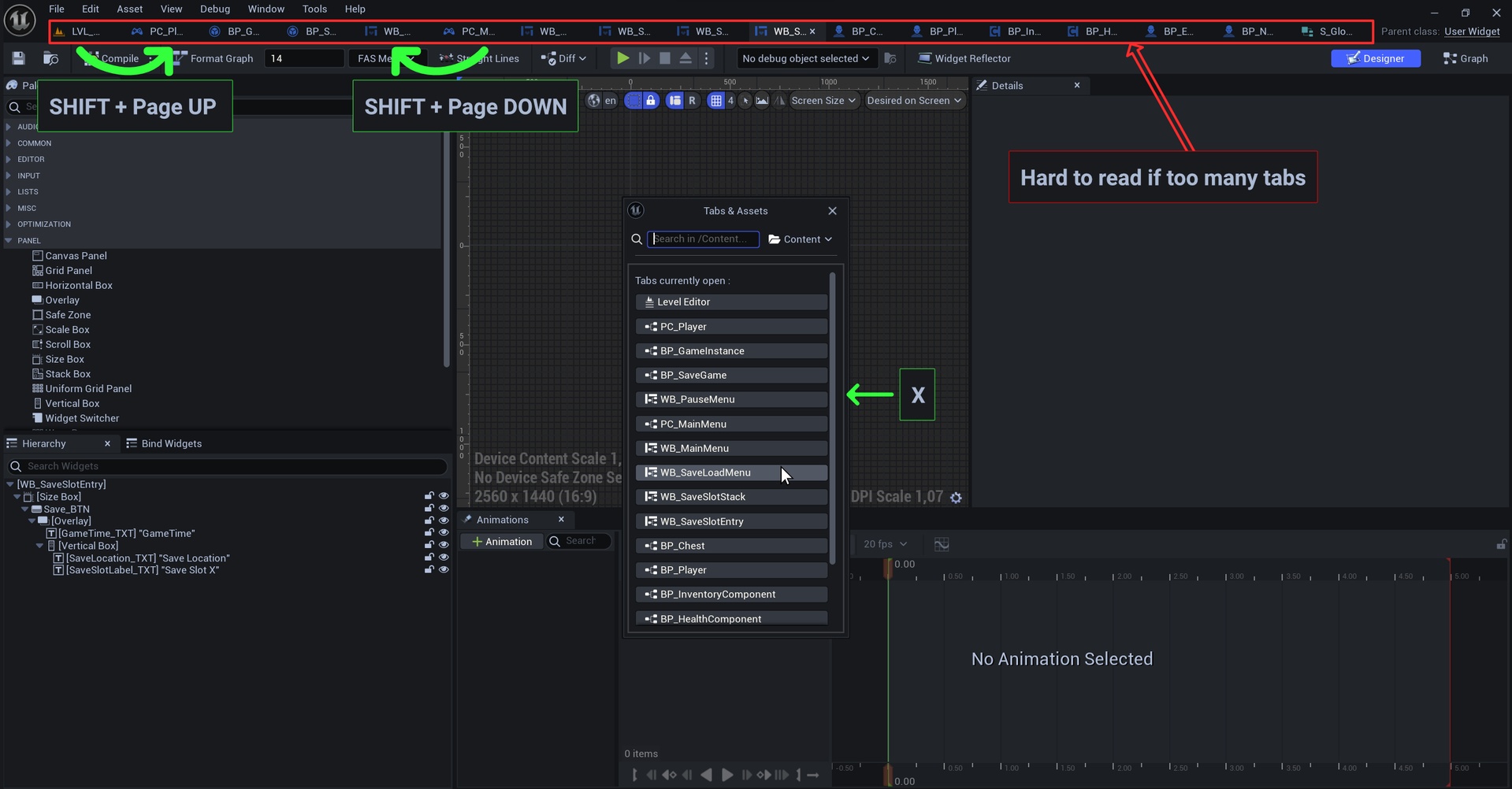
VerticalTabs brings order to your workspace with a streamlined, vertical popup that keeps everything in view. No more accidental closures.
Key Features :
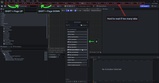
Clean Vertical popup => Instantly see all open asset tabs in a compact, scrollable interface.
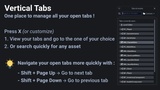
One Shortcut to Access => Press X (customizable) to open or close the VerticalTabs popup.
Seamless Integration => Works across all editors—Blueprints, Materials, Level Editor, and more.
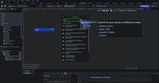
Built-in Search =>Quickly find any asset using the integrated search bar. Just type and go.
Context-Aware Positioning =>The popup appears near your cursor, so it’s always where you need it.
Lightweight & Efficient =>Optimized for performance with minimal overhead.
Bonus : Fast Navigation between tabs :
Next tab: Shift + Page Up (customizable)
Previous tab: Shift + Page Down (customizable)
Quick Setup :
Download from the Fab Marketplace.
Install with one click.
Press X and you're ready to go—no configuration needed.
Would like to change shortcuts ?
Go to :
Edit → Editor Preferences → General → Keyboard Shortcuts
Search for Vertical Tabs Plugin.