
Description
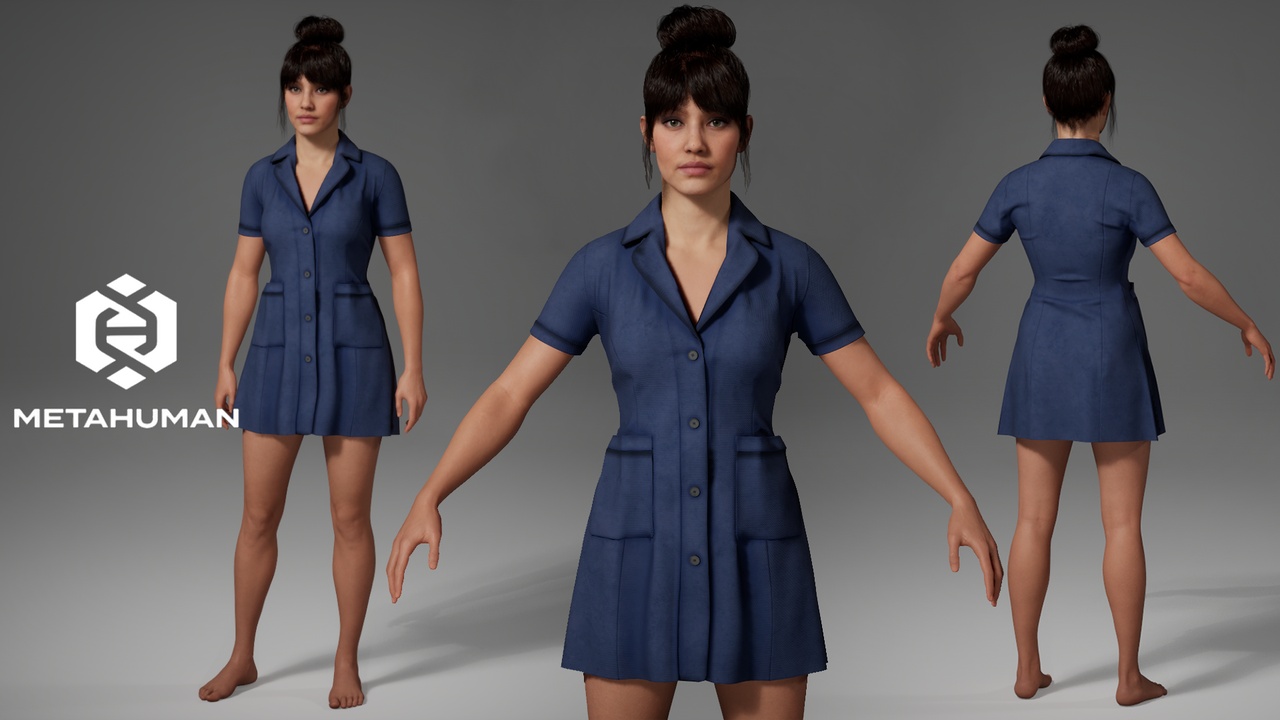
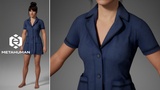
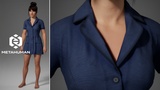
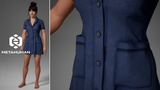
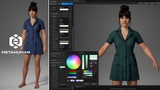
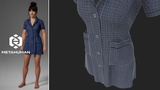
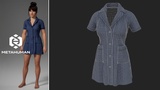
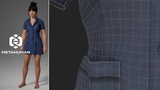
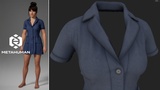
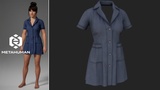
Create realistic MetaHuman characters with this parametric uniform dress, specifically designed for MetaHuman Creator and Unreal Engine.
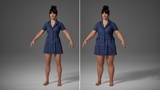
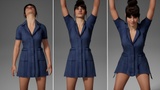
This outfit is fully compatible with all MetaHuman body types and automatically adapts to various body shapes and proportions directly within MetaHuman Creator, ensuring a clean fit without the need for manual adjustments.
________________________________________________________________________________________
Perfect for creating characters as:
* Medical staff
* Nurses
* Hotel staff
* Housekeepers
* Beauty salon staff
* Service industry workers
* Restaurant and café staff
_________________________________________________
Features
✔ Full compatibility with MetaHuman Creator
✔ Support for all female MetaHuman body types
✔ Automatic body shape adaptation
✔ Easy color customization
___________________________________________________
User Guide
1. Download the .mhpkg file.
2. Open your project in Unreal Engine.
3. Create an Outfits folder.
4. Inside, create a MedicalGown folder.
5. Drag and drop the .mhpkg file into the MedicalGown folder.
6. Ensure the MetaHuman Creator plugin is installed.
7. Open MetaHuman Creator.
8. Drag the WI_MedicalGown asset into the Clothing section and apply it to your MetaHuman character.
_______________________________________________________________________________________________________
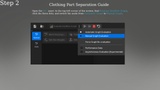
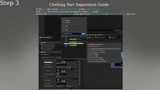
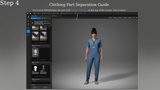
Clothing Part Separation Guide
1. Open the CA_ asset, delete the unnecessary StaticMeshImport by holding ALT + clicking on the Collection, and save the file.
2. Open the AO_ asset. In the top-left corner of the screen, find Evaluate Dataflow Graph, click the three dots, and switch the mode from Automatic Graph to Manual Graph.
3. In the AO_ tab, locate Variable Overrides. Under Source Asset, click Reset (the arrow icon) and reassign the same CA_ asset. Switch the Evaluate Dataflow Graph mode back from Manual Graph to Automatic Graph and save.
4. Go to your MetaHuman tab and click Refresh Preview at the top of the screen. You’re done!
_______________________________________________________________________________________________
Technical Specifications
* Engine: Unreal Engine 5.7
* Platform: MetaHuman Creator
* Asset Type: Parametric Clothing
* Gender: Female
* Supported Body Types: All MetaHuman body types