الوصف
(This is a C++ plugin with exposed custom Blueprint nodes)
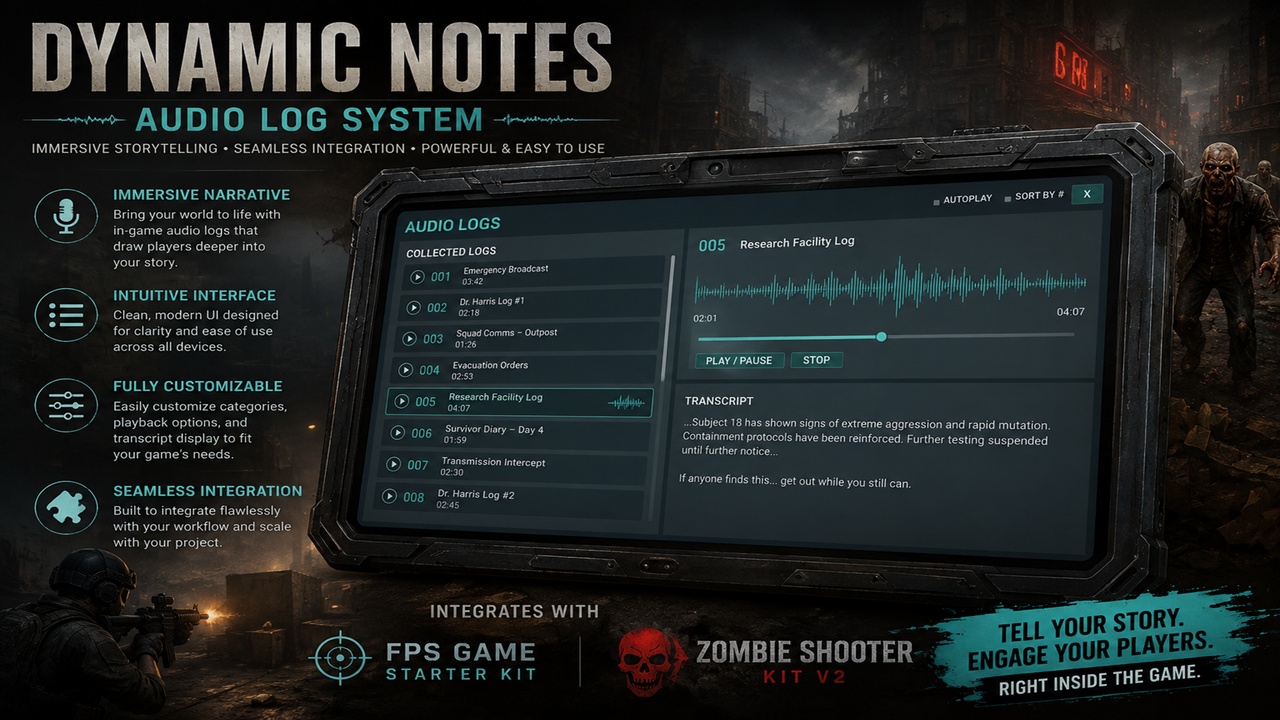
A standalone Unreal Engine plugin for collectible, save-backed audio logs.
What is included
- Ordered collection stored separately from regular inventory.
- Automatic save/load through its own `USaveGame` slot.
- Audio playback, pause, stop, progress, and autoplay-on-pickup.
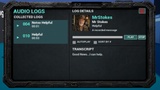
- Compact tablet interface with numbered collected-log rows, subject, automatic `MM:SS` audio duration, and an animated equalizer on the actively playing row.
- Optional developer sort number. `-1` means unnumbered.
- First-pickup order is preserved and used by default.
- L opens and closes the interface
- Enhanced Input actions are supplied. The setup installer maps them into the project's existing Input Mapping Context.
- Every gameplay action is available as a Blueprint node.
- The complete visible interface is in editable Widget Blueprints.
Main editable assets
- `DT_AudioLogs` — `/BlueprintAudioLogSystem/AudioLogSystem/Data/DT_AudioLogs`
- `WBP_AudioLogInterface` — `/BlueprintAudioLogSystem/AudioLogSystem/UI/WBP_AudioLogInterface`
- `WBP_AudioLogListEntry` — `/BlueprintAudioLogSystem/AudioLogSystem/UI/WBP_AudioLogListEntry`
- `TabletBackground` and `AudioLogPlayIcon` — `/BlueprintAudioLogSystem/AudioLogSystem/UI/Art`
- `BP_AudioLogPickupBase` — `/BlueprintAudioLogSystem/AudioLogSystem/Pickups/BP_AudioLogPickupBase`
- `BP_AudioLogPickup_Example_MrStokes` — ready-to-place child under `Pickups/Examples`, with the `MrStokes` row selected
- `IA_ToggleAudioLogs` — `/BlueprintAudioLogSystem/AudioLogSystem/Input/IA_ToggleAudioLogs`
- `IA_InteractAudioLog` — `/BlueprintAudioLogSystem/AudioLogSystem/Input/IA_InteractAudioLog`
The plugin deliberately does not create its own Input Mapping Context. This prevents it from replacing or competing with a project's active input setup.
Automatic setup installer
After enabling the plugin, open Tools > Audio Log System > Audio Log Setup Installer (also available under Window and on the toolbar).
Choose one of these integrations:
- Default First Person
- Default Third Person
- FPS Starter
- Zombie Shooter Kit
- Custom
The presets select the correct player, controller, existing IMC, and interaction interface. Press Install Audio Log Support to:
- add `IA_ToggleAudioLogs` to the existing IMC on L;
- add the Audio Log Controller component to the player;
- connect the editable Blueprint interface widget;
- use the FPS Starter or Zombie Shooter Kit's existing interaction input and trace;
- or install the plugin's generic trace interaction for default/custom projects;
- add the selected project interaction interface to the pickup parent when required;
- configure pickup collision for the selected game system;
- compile and save the affected Blueprints.
Documentation inside the DOCS folder.