描述
🔍 Blueprint Asset Scanner
1. What the Plugin Does
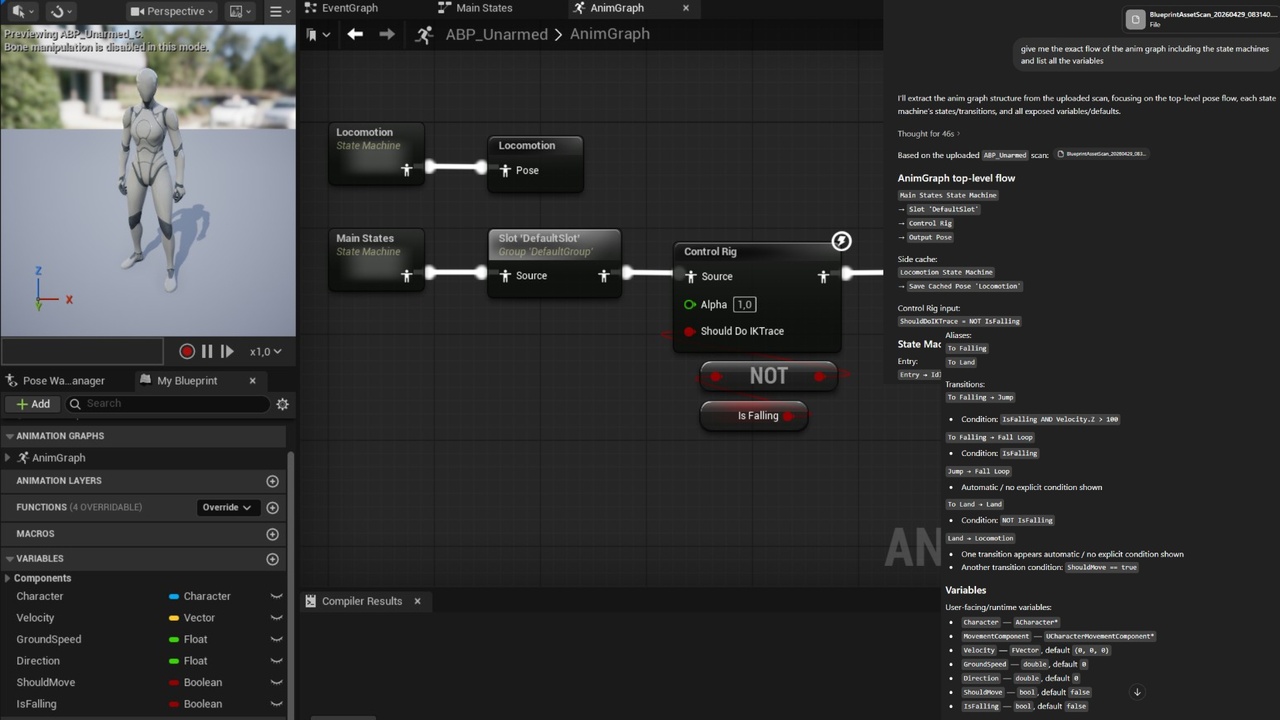
Blueprint Asset Scanner lets you inspect Blueprint assets and Data Tables, export their structure to JSON and CSV, and feed it into your preferred LLM to fully understand your Blueprint systems.
2. Simple Visual Overview
Content Browser → Select Assets → Add to Queue → Export → JSON / CSV Output
3. Key Features
• Queue selected assets in a dedicated editor panel
• Export Blueprint scans to JSON
• Export queued Data Tables to CSV
• Supports Actors, Components, Widgets, and Animation Blueprints plus Data Tables
• Supports Collapsed Nodes, Functions, Linked Animation Graphs, State Machines and Transition Logic.
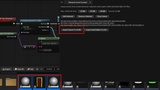
• Supports PCG and Materials
• Captures graph nodes, pins, and exact connections
• Captures node comments and comment box metadata
• Includes nested/collapsed graph coverage and Anim Blueprint graph coverage
• Includes linked animation graph node discovery and linked target capture
• Built-in progress dialogs during scanning/export
• Configurable max JSON part size (10 MB / 25 MB / 50 MB)
• Automatic split export with manifest for large outputs
5. Usage Guide
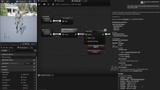
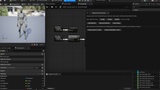
Open the tool via Tools → Open Blueprint Asset Scanner panel
Select your Blueprint assets in the Content Browser
Click Add Selected in the Blueprint Asset Scanner panel
Export:
Blueprint scans to JSON, or
Data Tables to CSV
Check the output in:
Saved/BlueprintAssetScanner