
설명
Async Render Target Reader — a render target readback plugin for Unreal Engine 5: read pixels from any Render Target without stalling the game thread, from two Blueprint nodes and zero C++.
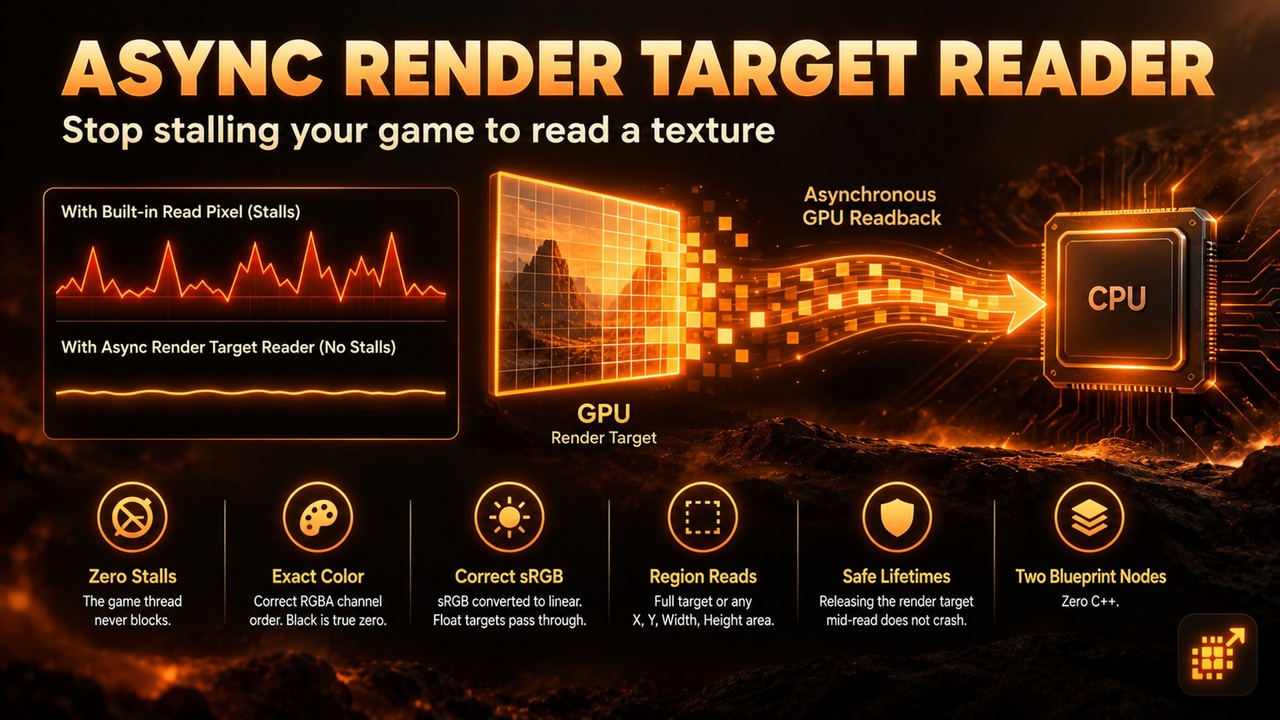
Unreal's built-in Read Render Target Pixel nodes wait for the GPU to finish before they return, which shows up as a frame hitch. If your game needs pixel data every frame — powerwash cleanliness, stealth light detection, fog of war, minimaps — that hitch makes the mechanic unshippable.
Async Render Target Reader replaces the stall with a single non-blocking GPU readback. You make one call, the copy runs in the background, and you get an On Success or On Failure event a moment later. The game thread never waits.
KEY FEATURES
• Zero game-thread stalls — the copy is queued on the render thread and checked with GPU fences, so rendering and gameplay keep running
• Pixel-exact color — correct RGBA channel order on DirectX 11 and DirectX 12, and black reads back as true zero
• Correct sRGB handling — sRGB render targets are converted to linear color, float (RGBA32f) targets pass through exactly
• Region reads — read the whole render target or just an X, Y, Width, Height area, with automatic clamping
• Safe lifetimes — releasing the render target while a read is in flight does not crash
• Clear failure messages — On Failure tells you why (null target, empty region, unsupported format)
• Two Blueprint nodes, zero C++ — Read Render Target Pixels Async and Read Render Target Region Async
USE CASES
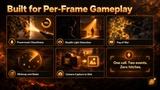
• Cleaning and painting games — measure how clean or covered a surface is every frame
• Stealth games — sample a light capture to know if the player is in light or shadow
• Strategy and survival games — fog of war, infection and spread maps
• UI and HUD — minimap and radar snapshots
• Tools and photo modes — send a scene capture to disk without a hitch
WHY THIS PLUGIN?
The Blueprint read nodes are simple but block the game thread; the non-blocking way to read a GPU texture is an engine C++ API that Blueprints cannot reach. This plugin is a thin layer over that API, tested for exact colors on both DirectX 11 and DirectX 12.
GET STARTED IN 60 SECONDS
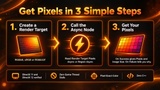
Step 1: Install the plugin for your engine version and enable it.
Step 2: Create a Texture Render Target 2D (RGBA8, sRGB or RGBA32f).
Step 3: Call Read Render Target Pixels Async (or Read Render Target Region Async) and bind On Success (Pixels + Image Size) and On Failure.
Pixel order is row 0 at the top, left to right.
SUPPORT
Questions or issues? Contact us via the seller page: https://www.fab.com/sellers/HashemGameDevStore
Please include your engine version, RHI (DirectX 11 or 12), render target format and size, and the On Failure message if there is one.
Documentation: https://docs.google.com/document/d/e/2PACX-1vQo35V5YKTd04rALYxeDqXVDT1MwkdNHHnr5eQ6jhRD6tSxz2iYqrT0i9c6-V6KioOLl4a3rNAKEdhZ/pub