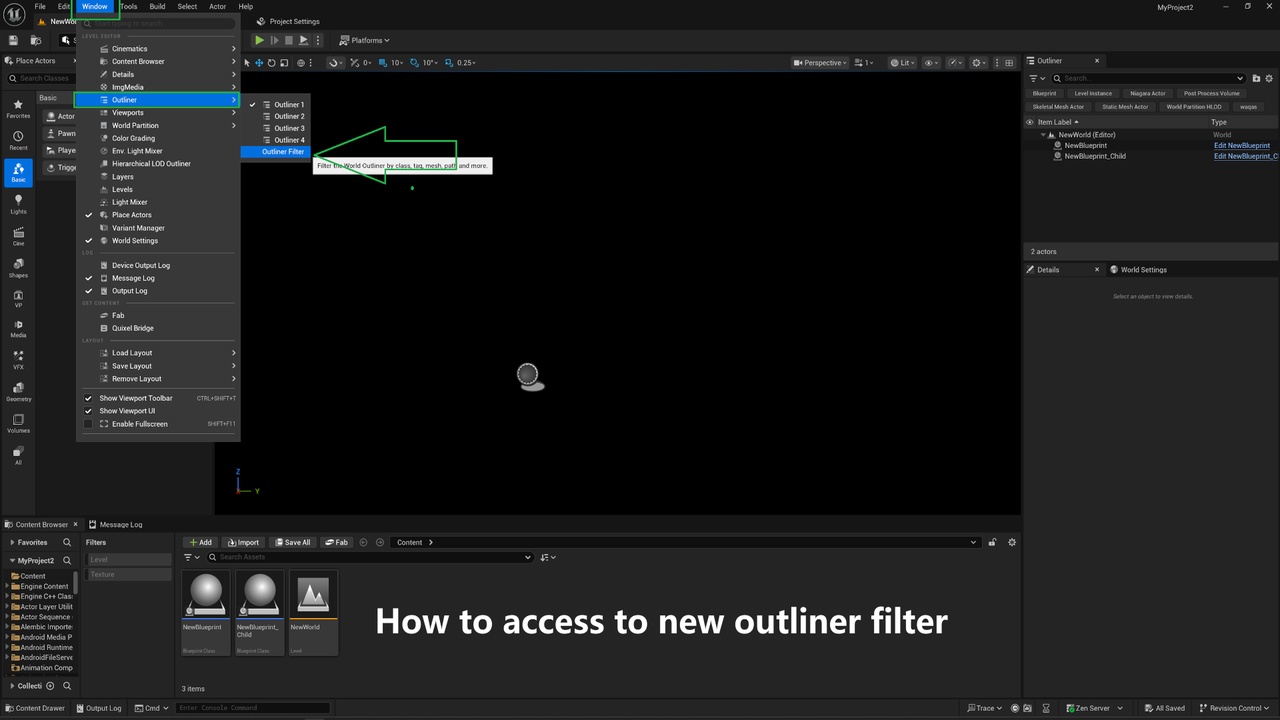
Outliner Filter adds a powerful multi-token search bar to the World Outliner. Find any actor in World Outliner instantly by class(including child), tag, mesh, material, component, content path, variable name, and more — all from a single search box with AND / OR logic. No Blueprint required, no configuration needed.
By using this plugin, you can easily filter actors in the world outliner by class(including child), tags, mesh, material and more.
Features:
Supported 13 filter tokens: class=, tag=, component=, mesh=, material=, var=, folder=, path=, hidden=, replicated=, tick=, nanite= and more
Filter actors by class, tag, component, mesh, material, variable, folder, or path
Combine multiple filters with AND / OR logic
Comma-separated OR inside a single filter (e.g., class=BP_Enemy,BP_Boss)
Exact folder filtering — filter only actors in a specific Outliner folder or content folder
Works on all actor types — Blueprints, lights, pawns, characters, etc.
Fully dockable panel inside the editor