Descrição
📝 Unreal Blueprints, readable by humans and AI
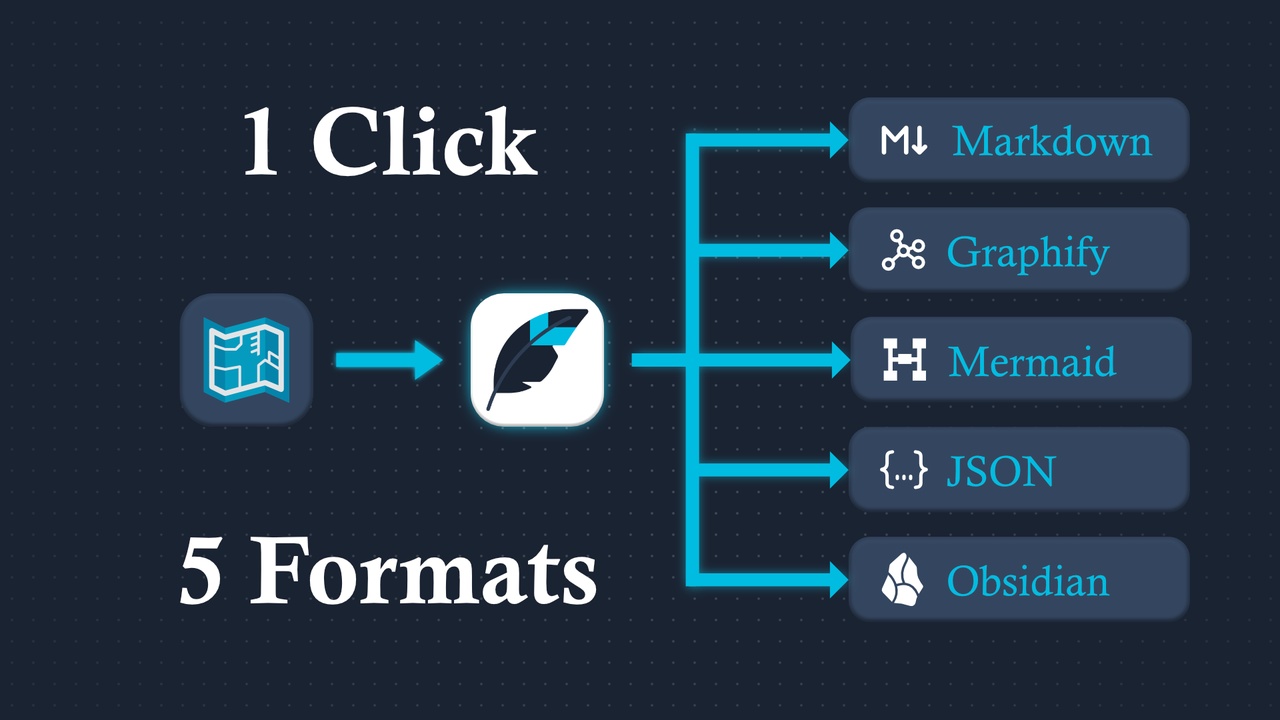
GraphScribe exports Blueprint Graphs into clean Markdown, Graphify knowledge-graph , Mermaid diagrams, structured JSON, and Obsidian vaults.
So Blueprint logic becomes readable by humans and AI.
🤖 The main use case: Understand any Blueprint project with AI
Bought a Blueprint-only marketplace asset? Taking over a project with no documentation? New to UE and trying to figure out how a game actually works?
GraphScribe is your bridge.
Export the whole project as Markdown or Graphify in under a minute, or build a browsable Obsidian vault.
Paste the exports into your favorite AI assistant (Claude, Cursor, etc.).
Ask any question about a specific node, a design choice, or an event flow. The AI answers from the real exported logic.
Because the AI can read the exported files, you get answers that match what's really inside the Blueprints.
No config, no scripting, no build step. Just open the editor and export.
🚀 Graphify: Project-wide knowledge graph
Graphify turns a whole codebase into an interactive knowledge graph you can explore, understand, and feed to AI.
GraphScribe is the first Unreal plugin to export Blueprints into Graphify's format, so Unreal Blueprints join the knowledge-graph ecosystem.
Markdown documents are one Blueprint at a time. Graphify builds a project-wide knowledge graph with stable links between assets (bp:), functions (fn:), events (evt:), and classes (cls:).
AI agents can answer "Who calls this function?" or "Which DataAsset references this Ability?" across your whole project, something impossible with just .uasset binaries or unconnected Markdown files.
Export folders once and ProjectLinkage.graphify.json is rebuilt automatically at the output root, mapping of how your whole project connects. Folder-by-folder exports accumulate into the same graph.
Stable IDs: bp: / fn: / evt: / cls: ids come from asset identity, not node GUIDs, so graphs stay valid across re-exports, perfect for building a persistent knowledge base.
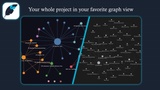
GraphScribe auto-generates an interactive graph viewer after every Graphify export, a single graph.html you can open in any browser. Install the free Graphify CLI once and GraphScribe runs it for you, clustering your Blueprints and functions by community.
📔 Obsidian: A vault that reads like your project
Batch-export any folder into an Obsidian vault, one note per Blueprint plus dedicated notes for every function, event, and macro, connected by Obsidian wikilinks.
Obsidian's native graph view renders your whole project architecture, browse it like a wiki, no plugins needed.
Built for browsing: Explore your project visually in Obsidian.
Every note carries YAML frontmatter with the same machine-readable fn: / evt: ids as the Graphify export (calls, called_by, overrides), ready for Dataview queries and tooling.
Each function and event embeds its own Mermaid diagram (rendered by Obsidian) alongside the full logic walk.
Graph overview notes show every graph end-to-end, and a per-asset Canvas lays out the actor functions, events, and classes with their connections.
A vault-root Dashboard ships ready-made Dataview examples (optional community plugin) and a README documents the exact note schema.
🎯 One-click export
Open a Blueprint → click the GraphScribe toolbar button → a dialog opens with a live preview → pick a format → Copy or Save As..., done.
Right-click any Blueprint in the Content Browser → Export with GraphScribe....
Right-click a Content Browser folder → Export Blueprints with GraphScribe...
Select nodes in a Blueprint graph → right-click → Export Selection with GraphScribe...
📖 Readable docs, PR-ready diffs
Variables with defaults, functions, macros, event graphs, delegates, class references, and widget trees, all in clean Markdown with a table of contents.
Mermaid flowcharts that render on GitHub, GitLab, and Notion.
"Changed a binary file" becomes "added 'Add Score' (Amount = 25)" in review.
Widget Blueprints export the widget tree with its exact nesting, so the hierarchy reads the same as the editor.
🔢 The numbers
A real Blueprint with 28 events and 403 nodes:
Pasted as raw Blueprint text: ~4,500 lines and 1.3 million characters.
Exported with GraphScribe as Markdown: ~570 lines and 23k characters, about 56x fewer characters.
For AI tools that bill by token: roughly 325k tokens of raw text vs ~6k tokens for the GraphScribe export (estimates, tokens ≈ characters ÷ 4).
Smaller, cleaner input means faster, more accurate AI answers, and it easily fits in context windows.
🧰 One tool, four formats
Markdown for reading, Graphify for AI and knowledge graphs, Mermaid for diagrams, JSON for tools and Obsidian for a browsable project vault.
Property dumps show what you changed in a class by default. Untouched inherited engine properties stay out of the way, which keeps exports small and AI input clean. Switch the dump mode (Modified Only / Full / Blueprint Only) in Project Settings whenever you need a different view.