
Descrizione
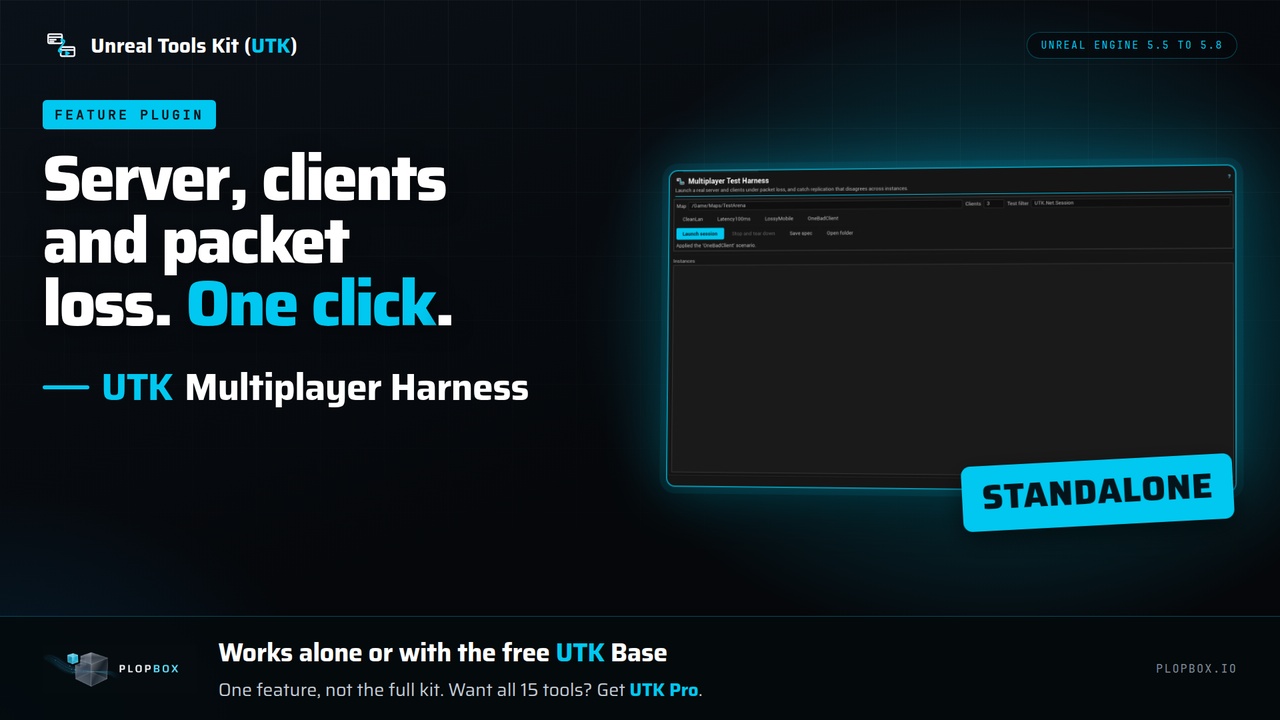
UTK Multiplayer Harness starts a real server and clients on your machine under the latency and packet loss you choose, runs your tests in every instance and shuts everything down again, so you can test multiplayer without starting each instance by hand.
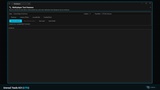
Type the map, pick a scenario, click Launch session. The panel starts the processes, shows each instance with its process id and state, and tears them down when the session ends or you press Stop.
Built-in scenarios:
CleanLan: 2 clients, no added latency or loss.
Latency100ms: 2 clients with 100 ms added latency.
LossyMobile: 2 clients with 60 to 180 ms latency and 5 percent packet loss.
OneBadClient: 3 clients, one of them on a bad connection (120 to 400 ms, 10 percent loss).
What it runs: every instance runs the automation tests that match your filter once the whole session is connected, plus three built-in session checks (role, connection, game state). The panel shows a verdict per instance and writes a Markdown report. Latency, jitter and packet loss can be set per instance.
Safe by design:
A confirmation dialog names the number of processes and the map before anything starts.
The session spec is checked before any process is created.
Teardown always happens. Closing the panel closes the processes.
Process ids are written to a lock file at launch. If the editor crashes, the next editor start closes what was left behind.
Replication comparison (API): the plugin includes functions to compare property readings from each instance against the server, check convergence over time, find values a client should not have, and write a Markdown desync report. You supply the readings. The panel does not collect them.
Replication of your own gameplay needs your own tests. The built-in checks cover role, connection and game state.
A headless command, `-run=UTKNetSession`, runs a session without the editor window (see the documentation).
It starts game processes on your machine, which is its purpose. Nothing starts unless you confirm the dialog.
What you get and what you do not. You get this one tool. It works on its own from Tools > UTK > Multiplayer, and no other plugin is needed: the instances report back through files. It also works with the free UTK Base, where it appears in the Hub. It is one feature, not the full kit. UTK Pro is the full kit: the Hub and all 15 tools in one plugin.
Open Tools > UTK > Multiplayer (or the UTK Hub), type the map and pick a scenario.
Click "Launch session" and confirm the dialog.
Watch the instances in the list, then click "Stop and tear down".
Who it is for: Teams building networked games who need replication checked with a real server and clients under packet loss, not on a perfect LAN.
Support and updates. This purchase covers UTK 5 for Unreal Engine 5. You get every UTK 5 release (fixes, compatibility updates, improvements) and security updates for at least 5 years from purchase. UTK 6 for Unreal Engine 6 will be a separate product at its full price, for new and existing customers alike. UTK 5 keeps receiving updates for 6 months after UTK 6 launches, so you can decide whether to buy it or keep yours.
Email support is at [email protected].
Links
Documentation: https://plopbox.io/en/products/utk-multiplayer/docs
Support and update policy: https://plopbox.io/en/support-policy
Contact: https://plopbox.io/en/contact