Descrição
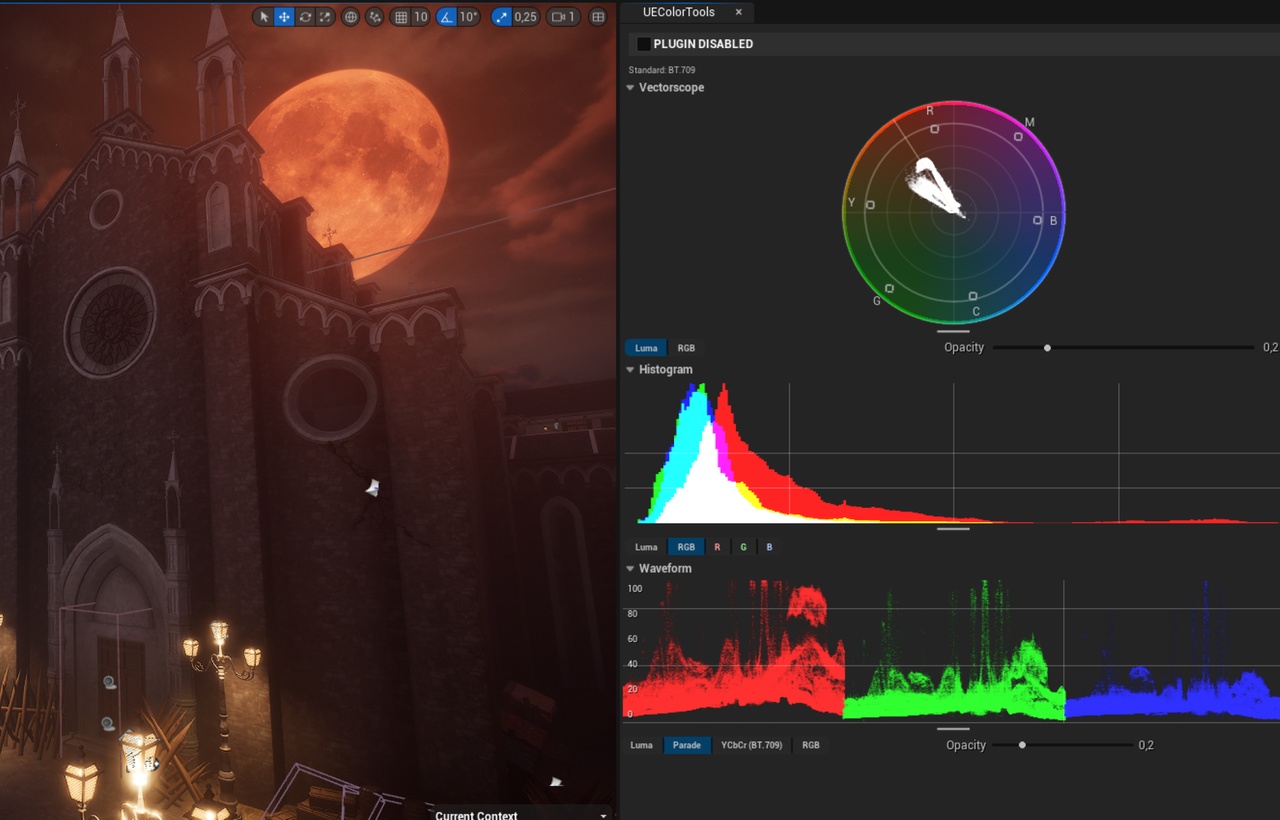
Analyze Your Scene in Real-Time. Tired of jumping between Unreal and external software to verify your colors? UEColorTools provides professional-grade, real-time insight into your scene’s exposure, color accuracy, and tonal distribution directly within the UE5 viewport.
Whether you’re balancing a complex lighting setup or matching shots for a cinematic, you now have the objective data required to produce broadcast-ready visuals.
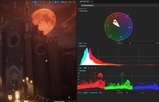
The plugin features three industry-standard analysis tools:
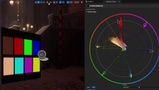
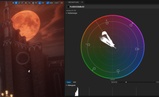
Vectorscope: Visualizes chrominance (hue and saturation) using industry-standard BT.709 luma coefficients. Includes a dedicated "Flesh Line" to ensure natural skin tone reproduction.
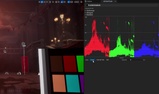
Waveform: Maps luminance and color levels from left to right. Perfect for identifying "crushed" shadows or "clipped" highlights that standard monitors might miss.
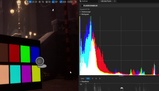
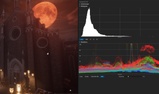
Histogram: Provides an instant snapshot of your shot's tonal distribution. Easily judge dynamic range, contrast, and balance at a glance.
Optimized for UE5: Built using the Unreal Render Graph (RDG) for high-performance, low-latency analysis that won't tank your frame rate.
Multiple View Modes: Supports RGB Parade, Luma-only, and isolated channel analysis.
Dockable UI: Flexible Slate-based windows that can be docked anywhere in your Editor layout.
How to Use:
Installation:
Manual: Copy the UEColorTools folder into the Plugins directory of your project (if the folder doesn't exist, create it in your project's root directory).
Marketplace: If installed via the Fab Vault, ensure the plugin is enabled in Edit > Plugins.
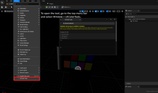
Activation: Once installed, open the tools via the Window > UEColorTools menu.
Ensure you have downloaded the specific plugin version that matches your project's Unreal Engine version (e.g., 5.4, 5.5, 5.6 or 5.7).
Note: The environment assets shown in the preview screenshots are for demonstration purposes only and are not included with the plugin.
Feel free to give your feedback by leaving a review.
You can check out my website here: https://ddepis.github.io/
If you have found my work useful, you can support me here: https://ko-fi.com/depis