Description
📊 SceneInsight — See Where Your Level Spends Its Budget
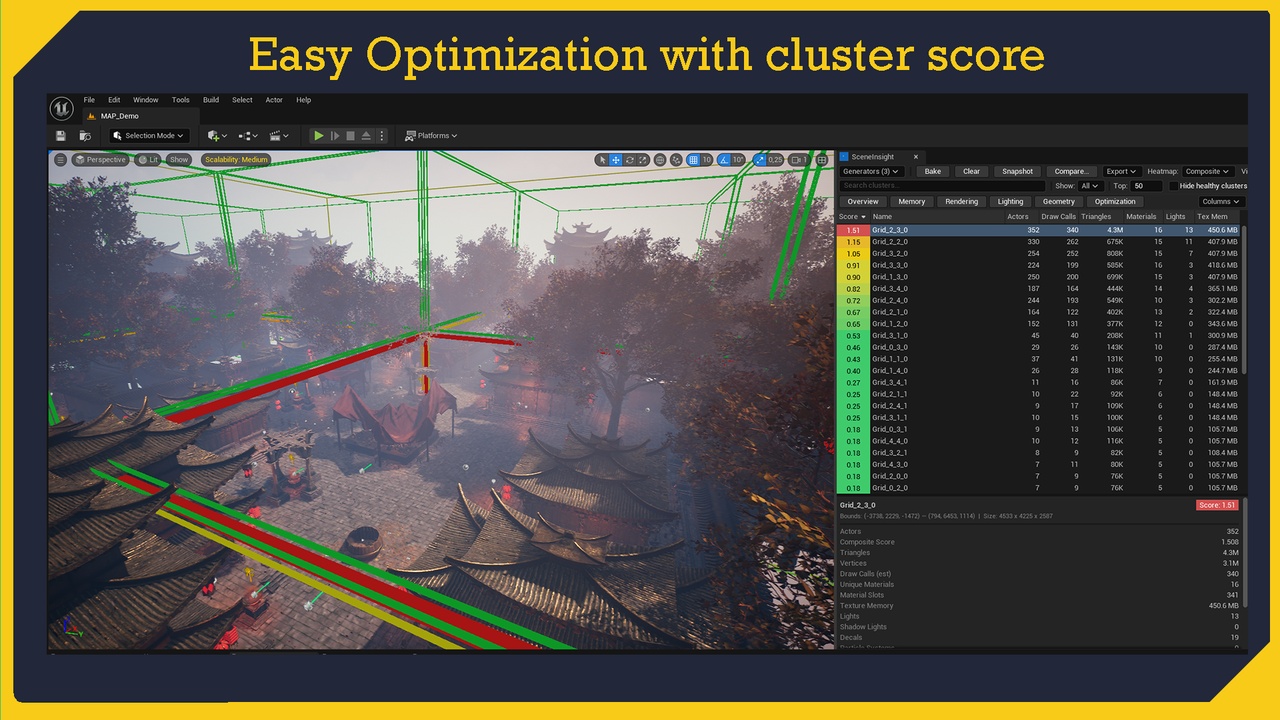
Hunting down performance bottlenecks by clicking actors one at a time is slow and blind. SceneInsight changes that.
It splits your level into spatial zones (clusters) and bakes a complete performance breakdown for each one —
triangles, draw calls, materials, textures, lights, memory, Nanite and more. Then it paints the results straight onto
your viewport as a heatmap, so the expensive parts of your scene light up instantly. No guesswork, no spreadsheets, no
stat commands to memorize.
Built as a native Unreal Engine Editor tool, SceneInsight docks right into your Level Editor. Bake, inspect, compare,
export — then ship. Zero runtime footprint.
🔷 CLUSTERING STRATEGIES
Grid — subdivide the level into a regular grid of zones
Octree — adaptive subdivision that follows actor density
Tag / Layer — cluster actors by tag or layer
World Partition — one cluster per World Partition cell
Manual Volumes — place your own cluster volumes anywhere
📈 METRICS COLLECTED (60+)
Geometry — triangles, vertices, draw calls, LODs, largest/complex meshes
Nanite & Distance Fields — enabled counts, Nanite triangle ratio
Materials — master vs instance, blend modes, two-sided, subsurface, custom HLSL
Textures — memory, max resolution, virtual texturing, non-streaming
Lighting — type, mobility, dynamic shadows, IES, light functions, light overlap
Memory — mesh, texture, audio and lightmap memory budgets
Misc — decals, particles, Niagara, physics actors & constraints, ticking actors
🎯 VISUALIZE & ANALYZE
Viewport heatmap — color clusters by composite score or any single metric
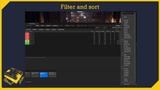
Sortable table — rank every cluster by the metric that matters
Filter bar — narrow down to exactly what you're looking for
Details panel — full per-cluster breakdown in one click
🏆 BUDGETS & SCORING
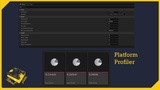
Budget profiles — Console, Default and Mobile presets included
Weighted composite score — one number to flag the worst offenders
Fully customizable budgets via project settings
🕑 SNAPSHOTS & COMPARISON
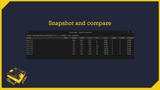
Save snapshots of any bake
Diff two snapshots to track regressions or validate optimizations
📤 EXPORT
CSV — drop into a spreadsheet
HTML — shareable visual report
JSON — pipe into your own tooling
Markdown — paste straight into docs or PRs
🛠️ EDITOR INTEGRATION
Native editor panel — no floating clutter
Keyboard shortcuts for fast baking and navigation
Editor-only — not included in packaged builds
⚠️ Important Notes
- SceneInsight is an edit-time analysis tool — metrics are gathered in the editor and have no effect on
packaged/runtime builds.
- Nanite, custom-HLSL and Blueprint-actor detection rely on editor-only data and are evaluated at bake time.
🛠 Supported Engine Versions
Unreal Engine 5.4, 5.5, 5.6 and 5.7
🖥 Supported Platforms
Windows (Win64)
💬 Discord
🛠 Support
All support is provided after product ownership verification.
All asset maps are not included.*