説明
DOCUMENTATION | SUPPORT (DISCORD)
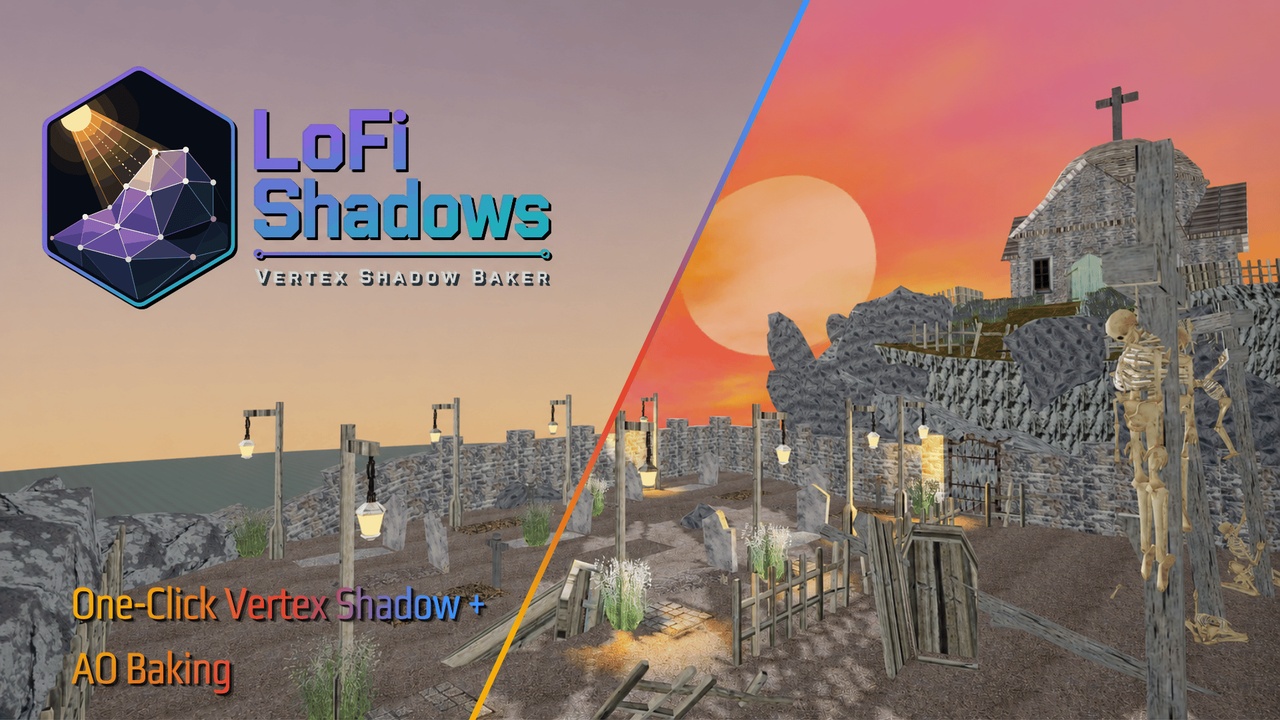
Stop hand-painting vertex shadows. Bake them automatically.
Shadow + Ambient Occlusion (AO) Baker in One Plugin: Bake raycast shadows and AO into static meshes (actors, components, spline meshes, ISM, HISM, foliage, etc.) vertex colors and landscape textures. Runtime light toggling included.
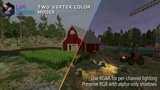
LoFi Shadows traces rays from every vertex in your level toward every light source. It writes the result into vertex color alpha. Original RGB stays untouched.
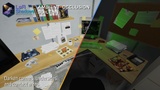
It also bakes ambient occlusion. Corners get dark, undersides get dark, all the stuff you'd normally paint by hand.
One button, whole level, done.
Feature Overview
Bake shadows from Directional, Point, Spot, and Rect lights in one pass
Ambient occlusion with distance-weighted hemisphere tracing
Works with any StaticMeshComponent, not just Static Mesh Actors
ISM/HISM/Foliage with per-instance directional side shading
Landscape shadow textures
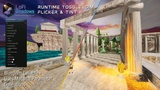
Runtime toggle/dim/flicker via MPC
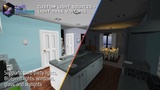
VSBLightSourceComponent for third-party and custom lights
VSBLightPassVolume for easy light passthrough assignment on areas like windows
Editor wireframe visualization for light coverage
Directional light weight balancing (manual or auto)
Non-destructive, one-click clear, preserves RGB vertex colors
Progress bars with cancel
What it works on
Static meshes (any actor type): Vertex color alpha
Blueprint actors with SMCs: Vertex color alpha
ISM / HISM / Foliage: Per-instance custom data (shadow + light direction)
Landscapes: World-space texture asset
The bake finds every StaticMeshComponent in the world automatically. Not limited to Static Mesh Actors.
ISM instances get two custom data floats: shadow intensity and a light azimuth angle. The material uses the angle to darken the correct side of each instance.
Runtime features
Shadows can be toggled, dimmed, or flickered at runtime through a Material Parameter Collection. The included manager actor polls light states every tick and writes to the MPC. No per-frame raycasts.
Add the VSBLightSourceComponent to any actor to make it a light source. Works with third-party light plugins, campfires, custom Blueprint lights, whatever. It draws wireframe shapes in the editor so you can see coverage.
AO baking
Optional. Fires hemisphere rays from each vertex and checks what's nearby. Distance-weighted, so a wall 10cm away contributes more than one 400cm away. Combined with shadows so they don't double-darken.
Off by default. Turn it on when you want contact darkness in corners and crevices.
Material setup
Includes ready-to-use material functions, master materials, and material instances for all three target types:
Static mesh. Material function reads vertex color alpha. Master material and instance included.
Landscape. Material function handles world-to-UV mapping and texture sampling. Master material and instance included.
ISM/HISM/Foliage. Material function reads per-instance custom data and applies directional side shading. Master material and instance included.
All material functions use custom HLSL for performance. You can drop in the provided material instances to get started immediately, or plug the functions into your own materials.
No shader programming knowledge needed.
How shadows are computed
Every vertex starts fully dark. Each light that reaches it adds illumination based on:
Surface angle (NdotL)
Distance falloff for point, spot, and rect lights
Cone falloff for spot lights (inner to outer)
Light brightness
The result is a smooth gradient, not a binary blocked/unblocked value.
Directional lights (sun) can overwhelm local lights since they have no falloff. There's a weight parameter to balance them, or you can let it auto-calculate based on how many other lights are in the scene.
Other details
Non-destructive. Per-instance overrides only. Original meshes never modified.
Preserves RGB vertex colors. Only alpha is written.
Complex collision by default so foliage and ISMs cast shadows.
Progress bars with cancel for large levels.