Descrizione
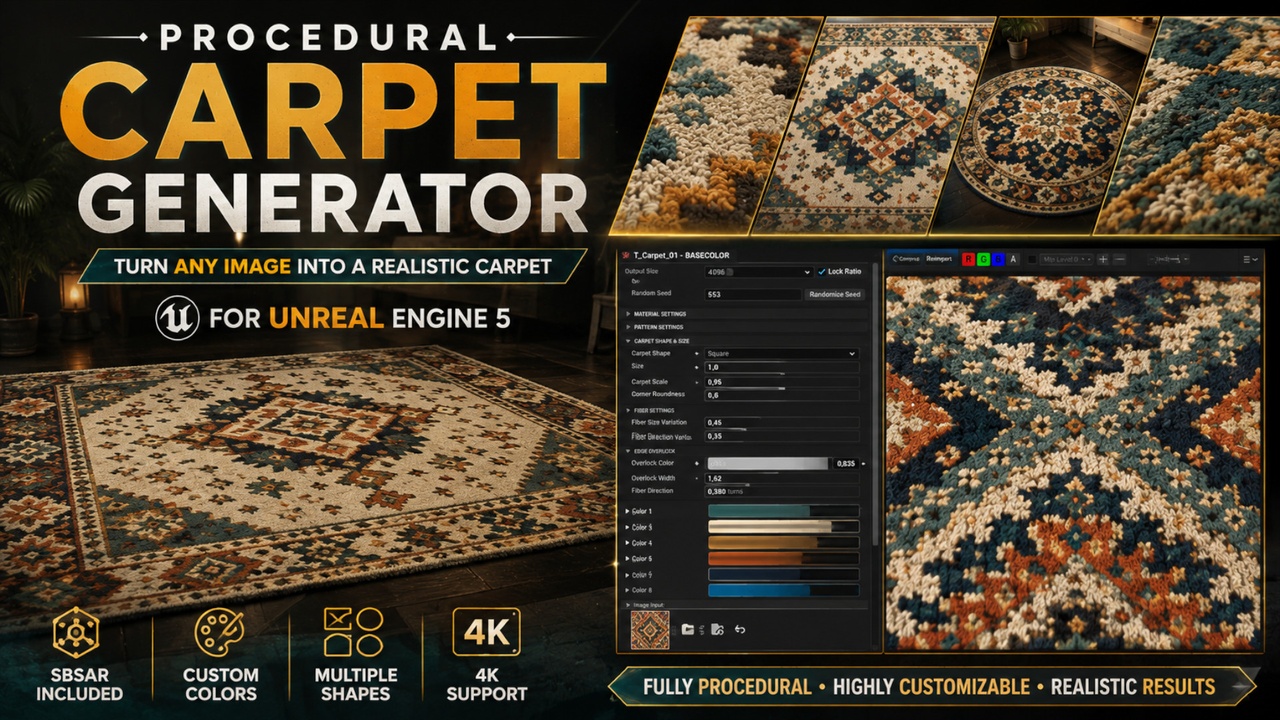
Procedural Carpet Generator – Image to PBR Carpet
Turn your own images and patterns into detailed, fully customizable PBR carpets with just a few steps.
▶ Video Demonstration:
See the Procedural Carpet Generator in action and explore its features and workflow here:
[YouTube Link]
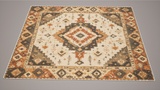
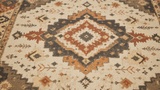
Procedural Carpet Generator is an SBSAR-based procedural tool designed to create realistic carpet materials directly from an input image. Simply load your pattern, generate the carpet, and customize its colors, fibers, material properties, pattern placement, shape, size, and edge details through an easy-to-use parameter interface.
The generator automatically processes the input image using an 8-color channel system. You can preserve the original colors of your image or switch to Custom Colors and individually customize each detected color channel.
Each color channel provides independent control over:
Color • Fiber Direction • Roughness • Metallic
This makes it possible to create completely different carpet variations from the same source pattern without manually rebuilding textures.
Procedural Fiber Control
Customize the overall fiber structure of the carpet using global fiber variation controls.
Adjust fiber size and direction variation to create anything from clean and uniform surfaces to more irregular, handmade-looking carpets.
Included presets provide quick starting points:
Standard Carpet • Soft Plush • Short Pile • Handmade Rough
Custom Carpet Shapes
The generator is not limited to standard rectangular carpets.
Shape and size controls allow you to create different proportions and forms, including:
Rectangle • Square • Round • Oval
Corner roundness and overall carpet proportions can also be customized directly from the generator.
Procedural Edge Overlock
Carpet edges feature a customizable procedural overlock system.
Control:
Overlock Color • Overlock Width • Fiber Direction • Direction Variation • Roughness • Metallic
This allows the border to match the carpet design or use a completely different material appearance.
Full Pattern Control
Your input pattern can be adjusted without editing the original image.
Control:
Pattern Tile • Pattern Rotation • Pattern Offset
Easily reposition, rotate, or repeat a pattern to fit different carpet dimensions.
Material Controls
Additional global controls provide further customization of the final surface, including:
AO Intensity • Normal Intensity • Random Seed
PBR Outputs
The generator dynamically produces:
Base Color • Normal • Roughness • Height • Ambient Occlusion • Metallic • Opacity
SBSAR Workflow
The included SBSAR file can be used in compatible applications and engines that support the Substance/SBSAR workflow, required parameters, and image inputs.
Compatibility and available functionality may vary depending on the host application's Substance integration.
Key Features
Image-to-Carpet procedural workflow
Custom image/pattern input
8 individually customizable color channels
Original Image Colors and Custom Colors modes
Individual Fiber Direction, Roughness and Metallic controls per color
Procedural fiber variation
4 ready-to-use carpet presets
Rectangle, Square, Round and Oval carpet creation
Adjustable carpet dimensions and corner roundness
Procedural customizable edge overlock
Pattern Tile, Rotation and Offset controls
AO and Normal intensity controls
Random Seed variation
Up to 4K output
Complete PBR output set
SBSAR included
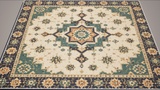
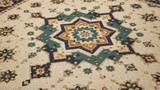
Example carpet materials included
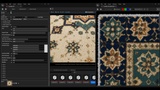
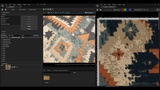
Unreal Engine demonstration/overview scene included
One image. Multiple styles. Endless carpet variations.
Important – Unreal Engine Requirement
To use the Procedural Carpet Generator (.SBSAR) directly inside Unreal Engine, the Substance 3D plugin for Unreal Engine must be installed and enabled.
UE 5.8 Notice:
Unreal Engine 5.8 is currently not listed as supported because the required Substance 3D plugin is not yet available for UE 5.8. Support will be added once a compatible plugin version becomes available.