
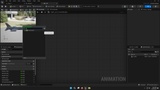
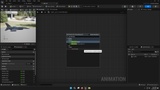
설명
Easy Jet V2: Modular Flight & Weapon Framework
Easy Jet V2 is a modular, content-free C++ jet framework designed for Unreal Engine developers who need a clean and extensible jet system with no forced assets and full multiplayer support.
It includes a complete jet pawn, movement model, camera system, weapon suite, targeting logic, audio hooks, FX events, HUD events, and visual/animation interfaces.
Every part is event-driven and Blueprint-friendly, allowing developers to plug in their own assets and customize the system to their project.
Core Systems Overview
Movement System
Fully C++-driven jet flight model
Replicated movement for multiplayer
Throttle, pitch, yaw, and roll inputs
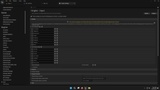
Adjustable flight behavior (speed, rotation rates, damping)
Stable and predictable control feel
Blueprint-editable tuning variables for instant iteration
Supports Chase, Shoulder, and Cockpit camera integration
Camera Framework
Three camera modes: Chase, Cockpit, Shoulder
Smooth camera blend mode switching
Zoom in/out
Camera reset function
Blueprint-exposed settings for full customization
Designed to work seamlessly with flight movement
Local camera lag toggle
Auto-level toggle
Weapon System
Content-free modular weapon components:
Gun
Rocket
Missile (lock-on capable)
Flares / countermeasures
Targeting system (enable/disable)
Weapon logic:
Uses socket world transforms
Cleanly replicated for multiplayer
Event-driven FX, audio, and HUD updates
Developers assign their own projectiles and assets
No hard-coded visuals or sound cues
Targeting System
Lock-on and tracking logic
Replicated target data
Blueprint events for customization
No enforced UI — developers implement their own markers or lock indicators
Designed to integrate with missile and flare components
Audio System
Fully event-driven audio hooks
Developers assign their own sound cues (engine, gunfire, lock, missile, flare release, etc.)
No included audio assets
Audio events triggered by flight, weapon, and targeting systems
Clean separation between logic and sound design
FX System
Event-driven FX triggers for guns, rockets, missiles, flares, hits, and movement
Users plug in their own Niagara or particle systems
No included FX assets
FX follows socket transforms for accurate placement
Supports both first-person and third-person perspectives
Visual System
Hooks for aircraft visual behavior
Supports pylon and weapon visibility changes
Supports custom mesh changes or LOD-based modifications
Modular design allows expansion (damage states, heat blur, afterburner, etc.)
Animation System
Animation events triggered by movement, weapon usage, and camera mode
Compatible with custom Animation Blueprints
No forced animation assets
Clean component structure for cockpit or surface animations
HUD System
Event-driven HUD layer
Developers create their own widgets (reticle, lock indicator, speed/altitude UI, etc.)
Provides clean events for:
Weapon fire
Target lock
Missile warning
Speed/telemetry
Movement updates
Supports both singleplayer and multiplayer HUD behavior
Multiplayer Support
Fully replicated movement
Replicated weapons
Replicated targeting
Clean server-authoritative logic
Tested on Unreal Engine 5.6 and 5.7
Stable behavior across server and clients
Setup in Minutes
Enable Easy Jet V2 in Unreal Engine
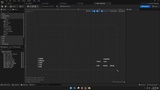
Create a Blueprint from JetPawn
Assign your meshes and camera positions
Bind flight and weapon inputs
Create weapon sockets (Gun, Rocket, Missile, Flare, Muzzle)
Assign your custom FX, audio, and projectile assets
Drop the pawn in your level and press Play
Multiplayer Testing (Advanced Users)
Full MP testing instructions are included in the documentation.
Documentation
A complete 50-minute documentation video covers:
Plugin installation
JetPawn setup
Input binding
Socket creation
Assigning FX, audio, and meshes
Singleplayer and multiplayer testing
How to extend the system
Full overview of movement, weapons, camera, FX, audio, HUD, and animations
Written documentation is also included.
Technical Information
Engine Versions: Unreal Engine 5.6 / 5.7
Language: 100% C++ with Blueprint access
Category: Code Plugin
Contains Content: No (logic-only framework)
Platforms: Win64
Fully tested in packaged builds
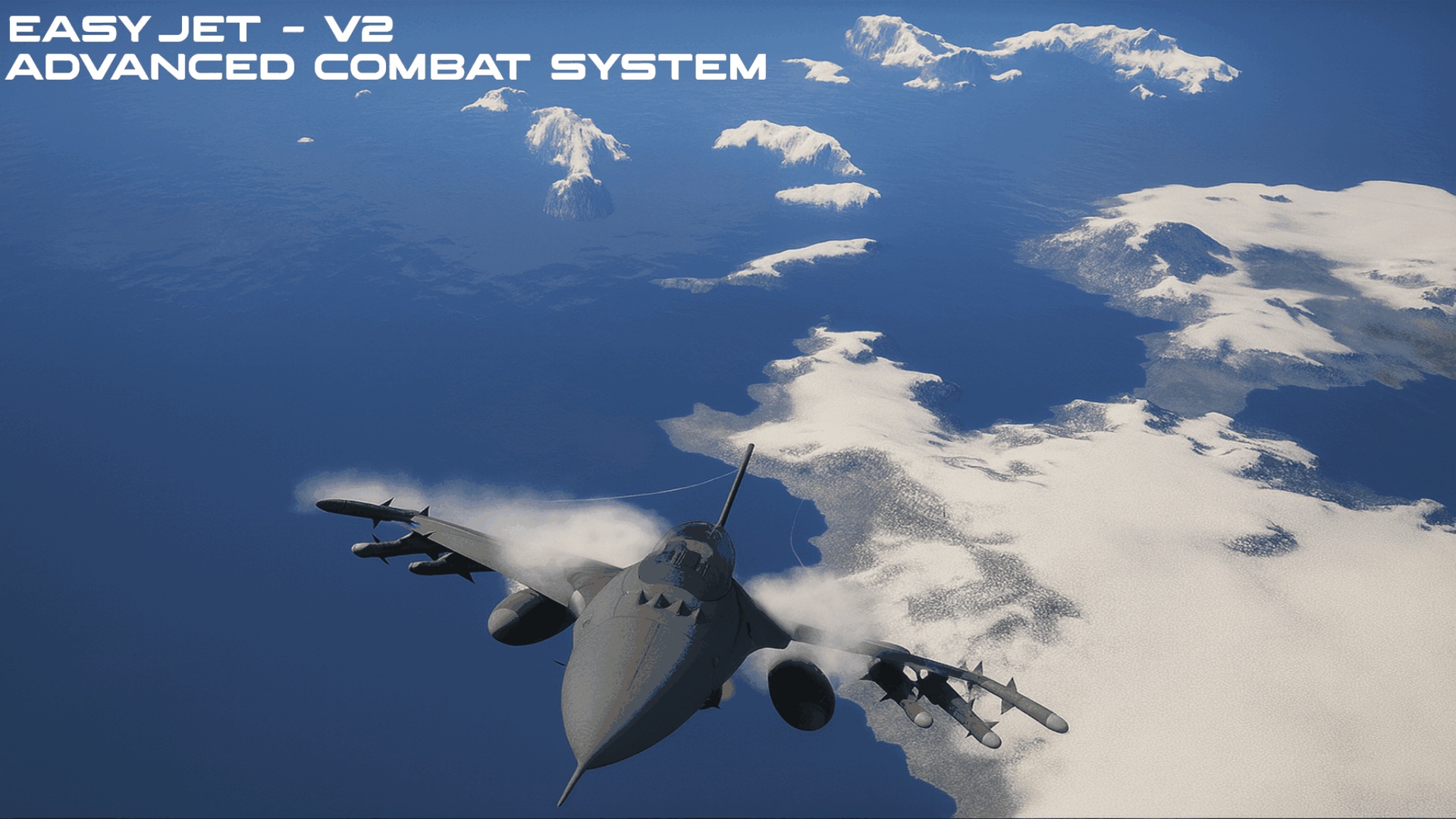
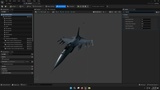
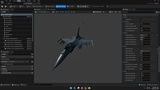
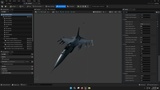
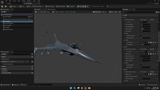
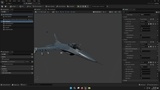
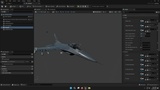
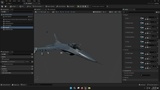
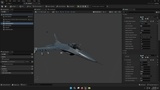
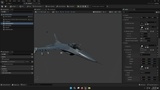
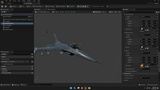
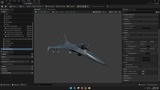
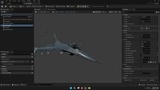
Mesh shown in preview images is not included.
Links & Support
Showcase: YouTube
Easy Jet v2 File (DefaultEngine.ini update): EasyJetV2_ReadMe
Playable Demo for Testing
A separate packaged playable demo is available so you can test the jet movement, weapons, targeting, camera behavior, audio hooks, FX hooks, and in-game functionality before integrating the plugin.
The playable demo is not part of the plugin and is provided only for demonstration purposes.
The demo may include separate demo-only systems and presentation features such as menus, target spawning/respawning, session flow, feedback UI, landing gear presentation, G-force camera shake, explosions, water/ground impact effects, cockpit/TAD HUDs, pilot helmet or mask widgets, audio, crash behavior, and other demo gameplay logic.
These demo project systems and assets are not included with the plugin. Some of these features may be developed separately for a future Easy Jet complete project.
See what this plugin can actually do: AT_EasyJet_V2_Demo
Easy Jet V2 is a content-free code plugin. No audio, materials, UI widgets, meshes, VFX assets, animations, or other production assets are included.
Only the Easy Jet V2 jet framework logic is included. The playable demo may contain separate demo-only systems and presentation features such as menus, target spawning/respawning, session flow, feedback UI, landing gear presentation, G-force camera shake, explosions, water/ground impact effects, cockpit/TAD HUDs, pilot helmet or mask widgets, audio, crash behavior, and other demo gameplay logic.
These demo project systems and assets are not included with the plugin. They are provided only inside the separate playable demo for demonstration purposes, and some may be developed separately for a future Easy Jet complete project.
Note: FPS locking is not required for singleplayer. You can leave the frame rate uncapped. For multiplayer testing, using the same FPS cap on the server and clients can help keep test conditions consistent, but it is not required for singleplayer.