Description
Unreal Engine Animation Tips and Guides
My Discord: burak.3d
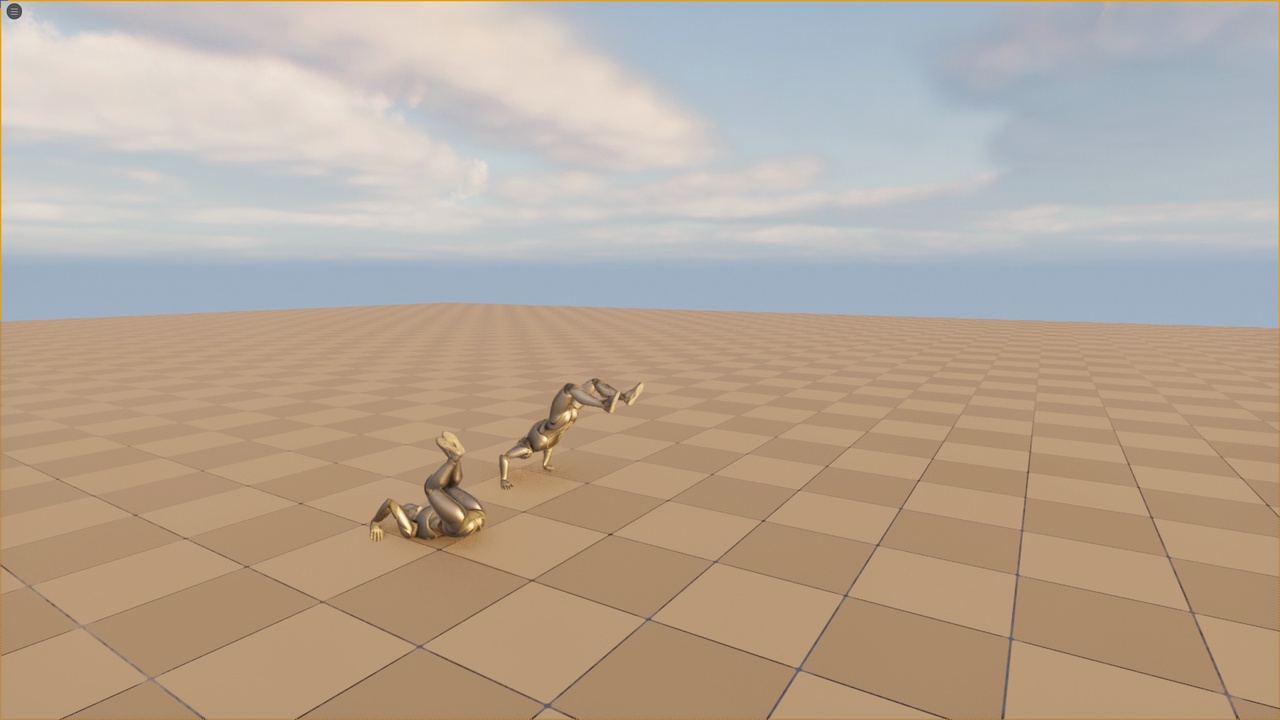
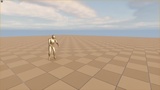
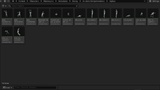
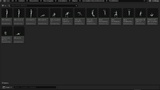
Acrobatic Get Up Animations. Includes root motion version and inplace version. Animation files are in .fbx format. You can import the animations into any Unreal Engine version using the default settings. First, create a folder. Then, drag all FBX files into that folder. Uncheck Import Mesh, and select the SK_Mannequin skeleton. That’s it. Does not include blueprints. I've put a link above that includes Unreal Engine animation tips and guides, which might be useful for you. Those videos will be helpful for better integrating the animations into your game. If you notice any issues, please contact me on Discord. If you have any suggestions or requests, you can message me anytime.
Rigged to Epic or MetaHumans Skeleton: Yes (SK_Mannequin)
If rigged to the Epic or MetaHumans skeleton, IK bones are included: Yes
Includes Blueprints: No
Animation Types: Root Motion + Inplace
Total Animations: 15
Idle Animations: 5
Acrobatic Get Up Animations: 10
F.A.Q
Question: Can I retarget these animations to MetaHuman characters?
Answer: Yes, you can retarget these animations to MetaHuman characters. You can find the necessary tutorial videos in the guide link I have provided.
Question: Which skeleton is used for these animations?
Answer: All animations are created on the UE5 SK_Mannequin skeleton (UE4 Skeleton compatible).
Question: Can I retarget these animations to my own skeleton?
Answer: Yes. You can retarget them inside Unreal Engine using standard retargeting tools.
Question: Can I modify the animations?
Answer: Yes, you can modify them freely to match your needs.