📺 Video Tutorial · 🙋♂️ Discord Support · 📃 Documentation · 🚀 Quick Start · 💬 Troubleshooting
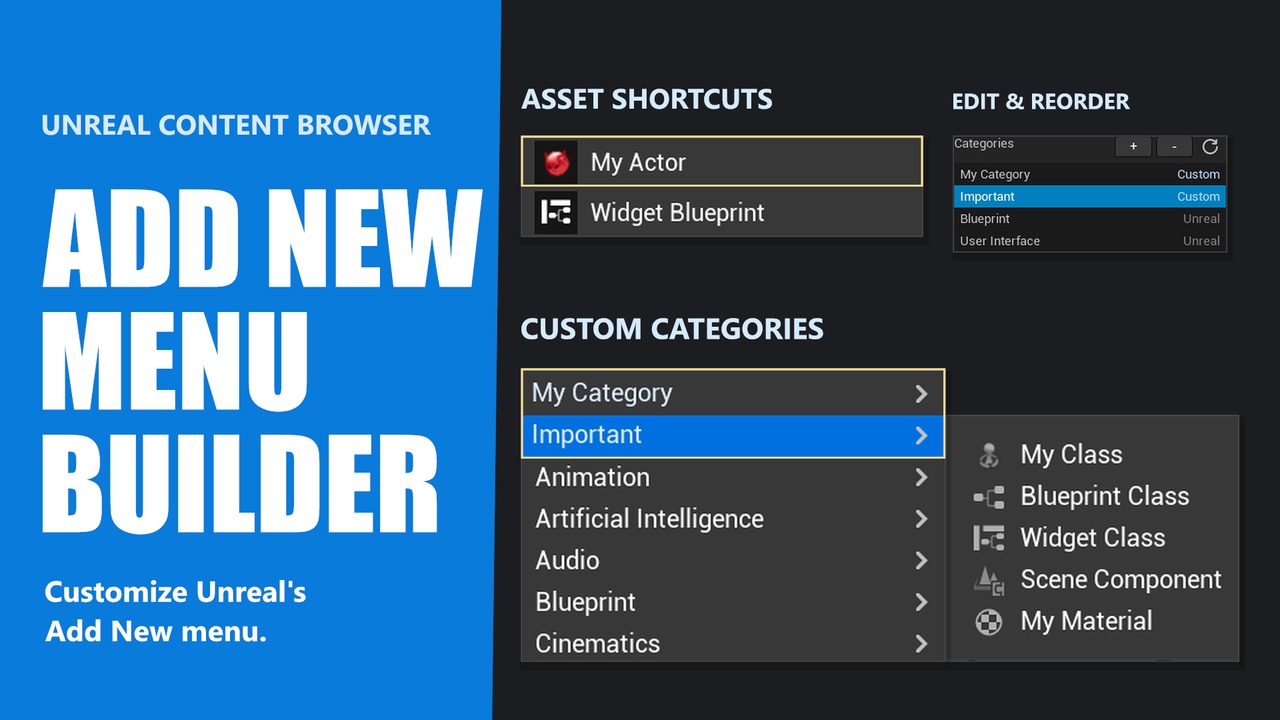
Add New Menu Builder lets you customize Unreal Engine’s Content Browser Add New menu with custom asset shortcuts, categories, icons, and drag-and-drop ordering.
Keep frequently used asset types within easy reach, group related entries into your own categories, and arrange your menu around the way you work.
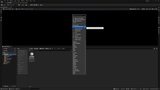
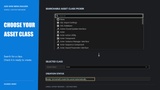
Simple visual setup: open Add New → Add New Menu Builder, add a shortcut or category, choose the asset class, and organize your items. Changes are saved automatically. Follow the Quick Start to create your first custom menu items.
🛠️ Main Features:
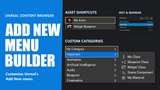
Custom asset creation shortcuts.
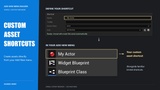
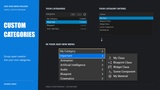
Custom categories with their own entries.
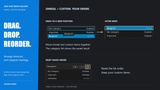
Drag-and-drop ordering for Unreal and custom shortcuts and category headings.
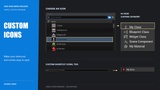
Custom names, tooltips, and icons.