


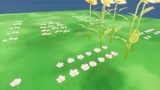
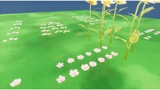
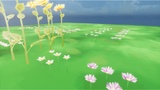
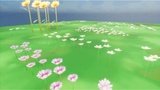
Descrizione
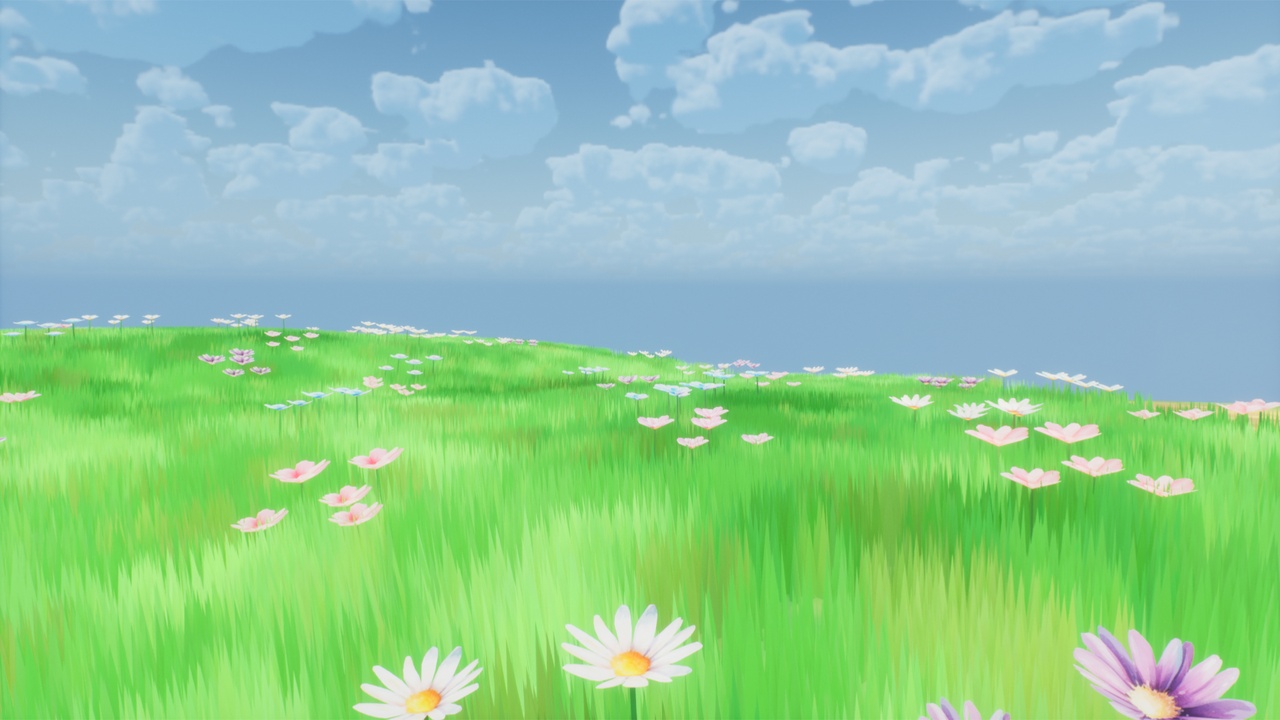
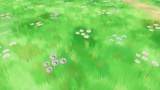
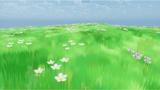
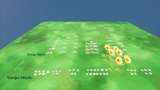
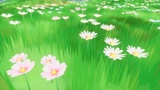
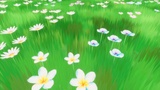
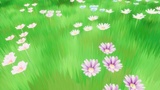
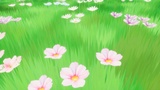
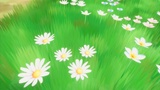
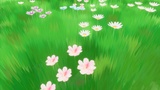
Bring a touch of enchanting, Ghibli-inspired, anime, and Genshin-like watercolor beauty to your worlds with this pack of 84 Game-Ready Flower Assets!
This collection includes 45 unique single flower meshes and 39 pre-arranged group meshes, perfect for quickly populating your scenes or creating detailed close-ups.
Video Showcases:
Technical Setup Guide: https://www.youtube.com/watch?v=VCV2B2co6QM
Overview Showcase: https://www.youtube.com/watch?v=0Sb5RsRRbY0
What You Get (Asset Breakdown):
Chamomile Flowers: 6 variations (Single: ~20 tris | Group: ~100 tris)
Pink Flowers: 13 variations (Single: ~20 tris | Group: ~100 tris)
Cosmos Flowers: 5 variations (Single: ~20 tris | Group: ~100 tris)
Violet Flowers: 5 variations (Single: ~20 tris | Group: ~100 tris)
Convolvulus Flowers: 5 variations (Single: ~20 tris | Group: ~100 tris)
Plumeria Flowers: 5 variations (Single: ~20 tris | Group: ~100 tris)
Sunflower: 6 variations (Single: ~166-168 tris)
Please Note: Sunflowers are provided as single meshes only.
Key Features & Technical Details:
Art Style: Beautifully crafted in a stylized watercolor technique, reminiscent of Ghibli films, anime, and games like Genshin Impact.
Materials:
Flowers use a standard, customizable material by default.
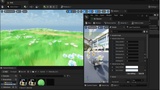
Runtime Virtual Texturing (RVT) Support: Includes alternative material instances with the _RVT prefix for seamless blending with RVT-enabled landscapes.
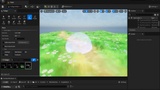
Adjust wind strength, speed, and other animation parameters directly in the Material Instances.
LODs (Levels of Detail):
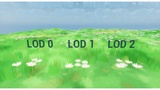
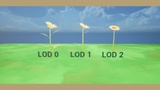
Custom LODs (LOD0, LOD1, LOD2) are included for all flowers, which you can fine-tune to your project's needs.
Single Flowers: LOD0: ~20 tris | LOD1: ~8 tris | LOD2: ~4 tris
Group Flowers: LOD0: ~100 tris | LOD1: ~60 tris | LOD2: ~10 tris
Sunflower: LOD0: ~168 tris | LOD1: ~46 tris | LOD2: ~12 tris
Lightmaps: All plants have pre-generated lightmaps for static lighting scenarios.
Customization: Combine and mix different flowers to create even more unique and interesting arrangements.
Blender Source Files: Includes 2 Blender files (compatible with Blender version 4.2 and newer) containing all meshes and their LODs, allowing for further modifications if desired.
Important Notes & Setup:
RVT Setup: For RVT materials to work correctly, you must enable "Virtual Texture Support" in your Project Settings (Project Settings -> Engine -> Rendering).
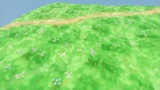
Grass (Demonstration Only): The grass included in the demonstration maps is for illustrative purposes only. It does not include LODs or a standard material and is configured to work only with RVT.
Field Map: The Field demonstration map is designed to showcase RVT and requires RVT to be enabled in Project Settings to function as intended.
Have a great day and good luck with your projects!