Descripción
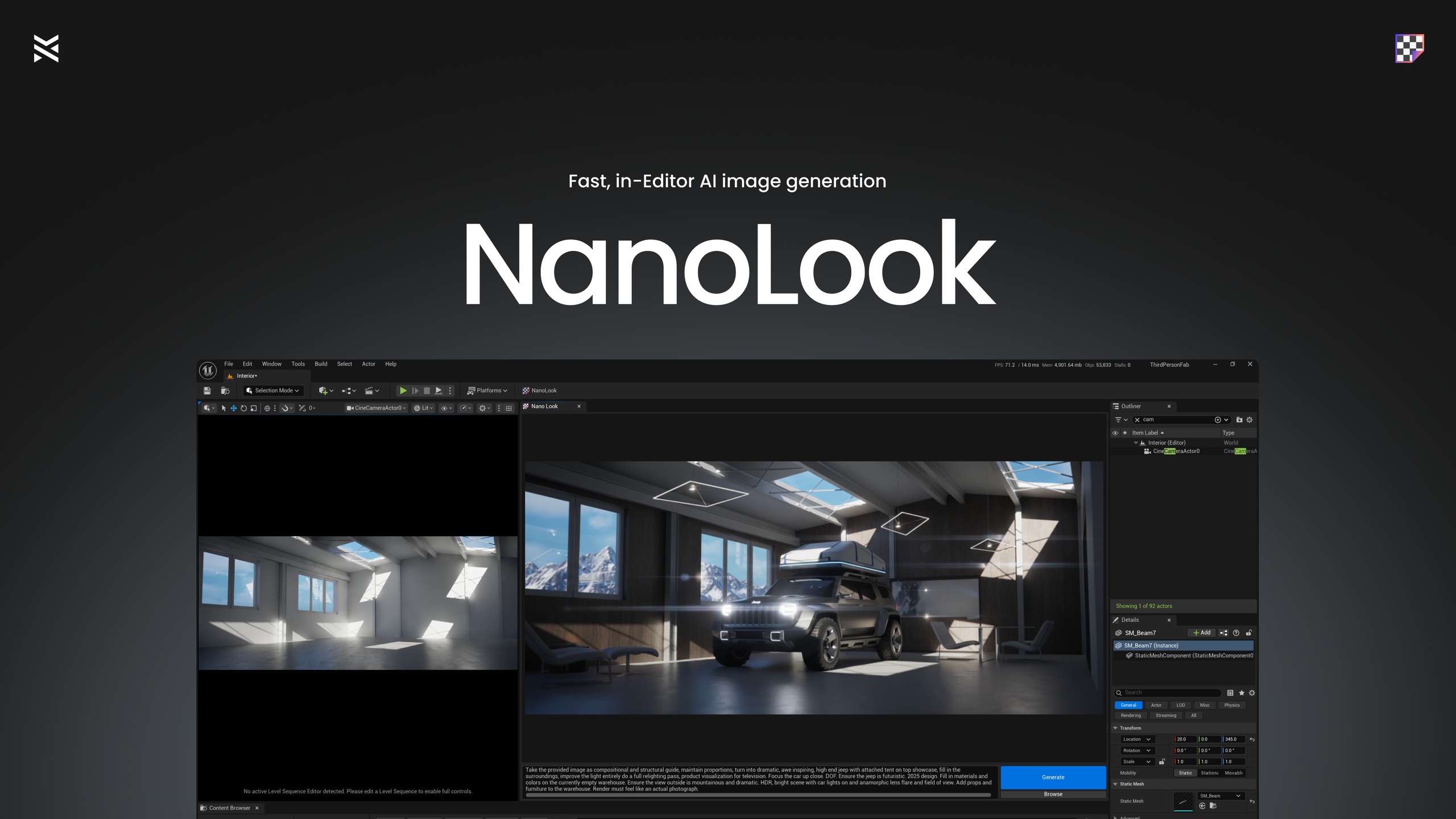
Generate images inside Unreal Editor with a tiny C++ plugin. NanoLook captures your active viewport, sends it with your prompt to an image model, shows the result in its window, and saves the file to disk for you. Preview in the panel, then grab the saved image from your project's Saved/NanoLook folder.
[Showcase Video] | [Documentation] | [Join the Discord]
Features
✅ Editor-native flow — generate inside Unreal, no extra apps
✅ Viewport capture — prompt plus scene context for consistent results
✅ Simple UI — minimal controls, sensible defaults
✅ Tiny footprint — lean C++ plugin, fast and unobtrusive
✅ Direct API use — your Gemini/OpenAI API key, clear costs visible on their platform with no proxy services
Use Cases
Look-dev keyframes — mood and style studies, quick pitch frames
Previs snapshots — fast environment and lighting beats from your current scene
Stakeholder visuals — thumbnails and internal frames for reviews
Quickstart
Go to Edit -> Editor Preferences -> Plugins -> NanoLook and fill in your Gemini API Key
Open the NanoLook panel by clicking the new button in your toolbar
Type your prompt, position your viewport with composition kept in mind
Click Generate, the plugin captures the active viewport automatically and sends the HTTP request through the Gemini API
Preview the result in the panel, your image is saved to disk as a PNG for reuse anywhere
Tip: Switch to Detail Lighting in your viewport to provide a less noisy image to the AI for optimal results
Uses your own Google Gemini/OpenAI API key, direct API access, no credits system, no middleman.
The API key can be found at their respective websites
Keep in mind each generation incurs a tiny cost there
Editor utility, not for packaged runtime.