Description
[ Quick Showcase ] [ Custom UI System Tutorial Series ] [ Support Discord ]
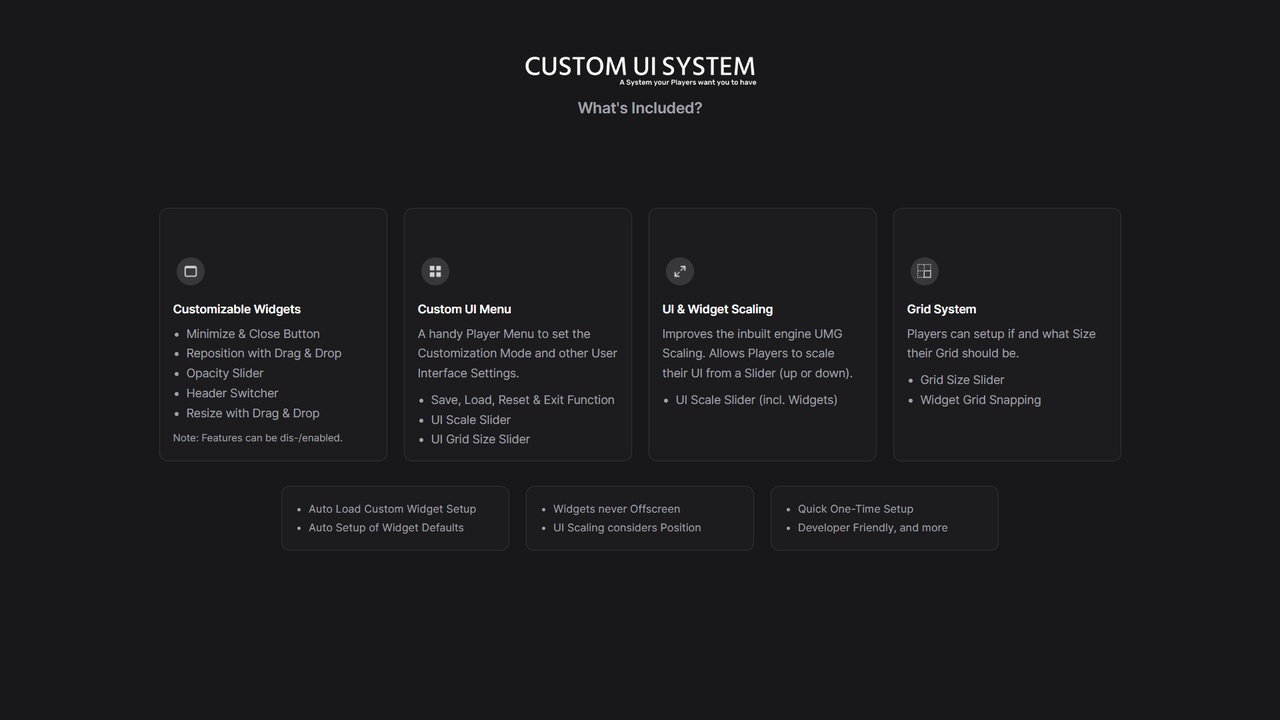
What's included? (in short)
Grid System ¦ UI & Widget Scaling ¦ Never Offscreen (no widget 'drag' out of viewport) ¦ Widget Reposition, Resize, Opacity Change, Collapsing & Switch Header Position ¦ Automatic Setup of your Widget Values as Default ¦ Save, Load, Reset + Exit Menu Function ¦ Auto Load Custom Setup ¦ Simplified Usage ¦ and more
--------------------------------------------------------------------------------------------------------------------------
Update History:
Version 4 Update:
Grid System (incl. Adjustable Size & Snap to Grid)
UI / Widget Scaling (works for any of your widgets)
Workflow Improvements (Integration/Usage/Code)
Version 3 Update:
Modern & Modular Look & Design
Integrated Notification & Request System (NRS)
Integrated Advanced Collapsible Widget System (ACWS)
Custom UI System Menu integrated as Sub Menu of a Ingame Menu System
--------------------------------------------------------------------------------------------------------------------------
Custom UI System Feature Overview:
Player Customization per Widget in 'Edit Mode' (on Runtime):
Size Adjustment (Drag to Resize)
Set Location on Screen (Drag & Drop)
Set 'SeeThrough' Strength (Opacity Selector)
Header Switch (Top / Bottom)
Player CUIS Menu Actions in 'Edit Mode' (on Runtime):
Adjust Grid Size (New in Version 4)
Adjust Widget Scale (New in Version 4)
Can Toggle 'Temporary Widgets' for Editing (f.e. Notification Widgets, Guild Menu, etc.)
Exit (Close 'Edit Mode' / Menu)
Reset (Delete all Changes & return to Initial Setup)
Save (Secure Current UI Setup)
Reload (Load Last Saved Setup - useful when changes are made but the player doesn't want to keep/save them)
Player Convenience:
Auto Load Custom UI Setup on BeginPlay/ClientInit
Prevents Widget Placements out of Screen by Accident
Modern Menu & Intuitive Handling
Dev Default Setup per Widget Blueprint:
Normal UE Widget Workflow (No Search Nor Time Loss)
Designer: Set Default Size, Opacity, Position & Anchor, Switch Header to Bottom (if needed), Set Widget Min-Max Size in % or overwrite with exact values
Dev Additions:
Add New Customizable Widgets Quick & Easy
Frontend System fully Customizable (Menu, Widget Look & Content, Notifications, Buttons, etc.)
BP_MainHUD: Setup MainUMG, Manage Widgets to Load on Begin Play & Control NRS Button Workflow
WBP_IngameMenu: Create & Load new SubMenus (One-Node / Button)
WBP_SubMenu_CustomUISystem: Add new Customizable Widget Buttons (One-Node / Button)
and more
Dev Convenience:
Clean & Tidy Blueprints (No Clutter ¦ Functions Outsourced to Library ¦ System Specific Code Combined into Macro)
Minimal Time Investment (Minimized Amount of Tasks for System Setup & New Widget Creation)
Fully Automated Backend System (Prompts the Complex Setups & Functionality without a Trace nor Input)
No Event Tick, No Casts and Interoperability (Performant through Timer, Interface & Function Library)
Reliable & Production Ready
--------------------------------------------------------------------------------------------------------------------------