Description
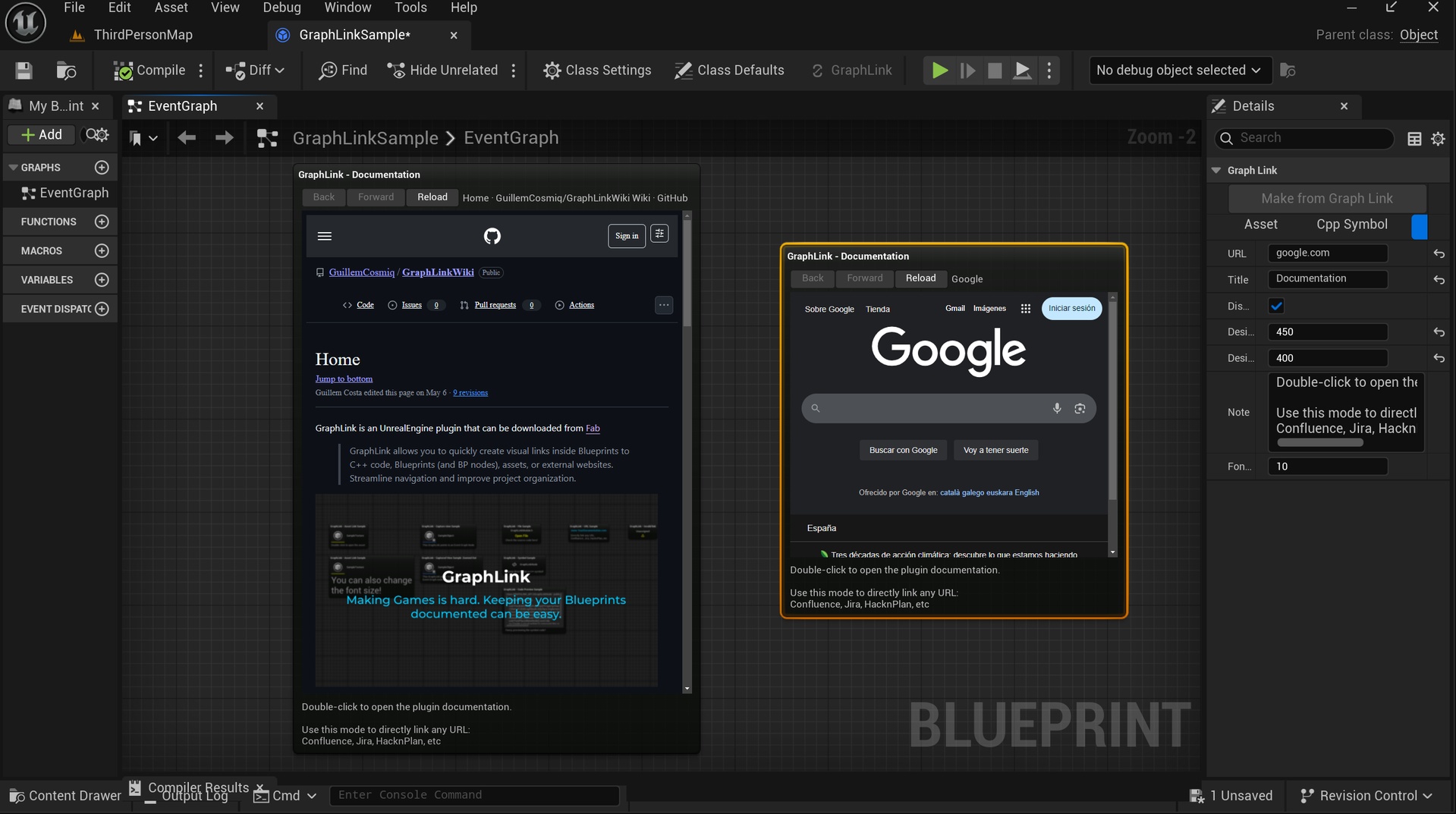
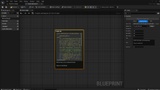
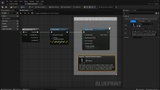
GraphLink adds a powerful visual linking system to Unreal Engine's Blueprint Editor.
Use GraphLink nodes to:
- Visualize any website directly inside your Blueprint graph.
- Quickly jump to C++ functions, classes, or files.
- Link to any asset in your project.
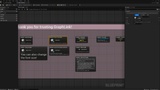
- Link to captured Blueprint view
- Create hyperlinks to external documentation, websites, and resources.
No more digging through folders or searching manually. Everything is one click away, right from your Blueprints!
Showcase/Trailer
https://www.youtube.com/watch?v=ICay7ZOM6uI
Documentation
Getting Started: https://github.com/GuillemCosmiq/GraphLinkWiki/wiki
Video Documentation: https://www.youtube.com/watch?v=lowVrp2CtvU
Key Features
- 🔵 Link to C++ UHT symbols (uclasses, ustructs, ufunctions).
- 🟢 Link to assets in your project (meshes, materials, sounds, etc).
- 🟢 Link to Captured BP View in your project (jumps directly into a specific node/saved view in a Blueprint).
- 🟣 Link to external URLs (e.g., documentation, websites, APIs).
- 🟣 Embed websites directly into the node.
- 🖼️ Automatic code preview for C++ symbols.
- 🧹 Organized visual layout with thumbnails, icons, and tooltips.
- ✏️ Customizable notes and titles for your links.
- 🎯 Lightweight and optimized for editor-only use.
- 🛠️ Easy to install and use. No code required for setup.
Installation Instructions
1. Install the plugin through the Unreal Engine Marketplace.
2. Enable GraphLink in your project Plugins window.
3. Restart the Editor.
4. Right-click in any Blueprint → Add a GraphLink Node.
5. Customize your link type: C++, Asset, or URL.
Help
Contact [email protected] for troubleshooting.