


Descrizione
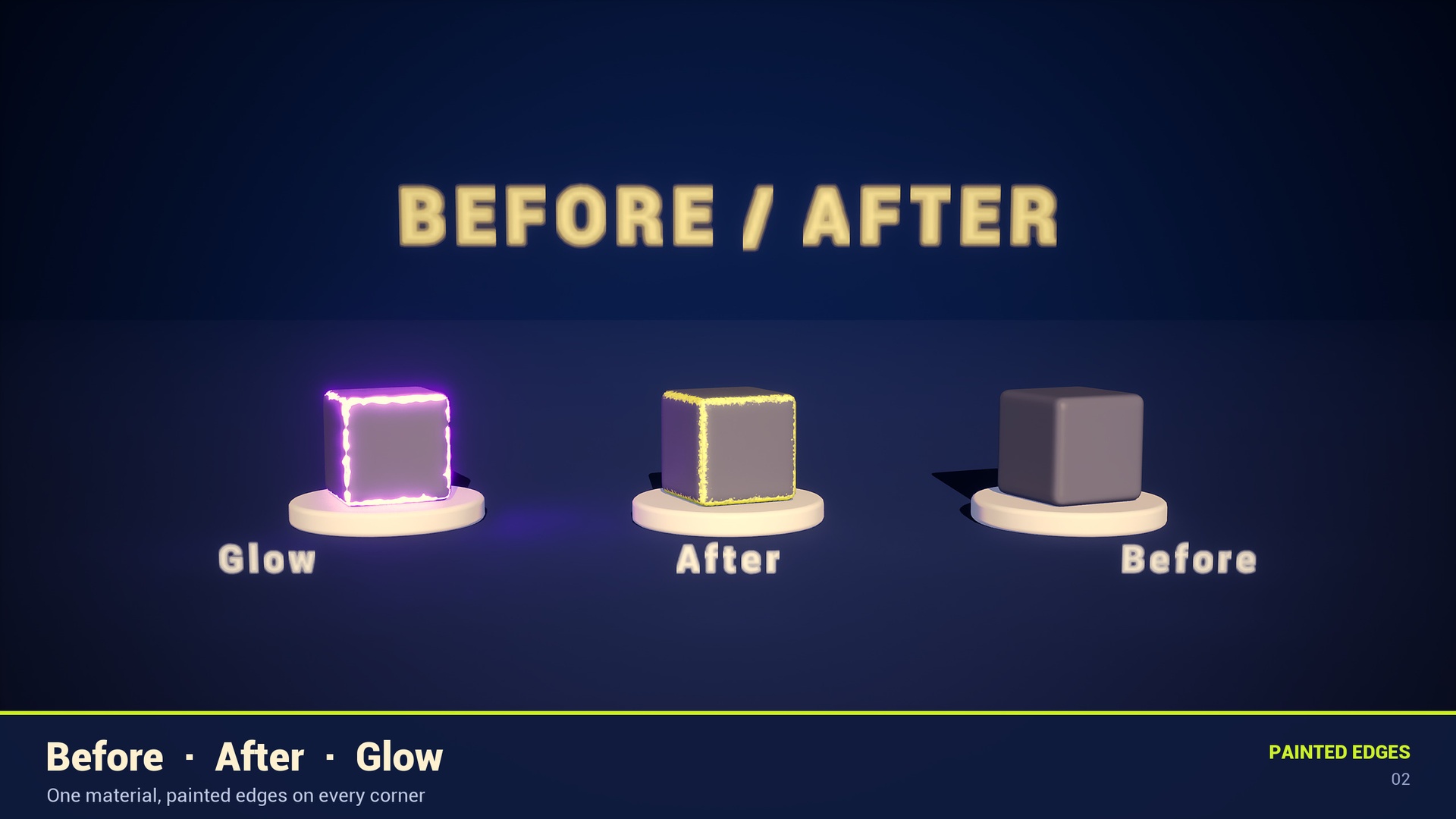
Painted Edges is a free stylized edge shader for Unreal Engine 5. It paints a hand-painted band along every edge of your mesh — filled in the centre, fading outwards, broken up by wear that never leaves gaps. No UVs, no textures, no baking. It ships as a drop-in Material Function: plug your own texture or colour in, take it out with painted edges on top. Every setting lives inside the function, so it shows up in the Material Instance of any material you add it to. 🍀 If it helps your project, a ⭐⭐⭐⭐⭐ review takes a moment and means a lot to a small creator. ❓ Found a bug or something unclear? Ask in the Questions tab before leaving a review — I answer and I fix things.
━━━━━━━━━━━━━━━━━━━━━━━━━━━━━━━━━━━━━━━━ ✅ FEATURES
• Drop-in: MF_PaintedEdges_Paint goes between your inputs and your outputs • Material Attributes version (MF_PaintedEdges_Layer) for layered setups
• Filled edges — the centre of every edge is always painted
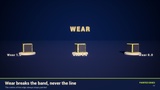
• Wear breaks up the width of the band, never the line itself
• Real-edge detection keeps flat and sloped faces clean
• Stable under TAA / TSR — no flickering 1-pixel lines
• No UVs, no texture assets, no baking — everything is computed in the shader
• Object-space: works on rotated and moving actors
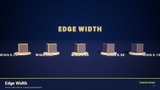
• 13 artist-friendly parameters, grouped and documented
• 6 colour presets + 2 example materials + a demo map with 7 stations
━━━━━━━━━━━━━━━━━━━━━━━━━━━━━━━━━━━━━━━━ 🛠 HOW TO USE 1.
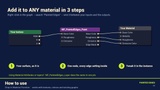
Open any material, right-click and search "Painted Edges".
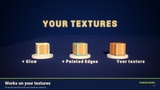
2. Add MF_PaintedEdges_Paint. Connect your Base Color (texture, colour, anything), Roughness and, optionally, Emissive to its inputs.
3. Connect its outputs to the material. Tweak everything in the Material Instance. Or simply drag M_PaintedEdges (or one of the 6 presets) on to any mesh. Using Material Attributes? MF_PaintedEdges_Layer — one pin in, one pin out. Building your own effect? MF_PaintedEdges outputs the raw 0-1 edge mask.
━━━━━━━━━━━━━━━━━━━━━━━━━━━━━━━━━━━━━━━━ ⚠️ MESH REQUIREMENTS — please read
• Edges need a bevel OR smooth normals. On hard, split-normal edges there is nothing to paint: the shader fades them out on purpose instead of drawing a flickering line. One or two bevel segments are enough — your mesh can stay low-poly.
• Uniform actor scale gives the most accurate edge width.
• Not compatible with the Path Tracer (it uses screen-space derivatives).
━━━━━━━━━━━━━━━━━━━━━━━━━━━━━━━━━━━━━━━━ 📦 WHAT'S INCLUDED
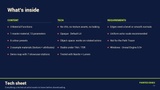
/PaintedEdges/Materials M_PaintedEdges, 3 Material Functions, 6 presets /PaintedEdges/Examples Texture example + Material Attributes example /PaintedEdges/Maps Overview demo map (7 stations, 7 cameras) /PaintedEdges/Demo Demo-only meshes, materials and lighting (safe to delete)
━━━━━━━━━━━━━━━━━━━━━━━━━━━━━━━━━━━━━━━━ 👉 Also check out my other work — stylized props and materials. 🎨 Need custom stylized props for your game? I take commissions → https://www.fiverr.com/sellers/rafa_sc