説明
Test Kit for Unity 6 (UTK) is a suite of twelve testing tools under one Test menu, with full C# source and no subscription.
One purchase, full source, yours to keep.
Support and updates: This purchase covers UTK for Unity 6. You get all UTK for Unity 6 releases (fixes, compatibility updates, improvements) and security updates for at least 5 years from purchase. A later generation for a new Unity line will be a separate product, with a free upgrade if you bought in the 6 months before its launch. Full policy: https://plopbox.io/en/support-policy
Author your tests
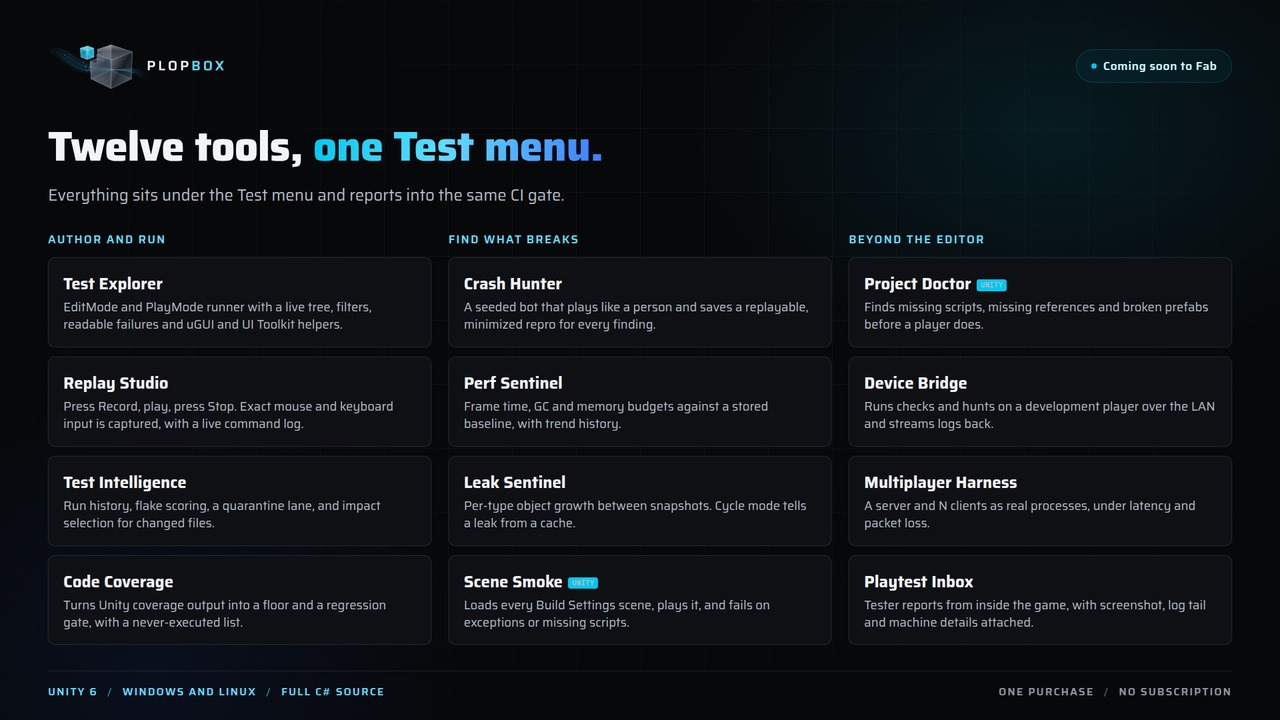
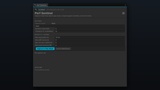
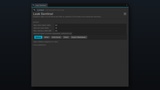
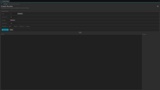
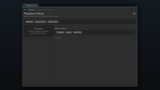
Replay Studio. Press Record, play your game, press Stop. You now have a test, with no code written. Every mouse button, drag, scroll, key press and gamepad button is captured through the Input System, including what you do to 3D objects and the camera, and a command log fills the window while you play ("Mouse Left DOWN at (512, 300) on 3D 'Cube'", "Key W DOWN"). Replay feeds the exact input back on its original timing, or replays only the recorded UI clicks by hierarchy path, which survives a layout change. Checkpoints are the assertions. Sessions carry the name of the project they were recorded in, and the kit asks before playing another project's recording.
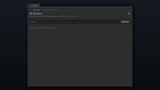
Test Explorer. A clean in-editor test runner with a multi-level tree. Run EditMode and PlayMode tests, watch the counts and result bar update live, filter by outcome, and read the message and stack trace of any test beside the tree. Find and click uGUI and UI Toolkit controls by hierarchy path, name or the text they show, write assertions that read like sentences, catch screenshot regressions, and export JUnit, JSON, HTML and Markdown.
## Find what breaks
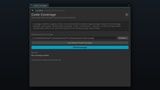
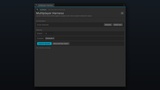
Crash Hunter. A seeded bot that plays your game the way a person does. It commits to whole behaviours (working through menus, sweeping UI, moving and looking around, pressing key chords, and pausing to let transitions land) at a believable pace. It catches exceptions, errors, asserts, soft-locks and hangs, and saves every finding as a replayable repro bundle trimmed to the action that caused it, with a delta-debugging pass to shrink it further. Campaign mode runs many seeds in one pass and names the ones that failed. Point it at a Replay Studio recording and it plays your route first, then hunts from wherever that left the game.
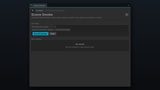
Scene Smoke. Loads every scene in Build Settings, plays it, and fails on exceptions, errors or missing scripts. The fastest first CI gate a Unity project can have.
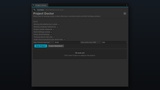
Project Doctor. Finds missing scripts, missing references, broken prefab instances, oversized textures and Build Settings problems before a player or a build machine does.
Guard quality and performance
Perf Sentinel. Frame-time, GC allocation and memory budgets against a stored baseline, with regression gating and trend history. One call gates your CI.
Leak Sentinel. Per-type object and memory growth between two moments, with budgets, an allow list and a cycle mode that tells a real leak from a cache filling once.
Code Coverage. Turns the output of Unity's own Code Coverage package into a minimum-coverage gate, a baseline-regression gate and a list of methods your tests never execute.
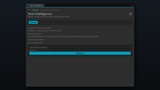
Test Intelligence. Run history, flakiness scoring, a quarantine lane, slowest-test analytics and impact selection that runs only the tests a change can affect. A test that fails every time is reported as broken, not flaky, and a quarantined test still runs and still reports; it just does not fail the build.
Test beyond the editor
Device Bridge. Run checks and Crash Hunter hunts on a development player or a second machine over your LAN, stream logs back to the editor, inspect the running game read-only, and pull files (reports, replay sessions, repro bundles) from the player. Token-protected, loopback by default, and compiled out of release builds.
Multiplayer Harness. A server and N clients launched as real processes, with per-instance latency and packet-loss presets (clean LAN, 100 ms, lossy mobile, one bad client), crash detection and a server-authority divergence report. A lock file means a crashed editor leaves no orphan processes behind.
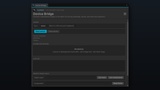
Playtest Inbox. Your testers file reports from inside the game as bundles carrying the screenshot, the log tail and the device details nobody fills in correctly by hand, delivered to a folder, your own HTTPS endpoint or a Discord webhook. No hosted service; the data stays on your infrastructure, and the reporter does nothing until your game turns it on.
CI you own
One headless call runs the suite with retries and quarantine, applies every gate you switch on, and writes JUnit XML, JSON, a self-contained HTML dashboard and a Markdown summary. Exit codes are 0 passed, 1 failed, 2 could not run. Copy-paste templates for GitHub Actions, GitLab, Jenkins, Azure Pipelines and TeamCity ship inside the package.
How it works
Import the package. Everything appears under one Window > Testing Kit menu
Record a session in Replay Studio and add a checkpoint wherever a moment is worth checking.
Point Crash Hunter at your game and let the bot play. It saves a repro for every finding.
Set your budgets: frame time and memory in Perf Sentinel, growth in Leak Sentinel, a floor in Code Coverage.
Wire the suite into CI with a template. The build fails on a failed test, a crash, a leak or a performance regression before it ships.
Who it is for
Unity teams running CI who want crashes, failed tests, leaks and performance regressions caught before players see them.
Designers and QA who would rather record a test by playing than write one.
QA and automation engineers who want real UI helpers instead of clicking at coordinates.
Multiplayer teams who need their game tested under real packet loss, not on a perfect LAN.
Studios that would rather own their tooling than rent it.
Compatibility
Unity 6 (6000.6 or later) on Windows and Linux. The Input System package is optional: exact input recording and replay and Crash Hunter's keyboard, mouse and gamepad input use it when present, and uGUI automation works without it. Full C# source, one-time purchase, no subscription. Every UTK for Unity 6 release is free.
Links
Documentation: https://plopbox.io/en/products/unity-test-kit/docs
Support and update policy: https://plopbox.io/en/support-policy
Contact: https://plopbox.io/en/contact
Support email: [email protected]
Publisher: https://plopbox.io