
الوصف
▶ Full 4K video showcase: https://youtu.be/RhhqBRG_ZGY
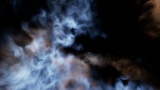
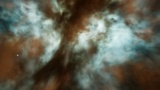
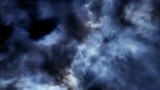
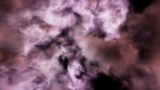
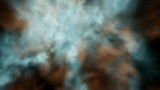
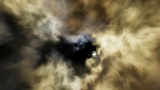
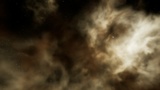
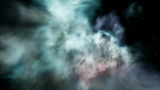
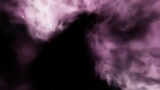
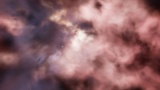
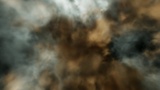
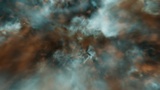
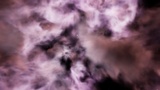
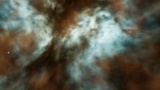
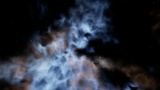
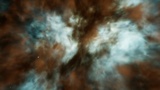
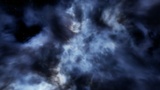
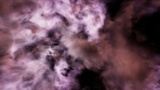
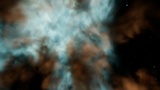
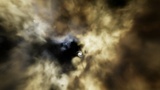
Fly INTO real 3D space nebulae
This is not a skybox image. The gas and dust are rendered in 3D all around the camera, so you can fly into, through and around them – natural cinematic colours, slowly evolving gas and a deep-field star and galaxy background behind.
Unreal Engine: the engine's own Volumetric Cloud system – no plugin, no C++, Blueprint only.
Unity: URP and HDRP in one package.
✦ WHAT'S INSIDE
11 volumetric nebulae – each with its own shape and colour palette
11 fly-through levels – one per nebula, ready to play
BP_NebulaQuality – one actor per level: quality, size, copies and gas animation, editable in the editor and callable at runtime (Set Quality / Set Scale / Set Copies / Set Animate Gas)
Demo fly pawn and game mode
Blueprint only – every graph commented, no C++, no plugins, no project settings to change
Olive Teal · Teal Orange · Reflection Blue · Magenta Dusk · Golden Hour · Pleiades Blue · Oxygen Teal · Hubble Gold · Violet HII · Hydrogen Red · Teal Orange Core
✦ FEATURES
Fly inside – the nebula surrounds the camera 360°, with gas and dust at every depth
4 quality presets – Low · Medium · High · Epic
Resize x0.25 to x16 – same look and the same cost at every size
Rotated copies – repeat a nebula into one much bigger, seamless nebula (up to a 17 × 17 × 17 block) while close-up detail stays sharp
Animated gas – slow and natural, on by default
Self-lit – no lights needed; Lumen and shadows are not involved
✦ PERFORMANCE – native 4K, no upscaling
Low ~106 FPS
Medium (default) 80–86 FPS
High ~33 FPS
Epic for cinematics
RTX 3090, standalone game. The cost depends on screen resolution and quality preset – not on the size of the nebula.
✦ DEMO CONTROLS
WASD fly · E / Q up / down · Mouse look · Wheel flight speed
1–4 quality · 5–8 size x1 / x2 / x4 / x8 · B cycle size
R copies · G gas animation · N / P next / previous nebula
✦ UNREAL ENGINE 5.4+
Open any level in VolumetricNebulae/Maps and press Play.
In your own level: a Volumetric Cloud with MI_<Name>_Cloud, the FarSky sphere with MI_<Name>_Far and one BP_NebulaQuality – or simply duplicate a demo level. One nebula per level (Unreal renders one volumetric cloud layer per scene).
✦ UNITY 2022.3+ (URP & HDRP)
URP 14+ and HDRP 14+ in one package – the same 11 nebulae with the same look
11 URP + 11 HDRP demo scenes, a Nebula Volume component and a fly camera with the same keys
URP: one click (Tools > Volumetric Nebulae > Setup URP Renderer) · HDRP: the scenes work as they are
Medium at native 4K: URP ~115 FPS, HDRP ~98 FPS (RTX 3090, built player)
Unity 6 with URP: enable Compatibility Mode
✦ BONUS: HDR + EXR PANORAMAS
Separate download, for any other software or as classic skyboxes: every nebula as a 4096 × 2048 equirectangular panorama seen from its centre, plus its 8192 × 4096 star and galaxy layer – 22 Radiance .hdr and 22 OpenEXR (half float, linear) files.
✦ USE CASES
Space games and flight sims · sci-fi cinematics and trailers · menu and title screens · backdrops for space stations and planets · virtual production plates
Note: very close to dense dust the clouds become soft (volume resolution). Transparent objects are drawn in front of the nebula.