







Descripción
Turn any Unreal scene into old film, noir or a faded vintage photo in one click.
This pack contains 9 vintage, noir and retro film post-process effects as ready-to-use Material Instances. Drop one into a Post Process Volume (or a Camera's post-process settings) and your whole scene is restyled in real time - works with any project, any content.
Included looks
- Super 8 Film - warm Super-8 home-movie grade
- Old Film Projector - flicker, gate weave and scratches
- Film Noir Dark - high-contrast dark noir
- Noir Film - classic black-and-white noir
- Negative Film - inverted film negative
- Sepia Vintage - warm sepia tone
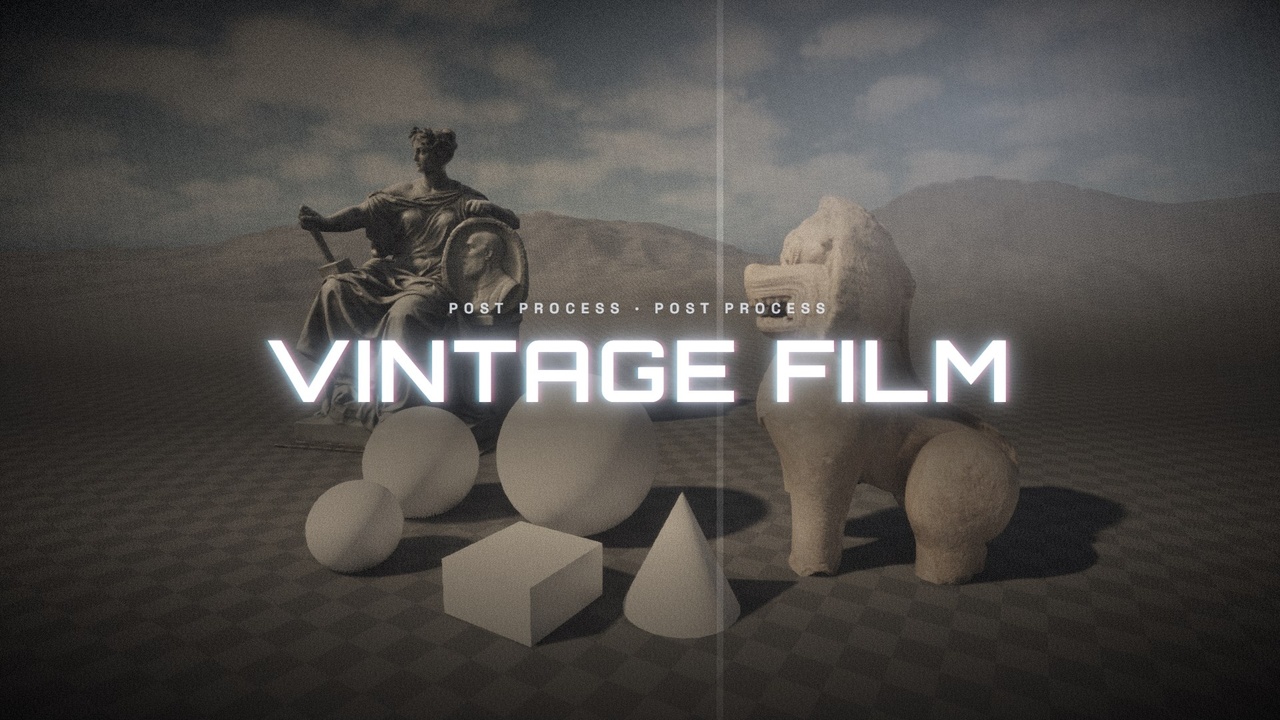
- Vintage Film - faded vintage color
- Film Burn - light leaks and film burn
- Polaroid - instant-photo frame and tint
Features
- One-click setup - no Blueprints, no C++, no marketplace dependencies
- Every effect is a Material Instance: tweak grain, scratches, tint and vignette live
- Works in editor and at runtime, on any camera or scene
- Included demo map to preview and compare all looks
- Fully dynamic lighting - nothing to bake
How to use
1. Migrate the VintageFilm folder into your project (or open the included project).
2. Add a Post Process Volume and set it to Unbound (Infinite Extent).
3. Under Post Process Materials, add the PPMI_ of your choice.
4. Adjust parameters on the material instance to taste.
Built in UE 5.5, forward-compatible with 5.6 / 5.7 / 5.8.