Descripción
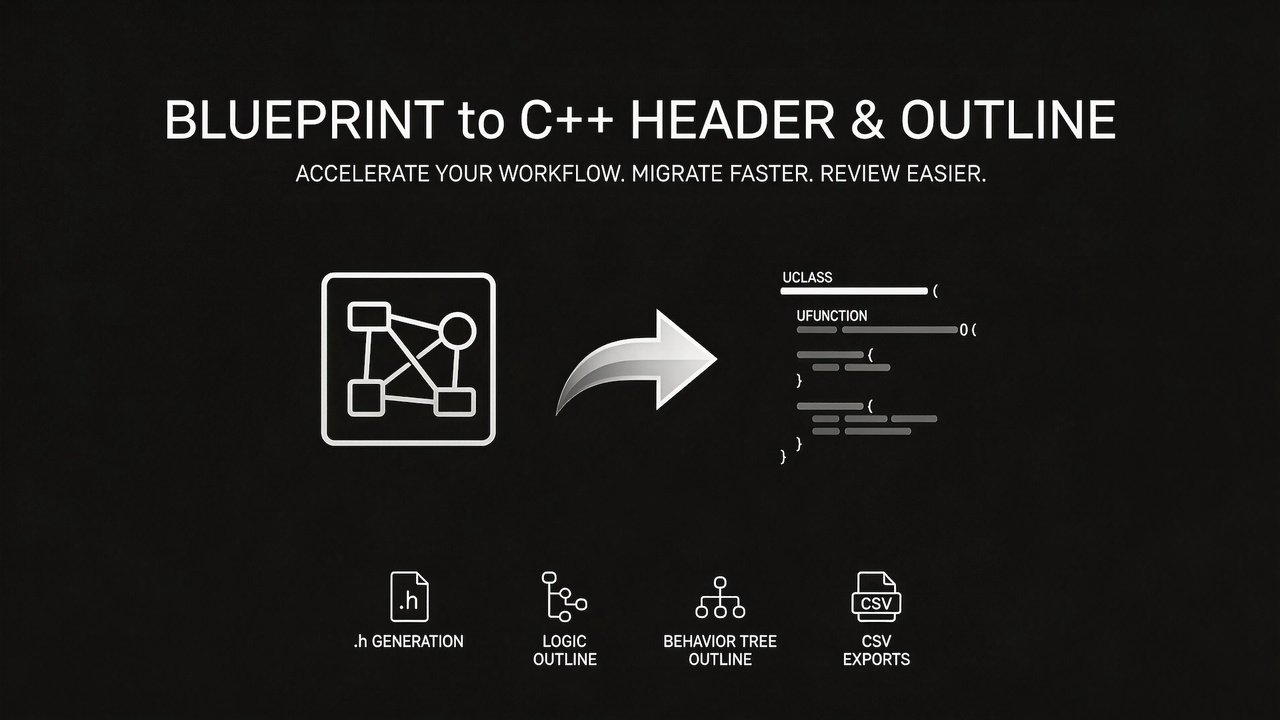
Convert your Blueprints into readable C++ — headers, logic outlines, and data exports, all in one click.
What It Does
Blueprint Convertor scans your Unreal Engine project and generates C++ representations from Blueprint assets — giving you a clear, text-based view of your Blueprint architecture.
Export Blueprints to text-based formats (.h headers, .cpp.outline pseudo-code, .csv data tables) that can be directly fed to AI assistants like GitHub Copilot, ChatGPT, or Claude. This enables instant understanding of complex Blueprint logic, automated C++ migration code generation, AI-powered code review and optimization suggestions, and automatic technical documentation generation.
Important Notice
"The generated code cannot be compiled directly; you must perform manual adjustments or use AI-assisted refactoring before it will successfully build."
Key Features
C++ Header Generation (.h)
Generates proper C++ header files from Blueprints, UserDefinedStructs, UserDefinedEnums, and Blackboard Data — complete with UCLASS, USTRUCT, UENUM, UFUNCTION, UPROPERTY macros, access specifiers, and correct type mappings.
Logic Outline Generation (.cpp.outline)
Traverses Blueprint execution graphs and produces structured pseudo-code — showing event handlers, function bodies, branches, sequences, switches, latent calls, macro expansions, data flow chains, and cycle detection. Ideal for code review or Blueprint-to-C++ migration planning.
Behavior Tree Outline
Generates readable tree outlines from BehaviorTree assets, clearly showing Selectors, Sequences, Parallels, Tasks, Decorators, and Services in a hierarchical format.
DataTable & StringTable CSV Export
Exports DataTable and StringTable assets directly to CSV files.
Name Remapping
Configurable prefix rules (e.g. BP_Hero → Hero) automatically clean up Blueprint naming conventions in the generated C++ output for all type references.
Batch Project Conversion
Convert a single asset with live preview, or batch-convert every supported asset in your project with one click. Supports progress tracking and cancellation.
Supported Asset Types
Blueprint, UserDefinedStruct, UserDefinedEnum, BehaviorTree, Blackboard, DataTable, StringTable, Blueprint Interface
How to Use
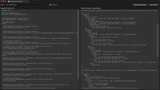
Open the Blueprint Convertor tab from the editor menu, pick an asset to preview, configure output settings in Project Settings → Plugins → Blueprint Convertor, and hit Convert.
Document
Link | Under the Docs