Описание
🚀 Elevate Your Unreal Engine Workflow
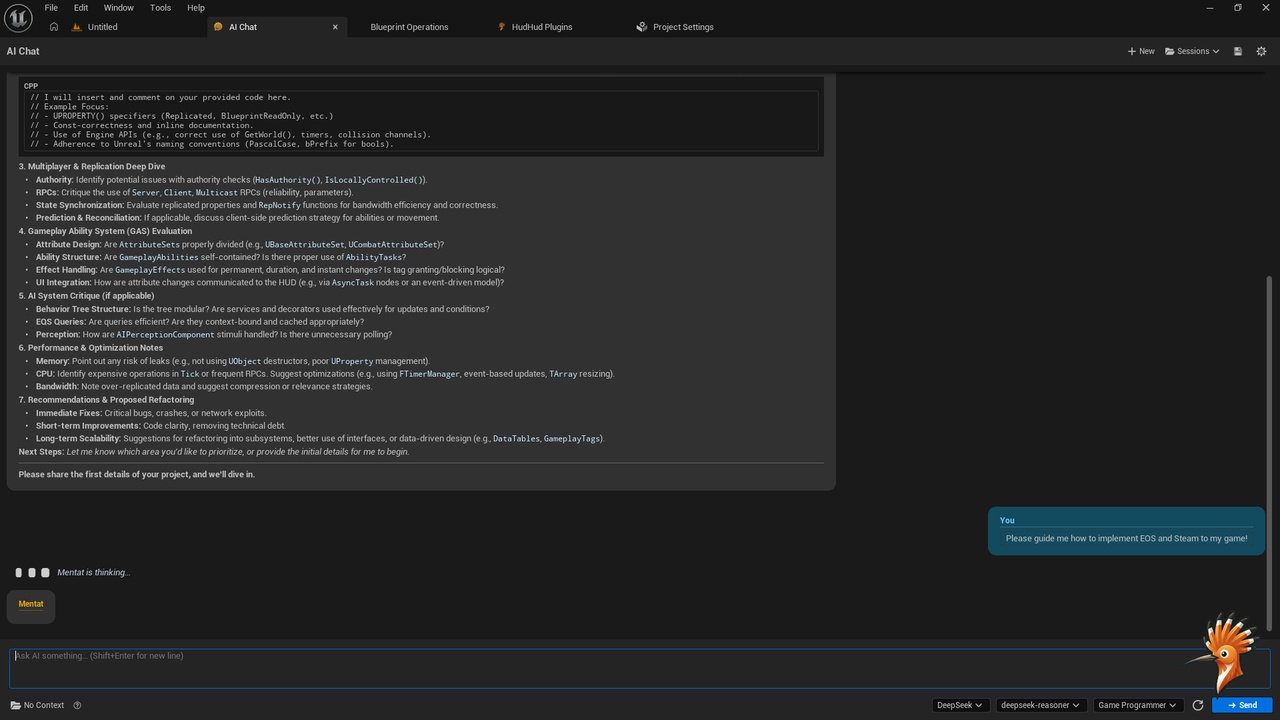
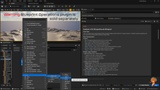
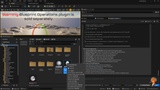
AI Chat brings the power of advanced AI assistants directly into your Unreal Engine editor. Say goodbye to constantly Alt-Tabbing between the editor and your browser. Whether you need to troubleshoot C++ code, brainstorm game design mechanics, generate Blueprint logic ideas, or write documentation, AI Chat keeps you in the zone.
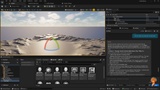
Built with a clean, editor-native UI, it seamlessly integrates into your workspace and supports five major AI providers out of the box.
✨ Key Features
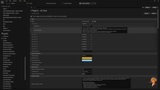
5 Providers, One Interface: Switch effortlessly between local and cloud-based models. Real-time model list fetching ensures you always have access to the latest capabilities.
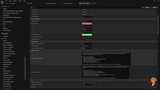
Editor-Native UI: A beautifully crafted, clean slate interface that feels like a built-in Unreal Engine panel. Includes a dark theme that perfectly matches the UE aesthetic.
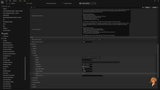
Smart Markdown Rendering: Read responses easily with full markdown support, including syntax-highlighted code blocks, bold, italic, and lists.
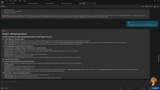
Context-Aware Conversations: Use Project Context to automatically include your project details in prompts, or switch to Custom Context for highly specialized queries. Context persists even if you switch AI providers.
🧠 Supported AI Services
Please note: AI Browser is a web-based integration tool. It does not automatically generate, modify, or inject code into your Unreal Engine project files. Instead, it serves as your ultimate in-editor research companion. You can easily ask questions, conduct project-related searches, brainstorm ideas, and receive technical advice, best practices, and step-by-step guidelines directly from your favorite AI services, all without leaving your workspace.
ChatGPT: Access OpenAI's models for project brainstorming, quick logic troubleshooting, and general development advice.
Claude: Consult Anthropic’s Claude for detailed design feedback, complex architecture explanations, and structured project guidelines.
Gemini: Utilize Google’s Gemini for fast research, creative ideas, and engine-specific workflow recommendations.
Kimi: Analyze long design documents or game lore, and extract key project guidelines effortlessly.
DeepSeek: Ask technical questions to get algorithm explanations, C++/Blueprint tips, and coding best practices.
Perplexity: Perform deep web searches to gather up-to-date Unreal Engine tutorials, references, and industry information for your project.
Copilot: Get quick technical tips, engine-specific answers, and workflow guidance from Microsoft's assistant.
Grok: Brainstorm creative, out-of-the-box concepts for your game and get fast, up-to-date answers.
Mistral: Access efficient models for fast queries, logic brainstorming, and focused technical advice.
HuggingChat: Connect with the open-source community's top models for diverse perspectives on your development hurdles.
You.com: Search and synthesize information quickly to understand engine mechanics and technical workflows.
Phind: Ask developer-focused questions to get highly technical research summaries and coding advice.
Pi: Engage in conversational brainstorming for narrative design, character arcs, and creative direction.
Poe: Access a multitude of custom bots and models for specialized advice and diverse problem-solving approaches.
Cohere: Leverage enterprise-grade models for structuring your project documentation and design guidelines.
Meta AI: Use Meta's assistant for general knowledge queries, quick references, and reliable brainstorming.
Open Web UI: Connect your custom Local LLMs through a configurable URL field for private, offline advice and personalized project guidelines.
🛠 The HudHud Games Ecosystem
AI Chat is built to be 100% standalone with zero external dependencies. You can install and use it perfectly on its own.
However, it is also designed with cross-plugin compatibility in mind. Using Unreal Engine's IModularFeatures, AI Chat can gracefully embed itself as a side panel in other tools (like the AI Browser) without any compile-time dependencies.