설명
Metahuman Clothes / Clothing
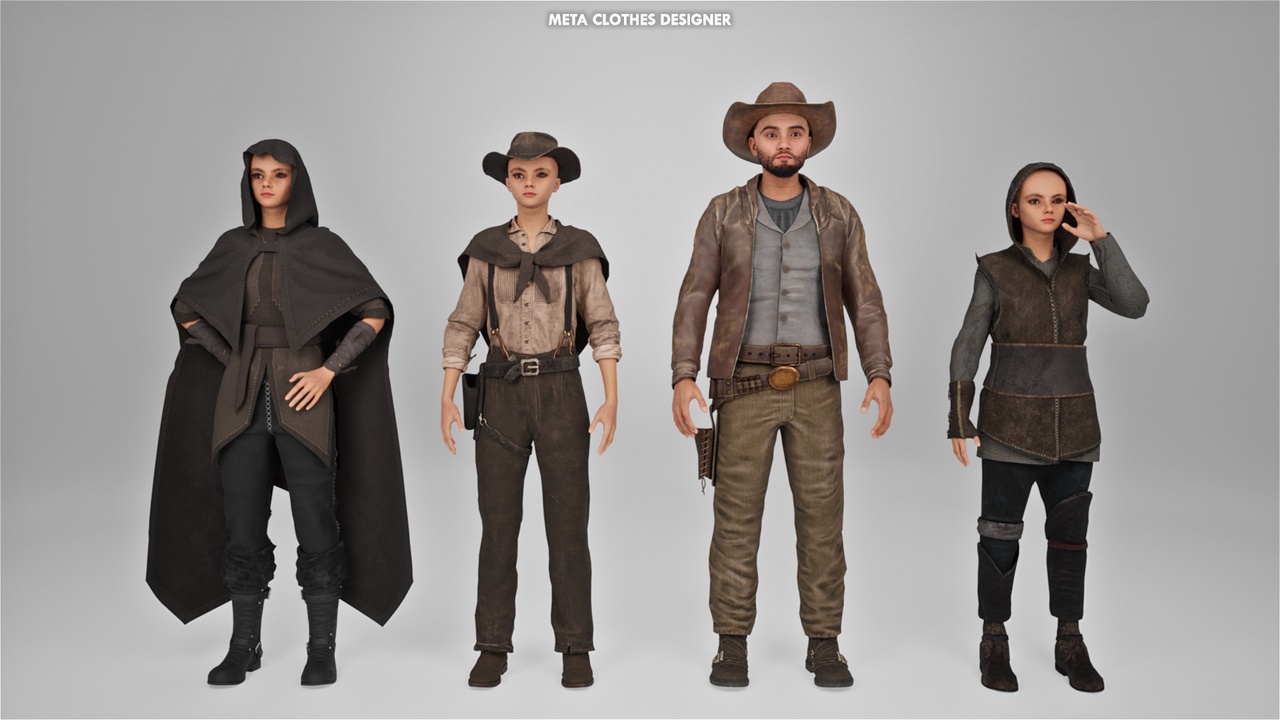
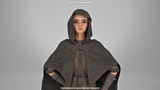
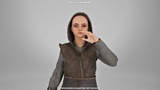
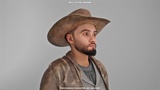
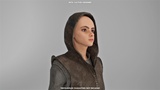
Western Cowboy for Metahuman
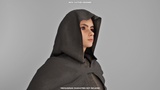
This asset pack includes "clothing" skeletal meshes skinned to the MetaHuman "Male Tall Underweight" and "Female Tall Underweight" skeletons. All clothing can be color customized in the Material and Material Instances.
How to Apply to your Metahuman : (Suit)
Make sure your metahuman isn't wearing anything.
Drag and drop your metahuman into your level inside unreal engine.
Open your metahuman blueprint.
Look for LOD Sync (Forced LOD), replace the number with 0.
Click Torso.
Drag one of those space suit (skeletal mesh) to your metahuman torso (there's a box called skeletal mesh).
Save & Compile.
Done.
How to Apply to your Metahuman : (Hat)
Take off your metahuman hair or you can use very short hair.
Search for a hat (skeletal mesh) on the content tab.
Click it.
Open your metahuman blueprint.
Click "Add" on the left corner on your screen.
Add "SK_Western_Hat" skeletal mesh
Drag it to the body section.
On the properties tab (right side of the screen) click on search parent socket.
Choose "Head"
Adjust the position of the helmet with your metahuman head.
Save & Compile.
Credit (Team Project) :
Ismayilkismu26
Blue Spirit /Alinajafi
Miles