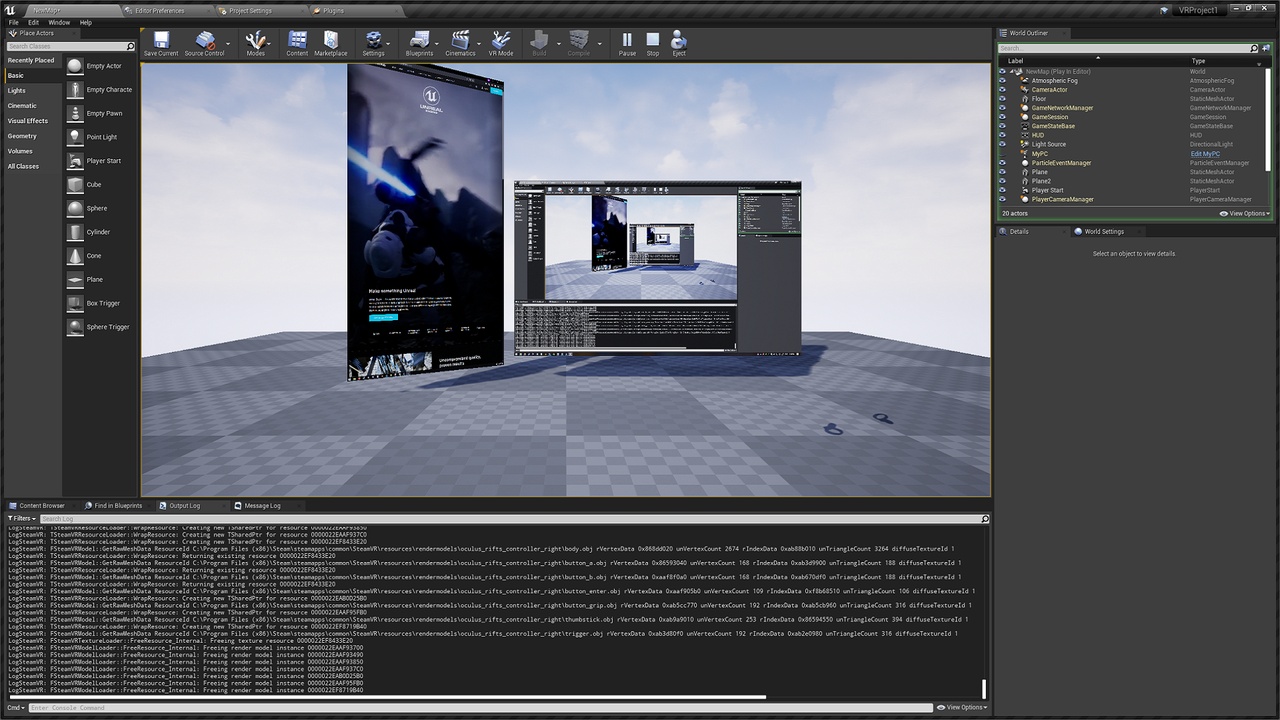
Description
This plugin allows you to use a live screen capture as you would any other media source. You can choose the framerate of the video as well as whether to capture the cursor or not. You can check out a quick demo video here.
Discord : https://discord.gg/4yrq9XKYN4
Features
Capture a single-monitor desktop or an entire multi-monitor desktop and treat it like any other media source (does not support individual window capture)
Choose the FPS of the resulting video output
Choose whether or not to capture the cursor
Documentation
Once you have added this plugin, just use a media url with the following format : screencap://<screennum>?fps=60&capture_cursor=true
where <screennum> should be replaced by :
0 for the entire desktop
1 for the first screen, 2 for the second screen, etc.
The question mark and anything after it is optional and allows you to specify the fps of the resulting video and if you want to capture the cursor. The defaults are 60fps and cursor capture on.
Examples
To capture the whole screen at 60fps with the cursor : screencap://0
To capture only the first screen at 30fps with the cursor : screencap://1?fps=30
To capture the whole screen at 30 fps without the cursor : screencap://0?fps=30&capture_cursor=false
For help setting up media playback : https://docs.unrealengine.com/en-US/Engine/MediaFramework/Overview/index.html