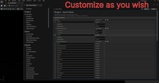
Description
AutoPrefixer: Unreal Engine Asset Naming & Organization
AutoPrefixer is a C++ Editor Utility that standardizes asset names across your project. It is designed to save time by identifying asset classes and applying the correct prefixes automatically.
Links & Support
Documentation Site: https://autoprefixer.gooder.games
Community Discord: https://discord.gg/2qgMYhmBrW
Developer Home: https://gooder.games
Support: Visit our site, reach out via the Fab Store or join the Discord.
Main Features
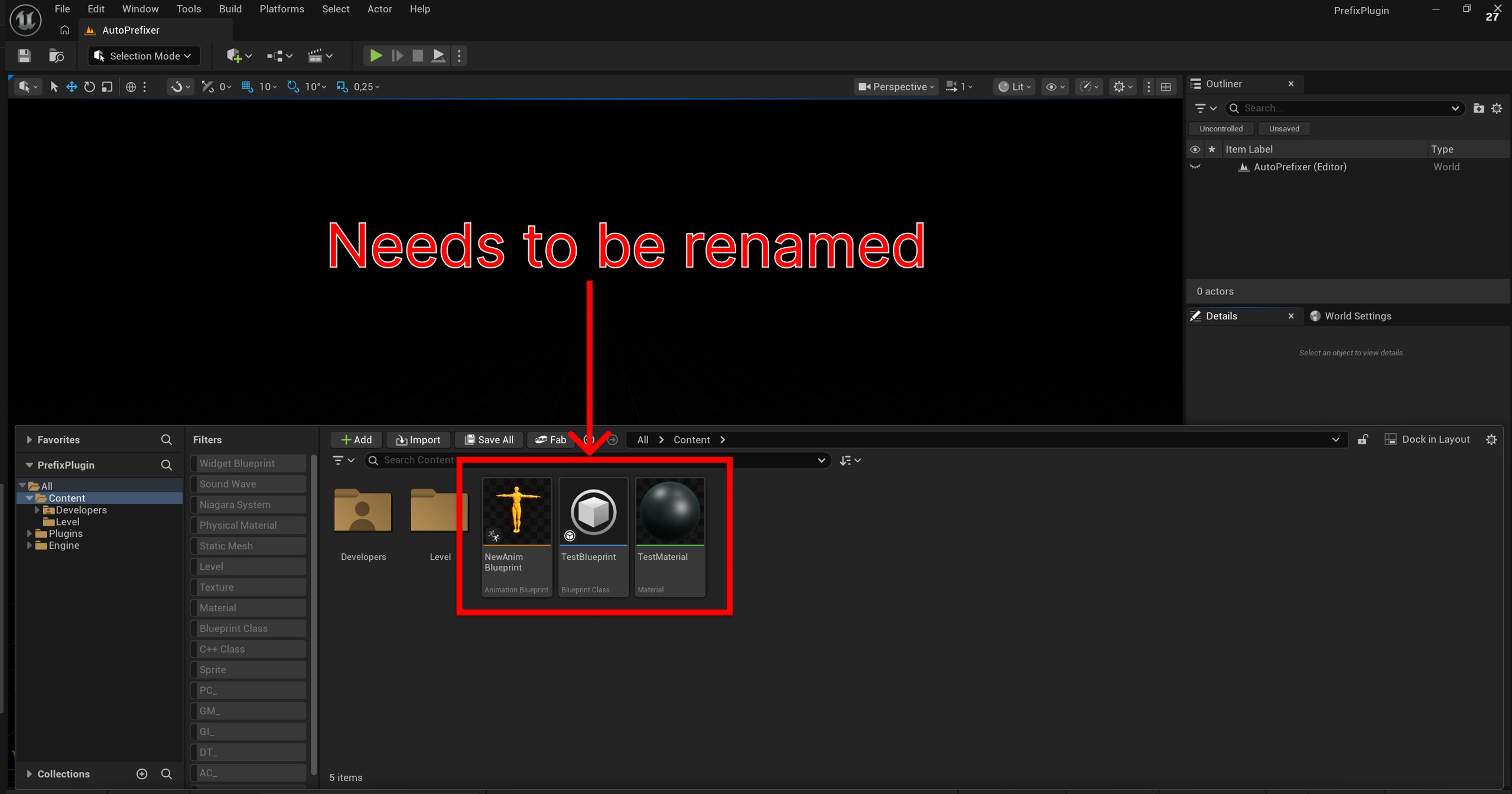
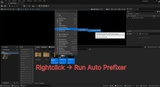
Content Browser Integration The tool hooks directly into the Unreal context menu. You can select a group of assets, right-click, and run the AutoPrefix command to rename them all at once.
Automatic Prefix Cleaning AutoPrefixer identifies and removes old or malformed prefixes (like sm_, mesh_, or t_) before applying the new convention. This is especially useful when cleaning up marketplace packs or outsourced assets.
Flexible Organization Includes a Dashboard Widget for bulk management. It has an optional "Auto-Organization" setting (in Project Settings) that can move renamed assets into specific subfolders like /Meshes or /Textures.
Focused on Performance The tool uses the Asset Registry to scan for metadata without forcing every asset to load into memory. This prevents the editor from hanging or crashing when you process large folders.
Supported Classes
AutoPrefixer comes pre-configured for over 50 asset types:
Meshes & Textures
Static Mesh (SM_), Skeletal Mesh (SK_)
Texture 2D (T_), Media Texture (MT_)
Materials
Material (M_), Material Instance (MI_)
Material Function (MF_), Parameter Collection (MPC_)
Subsurface Profile (SP_)
Logic & Blueprints
Blueprint (BP_), Widget Blueprint (WBP_)
Blueprint Interface (BPI_), Macro Library (BPM_)
Audio & VFX
Sound Wave (SW_), Sound Cue (SC_), Sound Class (SC_)
Niagara System (NS_), Niagara Emitter (NE_), Particle System (PS_)
Sound Mix (SMIX_), Attenuation (ATT_), Concurrency (CON_)
Animation
Anim Sequence (A_), Anim Montage (AM_)
Blend Space (BS_), Skeleton (SKEL_), Anim Blueprint (ABP_)
Data & Tables
Data Asset (DA_), DataTable (DT_), StringTable (ST_)
CurveTable (CT_), Curve (CURVE_), Enum (E_), Struct (S_)
Media & Cinematics
Level Sequence (LS_), Media Player (MP_), Media Source (MS_)
Editor Utility & Specialized
Editor Utility Widget (EUW_), Editor Utility Blueprint (EUB_)
Font (FONT_), Font Face (FF_), Physics Asset (PHYS_)
Landscape Layer Asset (LLA_), PaperSprite (SPR_), PaperFlipbook (FB_)
Technical Details
Module Type: Editor
Build: C++ Core with Blueprint Utility extension
Systems Used: Asynchronous scanning via Asset Registry
Platforms: Windows, Mac, and Linux
Standardize your naming. Ship your project faster.