Descripción
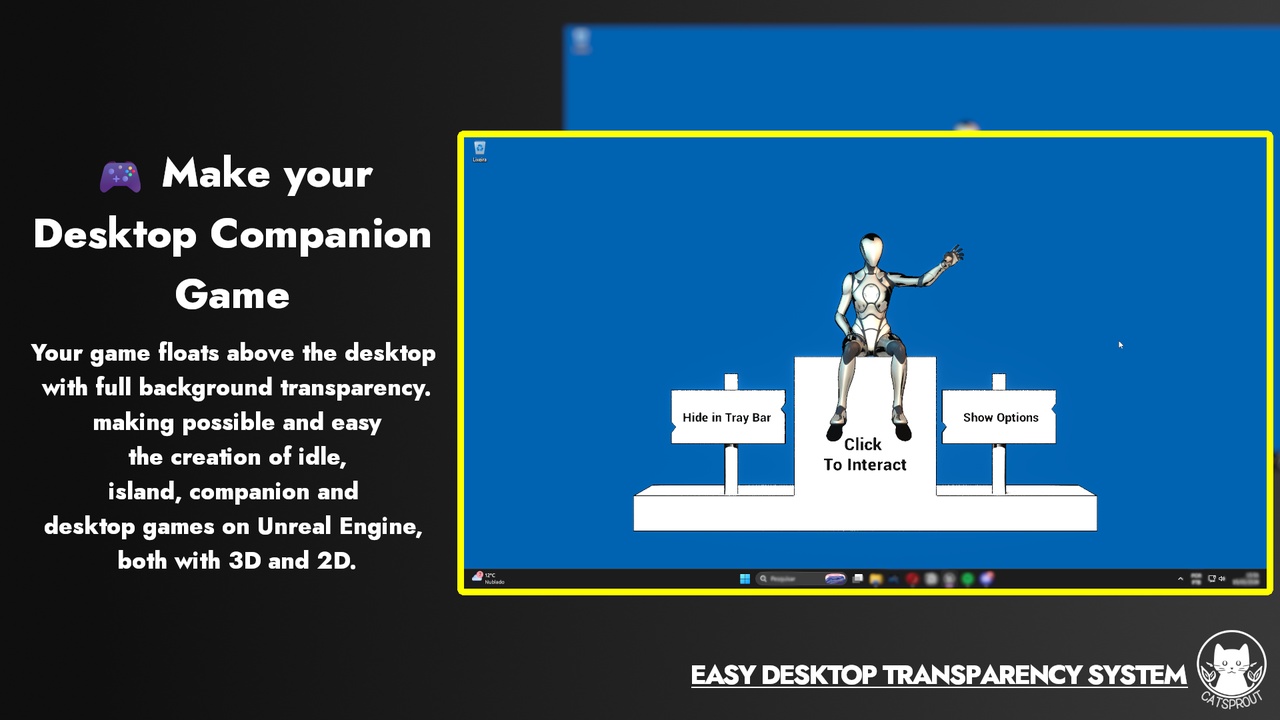
Easy Desktop Transparency System is a game ready to use plugin that enables to make desktop games with full transparency, making possible and easy the creation of idle, island, companion and desktop games on Unreal Engine, both with 3D and 2D.
Build desktop-pet and idle overlay apps in Unreal Engine 5 using transparent windows, click-through, global input detection, child windows, and system tray. All exposed to Blueprints, easy and fast to use.
Easy Desktop Transparency System is the complete toolkit for building desktop games and applications, from pet and idle companions to desktop games that sit in your desktop and make company to the player. Make your window fully transparent, float it over the desktop, detect input to use in your game and build multi-window UIs, all nodes exposed to blueprint, quick and ready to use.
This plugin combines window transparency, per-pixel click-through, global input detection, multi-window management, and system tray support in one fully Blueprint-exposed package.
🎮 What Can You Build With This?
Desktop Games - Games that sit at the side of your screen while your work
Desktop pet companions - characters that live on your screen while you work
Idle / clicker games - characters that react to how actively the player uses their computer
Overlay tools - transparent HUDs that float over other applications
Live wallpaper apps - using the included Desktop Background mode
Multi-panel desktop apps - with independent draggable child windows
✨ Key Features
🪟 Transparent Window - Makes the game window background fully transparent using DWM (Desktop Window Manager). Anything not rendered in your scene becomes see-through, showing the desktop and other apps behind it. Powered by DirectX 11 alpha channel output.
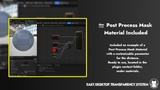
🖱️ Smart Click-Through - Per-pixel click-through using raycasting - mouse events pass through transparent areas to windows behind your app, but are captured normally on your 3D objects and UI widgets. No configuration required beyond enabling it and setting the transparency with post process.
⌨️ Global Input Detection (Even Without Focus) - Detect keyboard presses and mouse activity, even when your app is not the active window. Fires a bindable Blueprint delegate with the exact key pressed, whether it's held, and whether it's keyboard or mouse. Perfect for idle mechanics - make your character react when the player is typing for example.
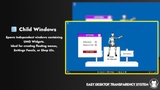
🪟 Child Windows - Spawn independent OS-level windows from inside your game at runtime. Each child window is a real Windows window with its own transparency, drag, and resize support. Pass any UMG widget into it. Ideal for settings panels, shop UIs, and floating menus that stay put while the main game window moves.
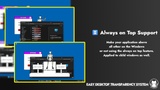
📌 Always on Top + Draggable - Keep your window above all other apps. Let players click and drag it anywhere on the screen - including across multiple monitors. Snap to corners on startup with a single node.
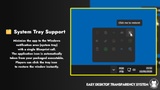
🗂️ System Tray Support - Minimize the app to the Windows notification area (system tray) with a single Blueprint call. The application icon is automatically taken from your packaged executable. Players can click the tray icon to restore the window instantly.
🖼️ Desktop Background Mode - Parent the game window to the Windows WorkerW layer to behave exactly like a live wallpaper, rendered beneath all icons and windows. Perfect to create custom and interactive wallpapers.
📐 Windows Representation Component - An Actor Component that generates 3D procedural mesh geometry representing real desktop windows detected on the system. Use it to make game characters physically react to other open apps on the desktop.
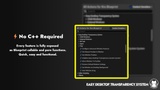
⚡ Blueprint Nodes - No C++ Required
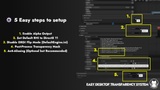
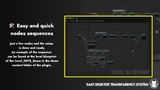
Every feature is fully exposed as Blueprint callable and pure functions. The entire setup from initialization to input binding takes under 10 nodes. One delegate (On Global Input) replaces dozens of per-frame checks with a clean event-driven system.
Required Engine Plugins: This product depends on the Procedural Mesh Component plugin, which is included with Unreal Engine and will be automatically enabled when this plugin is installed.