Descrição
QuickDrop - Level Designer Viewport Palette
The Ultimate Viewport-Anchored Asset Palette & Drag-and-Drop Workflow Accelerator for Unreal Engine 5
📌 Executive Summary
QuickDrop is a high-performance C++ Editor Module engineered specifically for Level Designers, Environment Artists, and World Builders. It embeds a responsive, non-intrusive asset palette directly inside your Unreal Engine 5 Level Viewport, eliminating constant Content Browser searching and tab-switching.
Whether you are kitbashing environments, placing props, or staging complex levels, QuickDrop keeps your essential assets right at your fingertips with zero performance impact.
🌟 Key Features
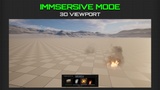
1. Viewport-Anchored Glass Palette • Non-Intrusive Overlay: Sits seamlessly at the bottom of your active Level Viewport without blocking outliner or details panels. • One-Click Minimize/Expand: Instantly collapse the widget into a sleek pill icon when you need an uncluttered view of your scene.
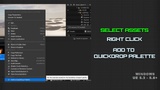
2. Dual-Tab Architecture (Pinned Palette vs. Recent Assets) • PINNED PALETTE Tab: Manually bookmark your favorite meshes, Blueprints, lights, Niagara systems, and audio assets for instant reuse. • RECENT ASSETS Tab: Automatically tracks your 20 most recently placed assets in Most Recently Used (MRU) order. • Strict Decoupling: Right-clicking "Add to QuickDrop Palette" exclusively populates your Pinned tab, preventing unintended clutter in your Recent Assets history.
3. Native 3D Drag-and-Drop Placement • Left-click and drag any tile directly into the 3D level viewport to spawn actors instantly. • Supports native Unreal Engine surface snapping, normal alignment, and full Undo/Redo (Ctrl+Z) transaction history.
4. Dynamic Responsive Reflow & Pagination • Auto-Calculating Page Capacity: Automatically recalculates visible slot tiles based on viewport width (e.g., when opening/closing details panels). • Chevron Page Controls: Smooth page navigation with real-time indicators (Page 1 of N).
5. Zero-Lag VRAM Thumbnail Pool • Leverages a shared FAssetThumbnailPool (size 16) to render high-fidelity asset thumbnails without loading full UObject assets into system memory. • Uses lazy soft object paths (FSoftObjectPath) to ensure zero performance impact during editor startup.
6. Per-User Non-Conflict Configuration • Configuration settings are stored exclusively in Saved/Config/QuickDropUser.ini. • Completely isolated from version control (DefaultEngine.ini), ensuring team members sharing Git, Perforce, or SVN never overwrite each other's custom palette setups.
⚙️ Technical Specifications & Links
• Supported Engine Versions: Unreal Engine 5.3, 5.4, 5.5, 5.6, 5.7, 5.8 • Plugin Category: Editor Utilities / Level Design • Module Type: Native C++ Editor Module (EditorNoCommandlet) •
Target Platforms: Windows (Win64), macOS, Linux •
Asset Support: Static Meshes, Skeletal Meshes, Blueprints, Lights, Niagara Systems, Sound Cues/Waves, Volumes
• Memory Footprint: Near 0 MB RAM overhead (Soft referencing + Shared Thumbnail Pool)
• Configuration Path: Saved/Config/QuickDropUser.ini (Per-user non-versioned)
•Documentation
URL: https://docs.google.com/document/d/14gWzJoPkK6c0uT7dGD32WWYTXv_eoaCcYt-2wCGgIKA/edit?usp=sharing •
Support Contact: [email protected]
Tutorial: https://youtu.be/sZ1LGYEP09k
🛠️ Quick Start & Usage Guide
Pinning Assets: Right-click any asset in the Content Browser -> Select "Add to QuickDrop Palette".
Placing Assets: Left-click any slot tile in QuickDrop and drag it directly into your 3D viewport.
Switching Views: Click PINNED PALETTE or RECENT ASSETS at the top left of the viewport bar.
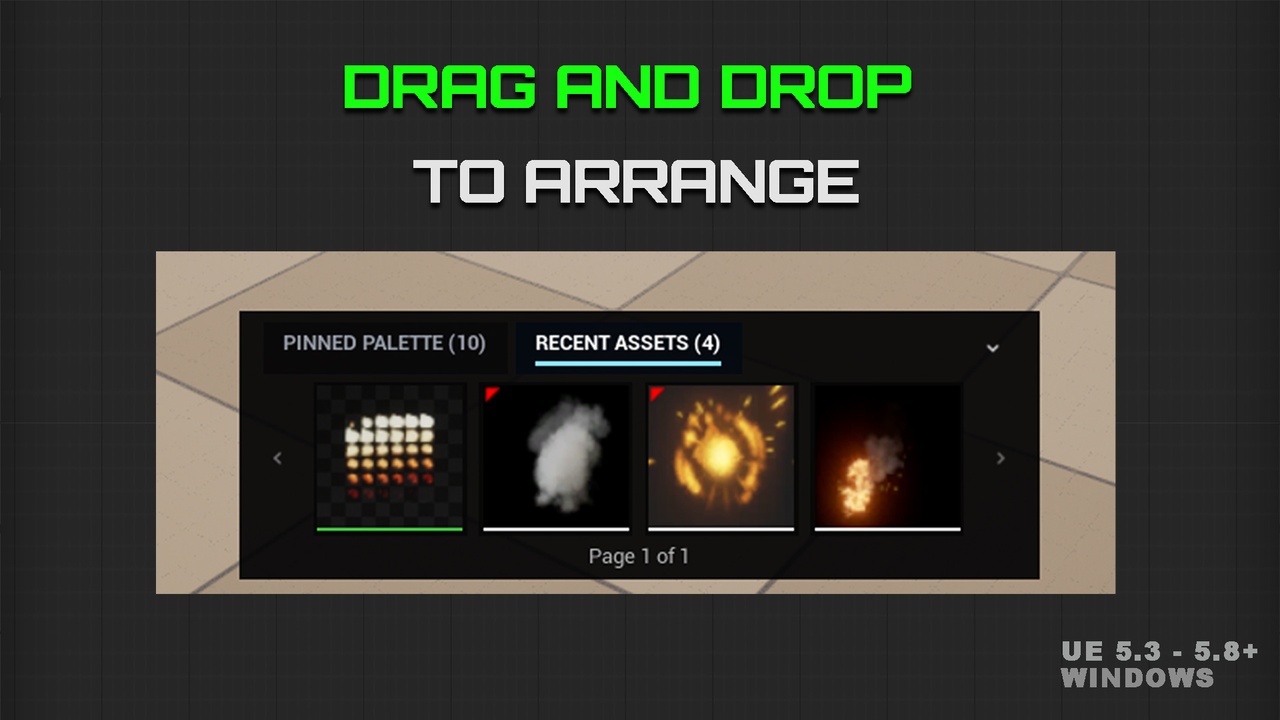
Reordering Tiles: Drag any tile horizontally within the palette to customize your pin order.
Removing Assets: Hover over any tile and click the [X] icon.
Platform
Windows
Supported Versions:
UE 5.3 - 5.8+
Copyright © 2026 Ateeque Rehman. All Rights Reserved.