الوصف
UAsset Tagger is an editor plugin for Unreal Engine that adds a clearer way to organize content libraries. It lets you define shared categories and tags for the project, apply those tags to assets, and use them later to search and filter the Content Browser without depending only on folder structure or asset names.
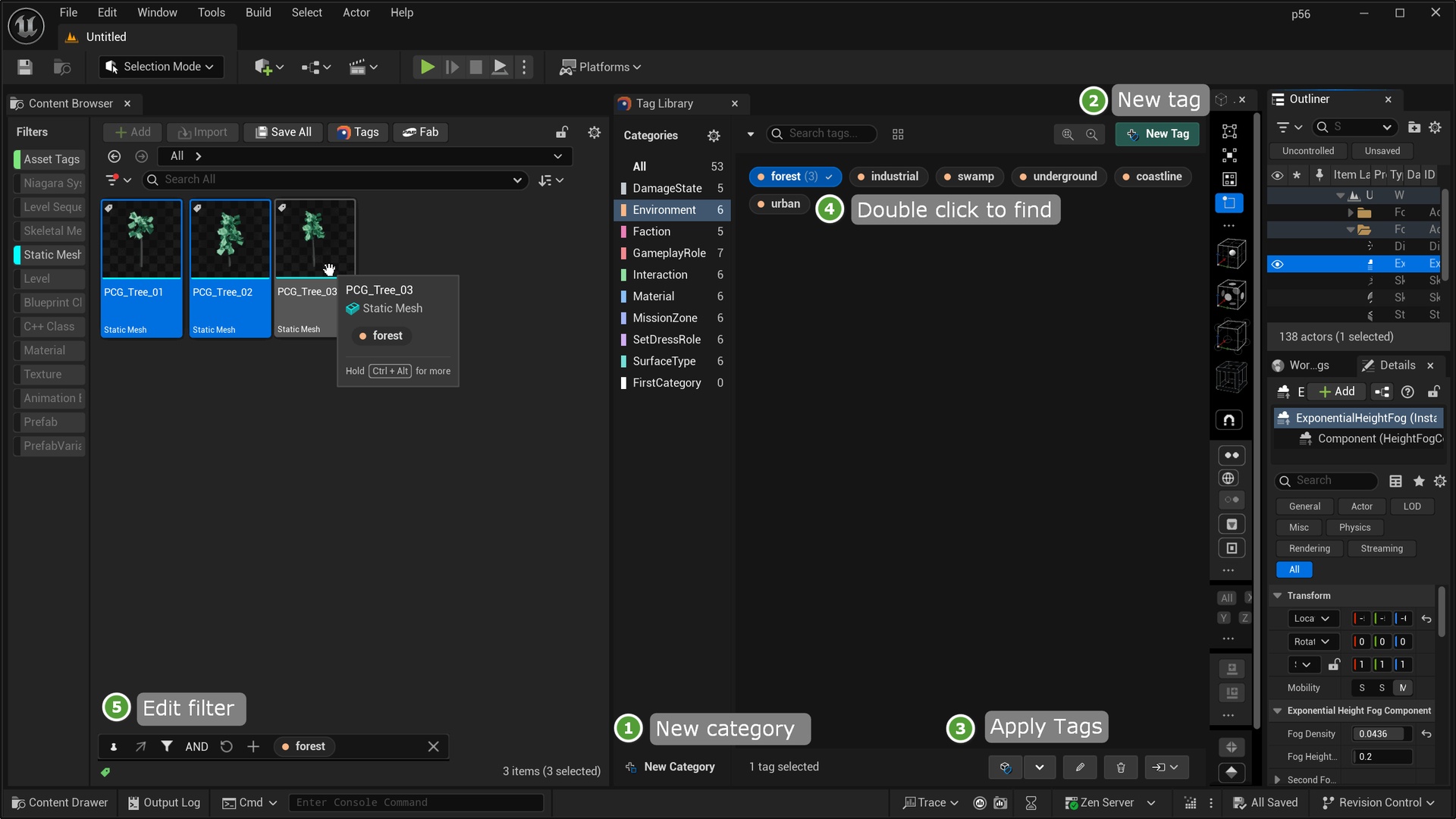
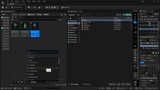
The core workflow starts with a centralized Tag Library. From there, the plugin plugs into normal editor use through asset context menus, a compact Tag Picker, thumbnail overlays and tooltips, and a live Filter Bar. The goal is simple: make tags easy to manage, easy to apply, and easy to use when you need to find assets again.
Key features
Centralized Tag Library for project-wide category and tag management
Asset tagging from the Tag Library, asset context menus, the Tag Picker
Tag-based search in the Content Browser
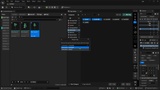
Live Filter Bar with AND/OR match modes and filter state controls
Thumbnail overlays and tooltip chips for quick tag inspection
Library Issues panel for unregistered, invalid, or unsupported categories
Metadata-backed editor workflow for asset organization inside Unreal Editor
Getting started
Enable the plugin in your Unreal project.
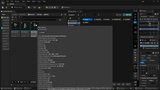
Open the Tag Library from `Tools > Nate's Tools > UAsset Tagger`, the optional `Tags` toolbar button, or `Tagging > Tag Library...` from an asset context menu.
Create a category, then add one or more tags to it.
Select one or more assets and apply the tag you want.
Save the tagged assets so the metadata is written to disk.
Double-click a tag or use the Filter Bar to find matching assets in the Content Browser.