설명
Links
Demo Video (YouTube): https://youtu.be/j2EUVh13loA
Setup Guide (PDF): https://drive.google.com/file/d/1LOJSm1mzqDnWNNJpINe-8wVzefBs8UVz/view?usp=sharing
DataTable Structure Guide (PDF): https://drive.google.com/file/d/1VBNp_ppXOlm6dPeUFFb8lTW7bhbAqO9x/view?usp=sharing
Short Description (for search/preview card)
Pure C++ loot & item drop system with DataTable-driven drop tables, rarity-based visuals, and dual pickup modes. Zero hard dependencies on any inventory or input system.
Full Description
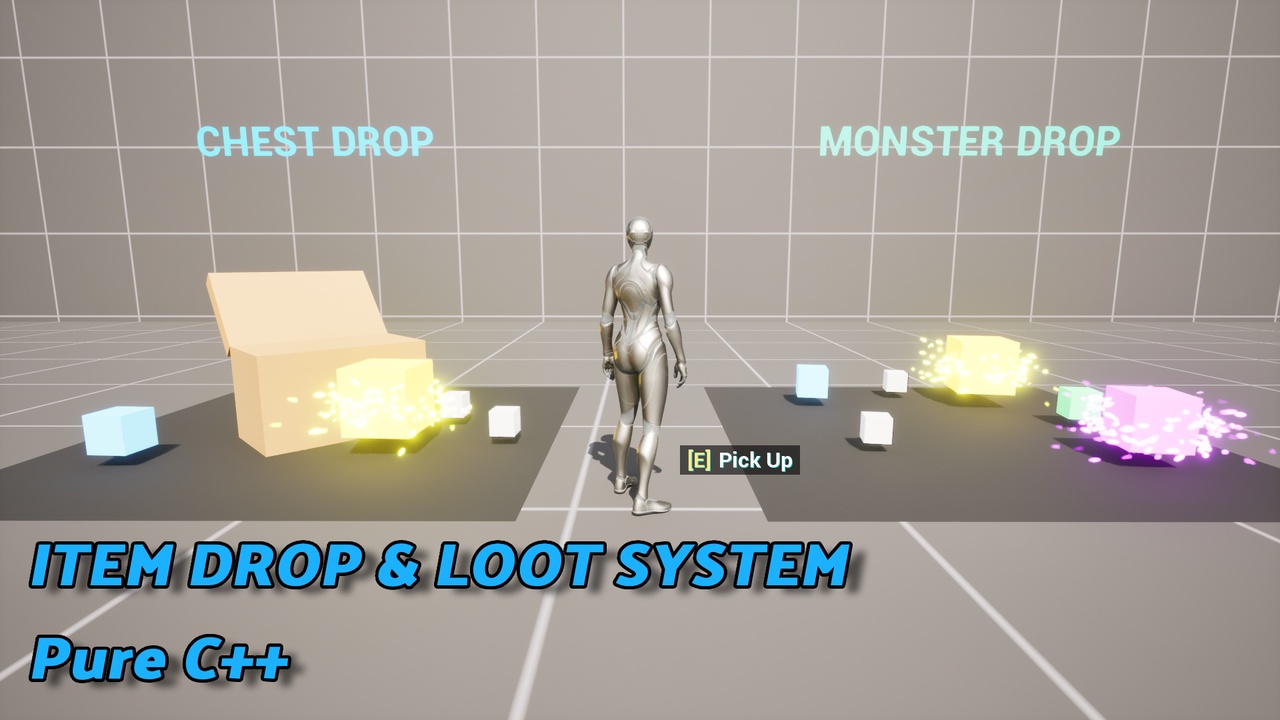
Item Drop & Loot System is a lightweight, DataTable-driven loot and item pickup framework built entirely in Pure C++. Attach one component to any actor — a monster, a chest, a breakable crate — and you have a fully working drop system with independent per-item probability rolls, five rarity tiers, and world-space pickups that work out of the box.
KEY FEATURES
Core Drop Logic
ULootTableComponent — attach to any Actor, no base class requirements
DataTable-driven drop tables (ItemID, drop chance, min/max quantity, rarity)
Independent probability roll per item — not a single weighted pick
Max Drop Count with unbiased shuffle-based limiting
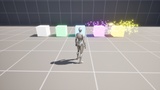
Five rarity tiers: Common, Uncommon, Rare, Epic, Legendary
Ring-based random spawn positioning around the source actor
Automatic despawn timer for unpicked items
No assumptions about your trigger method — call RollAndSpawnLoot() from death, chest-open, or any custom event
Flexible Pickup SystemAuto-pickup on overlap (walk into it, it's yours)
Manual pickup via TryManualPickup() — works with Enhanced Input, legacy input, or any input system you use, with zero hard dependency
Both modes can run simultaneously on the same item
Built-in "[E] Pick up?" HUD prompt that tracks multiple nearby items correctly
Rarity-Driven VisualsPer-rarity Static Mesh, Material, Scale Multiplier, and Niagara VFX — four independent maps, set only what you need
Optional idle rotation and floating animation (ticks only when enabled — the rest of the plugin stays Zero-Tick)
Pickup NotificationsQueued Toast HUD notification system — rapid multi-pickups display cleanly one at a time instead of overlapping
Inventory-Agnostic by DesignNo bundled inventory system — IItemReceiverInterface lets you plug into whatever inventory you already own
A working reference implementation (UItemDropDemoInventoryComponent) ships with the demo character
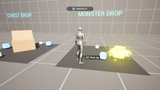
Full Demo IncludedTwo demo scenarios: a chest whose lid opens upward on a hinge (Timeline-driven rotation) with a glow color change, and a monster with randomized roll-and-slide death animation
Enhanced Input–based demo character (movement, camera, jump, pickup)
Fully documented DataTable examples
TECHNICALPure C++, no Blueprint-only logic in core systems
UE 5.4 – 5.7
Win64
The plugin build depends on the built-in Enhanced Input plugin (enabled by default since UE 5.4), used by the demo character. Core plugin classes (ULootTableComponent, AItemPickupActor, etc.) never call any input-system API directly — TryManualPickup() is a plain function you call from whatever input system you use.
The plugin build also depends on the built-in Niagara plugin (enabled by default in UE 5.4+), used for the optional per-rarity VFX slot (Rarity Niagara Effects). No VFX assets are bundled — you assign your own Niagara System.
Single-player focus; replication not included in this version
Supported Platforms
Win64
Supported Engine Versions
5.4, 5.5, 5.6, 5.7