Descrizione
Export your Unreal Engine Blueprint execution flow as AI-readable Markdown with a single right-click.
📺 Youtube: https://youtu.be/z8hN0PNVNTU
Features:
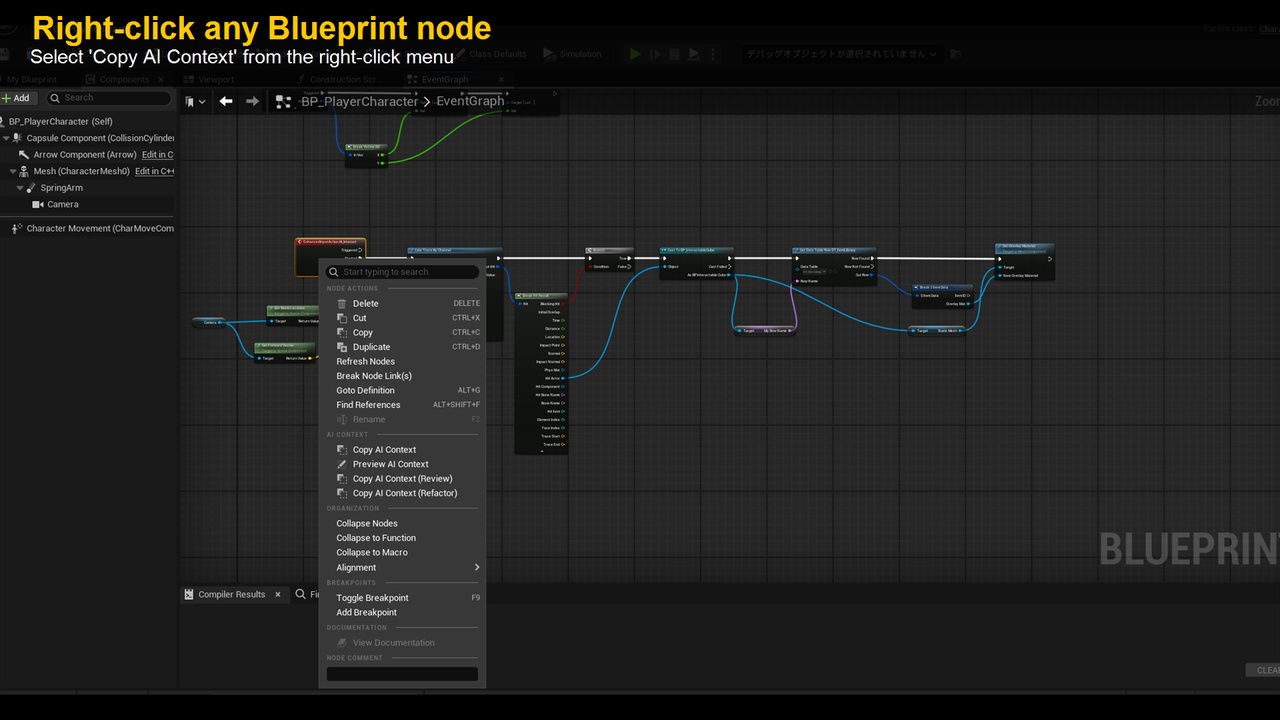
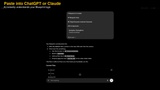
Right-click any Blueprint event node → Copy AI Context
Exports full execution flow including variables, types, branches, casts, and loops
Supports EnhancedInput, Macros, Timelines, Async nodes, and more
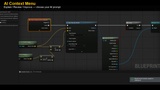
Built-in prompts: Explain / Review / Improve / Custom Templates
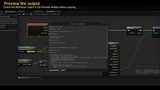
Preview window to check output before copying
Japanese/English UI auto-detection
No C++ required — Blueprint-only projects supported
Compatible with UE 5.4 / 5.5 / 5.6 / 5.7 / 5.8
How to use:
1. Copy the plugin into your project's Plugins folder and enable it in Edit → Plugins
2. Right-click an event node in the Blueprint editor
3. Select "Copy AI Context"
4. Paste into ChatGPT, Claude, or any AI tool