

설명
BREAKING UPDATE - BACK UP BEFORE UPGRADING
BREAKING UPDATE - BACK UP BEFORE UPGRADING
Upgrading from the legacy DSM release requires integration changes and save migration. Do not replace the plugin in a live project without a backup and migration testing.
Legacy .sav and format-1 .dsav saves cannot be loaded by this release. No automatic migration is included. Preserve the old plugin and saves; use a separate migration or begin a new save.
Update your Blueprint flow: use the subsystem with explicit New Game, Continue and Save requests. Do not rely on the old DSM startup behavior.
Switching UObjects from path-based saving to explicit Save IDs requires record migration. Old path-based records are not automatically matched to the new IDs.
The 1.3.1 UObject interface addition retains the existing format-2 file format and legacy path-based support. It does not itself invalidate all 1.3.0 saves.Test the upgrade in a copy of your project before shipping it to players.
ROLLBACK DOWNLOADS - PREVIOUS VERSION
UE 5.4 rollback | UE 5.5 rollback | UE 5.6 rollback
For rollback, restore your matching pre-upgrade project and save backups. These downloads do not convert newer saves back to the older format.
Documentation | Legacy tutorial
Dynamic Save System 1.3.1
Build save and load flows in Blueprints using a persistent GameInstance subsystem. Choose when to Start New Game, Continue Game, or Save Game. No placed DSM actor or replacement GameInstance is required; your game controls level travel and initialization.
Features
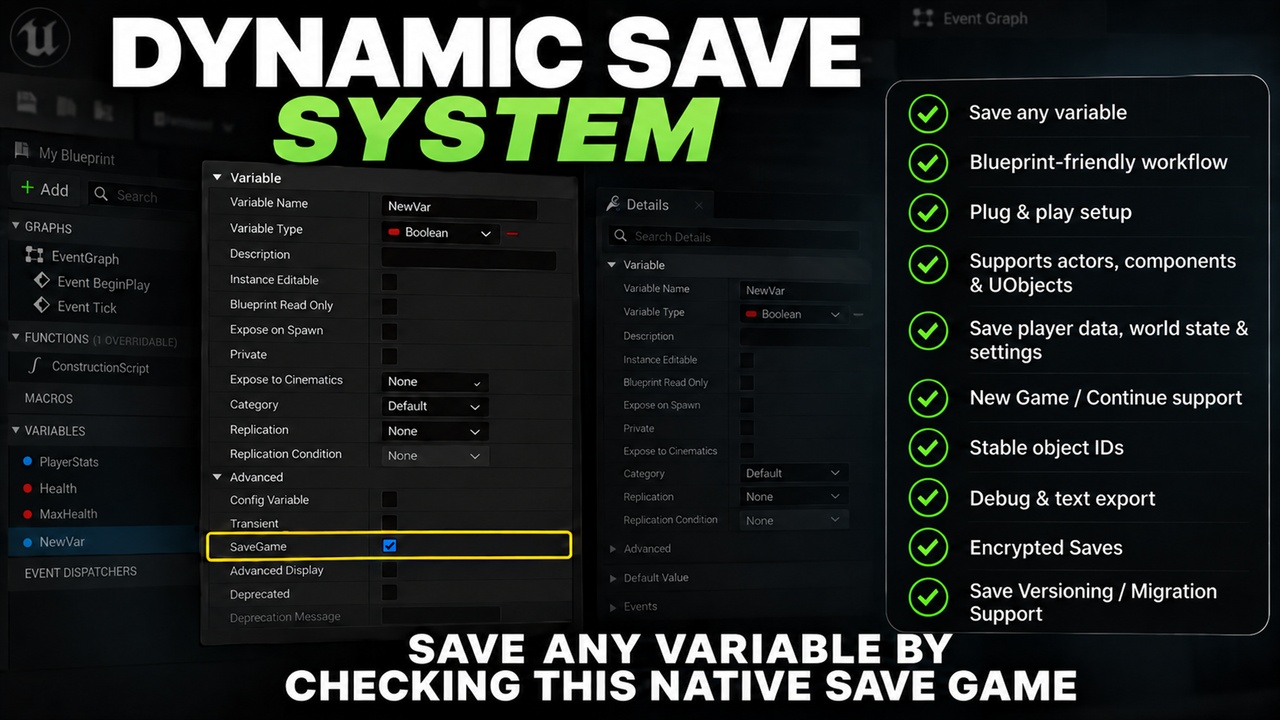
Actor and component saving: add Dynamic Save Component and mark the properties you want to preserve with SaveGame. Track transforms, hidden state, and destruction state.
UObject saving: implement Dynamic Save Object, return a stable per-instance Save ID, and register each initialized object. Existing registrations restore on Continue; later registrations restore matching cached data when they become available.
Explicit object control: Register Save Object, Unregister Save Object, Restore Object, and On Data Restored support object initialization and restoration workflows. Duplicate live IDs are rejected, and repeat registration preserves current values.
Cross-level records: the subsystem retains cached records across level travel. Your game recreates runtime instances with matching identities and chooses when to write to disk.
Slot tools: save, continue, copy, rename, and delete slots; attach display names, playtime, custom metadata, and optional thumbnails.
Debugging: inspect cached actor/object identifiers and component records with a Development overlay, filtering, paging, and full text dumps.
Storage & Security options: compression, optional AES encryption, checksum validation, and a built-in user settings class. Blueprint APIs and C++ source are included.
Migration: legacy .sav and format-1 .dsav saves require a separate migration.
Switching existing path-based UObject records to explicit Save IDs also requires migration.
Back up existing saves and follow the current documentation; the linked older tutorial uses the legacy actor setup.