







Descrizione
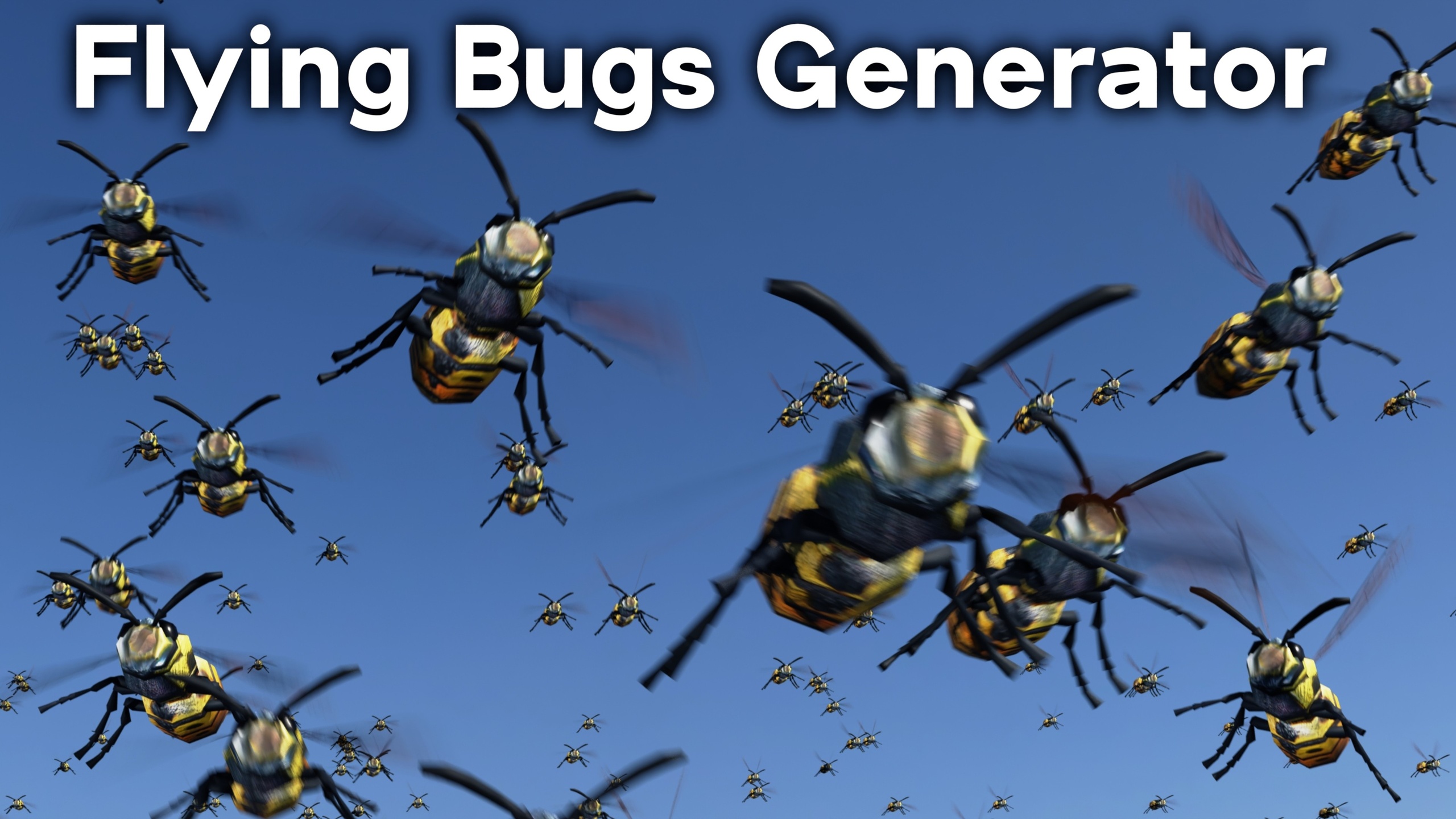
Flying Bugs Generator, powered by Geometry Nodes in Blender. 🐝
Watch the Product Trailer here.
Geometry Nodes:
The bug generators are created with Geometry Nodes. Each bug generator comes with custom values on the modifier properties to control the bugs, like the amount of bugs, distance from center, noise movement settings, bugs scale, bugs speed, rotation speed, animation along the curve, and more custom settings.
Asset Browser Ready:
All of the bug generator objects are pre-setup as assets in Blender's asset browser. Just setup the asset library in Blender's user preferences, and you can then drag and drop any of the bug generators into your 3d scenes from the asset browser.
Bug Models:
The product comes with many different low poly pre-animated textured bug 3d models. The geometry nodes uses the bug collections to randomly generate bugs. The bugs are low poly so that you can add many bugs without lagging the scene.
Bug Types:
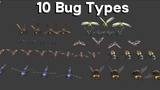
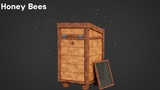
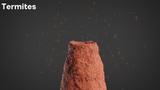
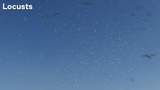
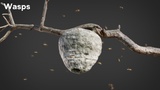
The product comes with 10 different bug types: Flies, Honey Bees, Locusts, Gnats, Moths, Bumble Bees, Wasps, Mosquitos, Fireflies, and Termites.
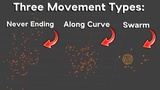
Movement Types: Each type of bug comes with three different movement type:
● Swarm: The bugs fly around the geometry of the mesh. You can edit the mesh in edit mode to control where the bugs fly.
● Along Curve: The bugs follow a curve, and you can manually animate a chosen amount of bugs along the curve. You can also edit the curve handles in edit mode to control the direction.
● Never Ending: The bugs also follow a curve, but this type generates an endless amount of bugs along the curve.
Rendering:
The product works great in both Cycles and Eevee. Its highly recommended to turn on motion blur for more realism, since bugs usually fly pretty fast for there size.
Contents:
● Blender File with all 30 Bug Generators
● Low Poly Bug 3d Models - in Blender File
● 10 Bug Image Textures
● Asset Thumbnail Images
Tutorial:
To learn how to make a swarm of flies, you can watch the tutorial here.