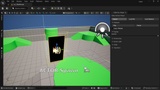
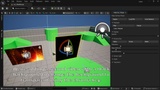
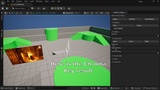
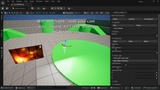
説明
Video Surface Player Plugin
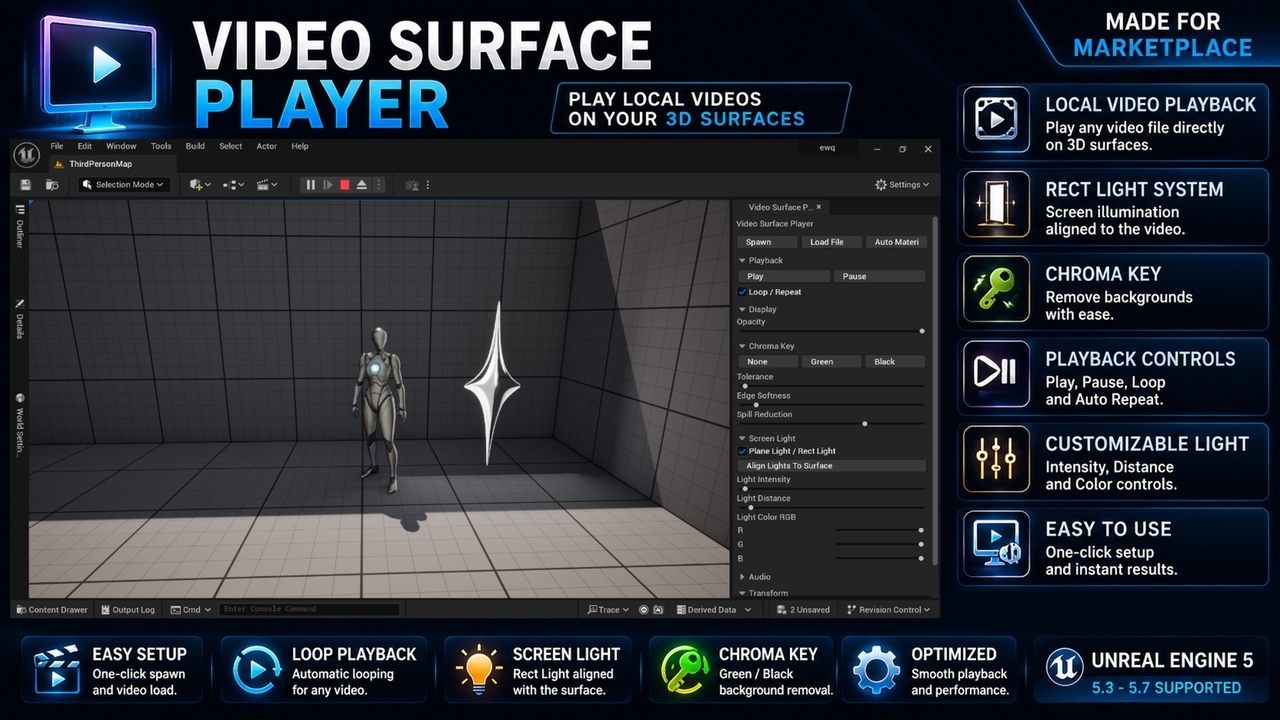
Video Surface Player Plugin is a lightweight loop video playback tool for Unreal Engine that allows you to display continuously repeating video content on in-world surfaces using a simple editor workflow.
Load local video files, place video screens inside your level, control playback, use automatic looping, chroma key background removal, opacity controls, screen lighting, and proximity audio.
Designed for continuously looping video screens, monitors, billboards, digital signage, control panels, holographic displays, information displays, and ambient environment screens.
Suitable for environment art, virtual production, cinematic scenes, visualization projects, simulation projects, architectural visualization, sci-fi environments, and interactive display systems.
Built for Unreal Engine 5 editor and runtime workflows.
VideoFile shown in preview media are for demonstration purposes only and are not included with this plugin.
Documentation
VIDEO
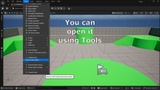
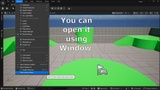
Open the plugin from:
Tools → Video Surface Player
Window → Video Surface Player
Supported Engine Versions: Unreal Engine 5.3, 5.4, 5.5, 5.6, 5.7
Required Plugins / Dependencies
This plugin uses Unreal Engine Media Framework and requires the following Unreal Engine plugins to be enabled:
• MediaPlayerEditor
• MediaFrameworkUtilities
• WmfMedia
• ElectraPlayer
These plugins are used for media file selection, media playback, video decoding, and Unreal Engine video surface playback support.
Main Features
• Local video playback
• In-world video screens
• One-click video surface creation
• Video material auto generation
• Video playback controls
• Play system
• Pause system
• Loop playback
• Automatic looping playback
• Volume control
• Video aspect ratio fitting
• Automatic video sizing
• Screen transform controls
• Reset size system
• Reset transform system
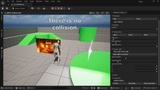
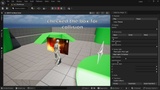
• Collision enable / disable
• Runtime playback support
• Play In Editor support
• Editor workflow integration
• Compact user interface
• Production-ready workflow
Chroma Key System
Remove video backgrounds directly inside Unreal Engine.
Includes:
• Green Screen Removal
• Black Background Removal
• Chroma Key Tolerance Control
• Edge Softness Control
• Spill Reduction Control
Useful for holograms, character projections, floating displays, advertisements, virtual production, ambient displays, and visual effects.
Screen Lighting
Create realistic screen illumination directly from video displays.
Includes:
• Rect Light System
• Enable / Disable Light
• Light Intensity Control
• Light Distance Control
• RGB Light Color Control
• Dynamic Display Illumination
Perfect for monitors, televisions, kiosks, billboards, holograms, terminals, and digital signage.
Audio System
Integrated video audio playback.
Supports:
• Playback Volume Control
• Proximity Audio
• Distance-Based Sound Attenuation
• Runtime Audio Playback
• In-World Screen Audio
Audio automatically becomes louder when approaching the screen and quieter when moving away.
Video Controls
Includes interactive playback tools:
• Play
• Pause
• Loop Playback
• Automatic Video Restart
• Runtime Playback Management
Workflow
Spawn a Video Surface Actor.
Load a local video file.
Adjust display size automatically.
Configure chroma key settings if needed.
Configure audio and lighting.
Place the screen anywhere in the level.
Play the video.
The entire workflow is designed for fast scene integration and minimal setup.
Perfect For
• Looping video billboards
• Digital signage
• Television screens
• Computer monitors
• Information displays
• Advertising screens
• Control rooms
• Sci-fi interfaces
• Cyberpunk environments
• Holographic projections
• Virtual production
• Ambient environment screens
• Information terminals
• Security monitors
• Simulation projects
• Training projects
• Architectural visualization
• Museum displays
• Exhibition projects
• Interactive environments
• Environmental storytelling
Included Systems
• Video Surface Actor
• Video Playback System
• Playback Control Interface
• Chroma Key System
• Rect Light System
• RGB Lighting Controls
• Proximity Audio System
• Video Aspect Ratio System
• Collision Control System
• Auto Material Generator
• Runtime Playback Support
• Editor Workflow Integration
Optimized Workflow
The plugin is designed as a lightweight editor and runtime video display solution built on Unreal Engine media systems and optimized for continuously looping video playback.
This provides:
• Fast setup
• Stable playback
• Predictable results
• Clean workflow
• Easy scene integration
• Large project support
• Production-ready usability
Production Ready
Built for:
Unreal Engine 5 production pipelines
environment art workflows
virtual production workflows
technical art workflows
interactive installations
architectural visualization
simulation development
marketplace asset creation
indie game development
large-scale production projects
digital signage systems
looping display systems
No Blueprint setup required.