




Descrizione
Connect Claude, Cursor, and other AI assistants to your UE5 editor. Place actors, edit properties, and trigger Blueprints through natural language.
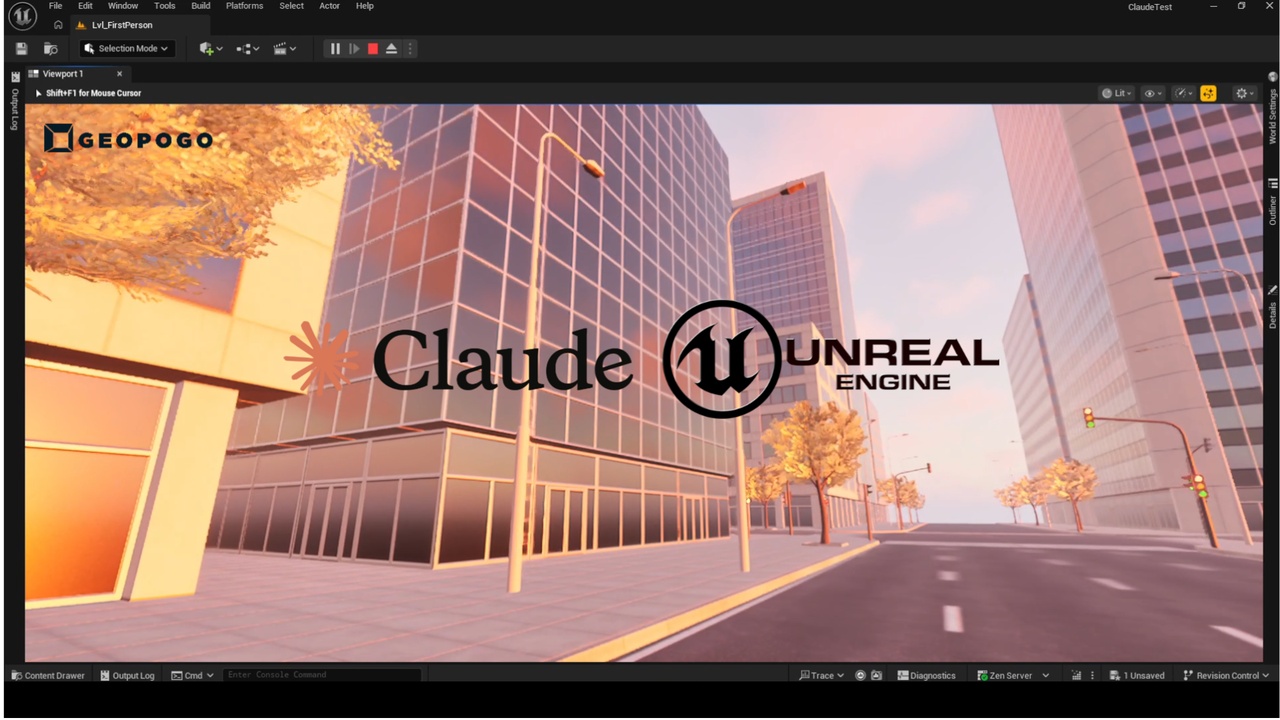
MCP Bridge turns your AI assistant into a real-time Unreal Engine 5 co-pilot. Using the open Model Context Protocol (MCP) standard, it connects tools like Claude Desktop and Cursor directly to your UE5 editor — so you can describe what you want and watch it happen.
No scripting. No copy-paste. Just talk.
What You Can Do
Place actors — "Spawn a point light 200 units above the player start"
Modify properties — "Set the intensity of all lights in the level to 5000"
Transform objects — "Move the rock mesh to X=400, Y=0, Z=50 and rotate it 45 degrees"
Trigger Blueprints — "Call the OpenDoor function on BP_Door_01"
Manage your level — "List all actors, hide the ones named Temp_, then save the level"
Run console commands — "Enable stat fps"
Discover anything — "Inspect StaticMeshActor_3 and show me all its editable properties"
How It Works
MCP Bridge includes a lightweight server bundled directly in the plugin — no separate download or npm install required. Install the plugin, click Start Server, click Configure for Claude Desktop (or Cursor), restart your AI client, and you're live.
The plugin communicates with UE5 through the built-in Remote Control API, which means it works with any project and any Blueprint — no custom C++ needed on your end.
Features
One-click server start/stop from inside UE5 (Window → MCP Bridge)
Automatic config generation for Claude Desktop and Cursor
15 AI tools covering actors, properties, transforms, Blueprints, levels, and console commands
Works with any UE5 project — no project-specific setup
Configurable via Editor Preferences (custom Remote Control URL, Node path, auto-start)
Supports remote UE5 instances (e.g. render farm nodes) via custom URL setting
Requirements
Unreal Engine 5.1 or later
No Node.js required. The plugin ships with a self-contained server executable - just install, click Start, and connect.
Remote Control API plugin enabled in UE5 (built-in, just needs to be switched on)
Claude Desktop, Cursor, or any MCP-compatible AI client
🎬 Video Showcase
https://youtu.be/rhOvp7CnUlM?si=xjctkWEQbMCMp6P5
Questions email us at: [email protected]