
Beschreibung
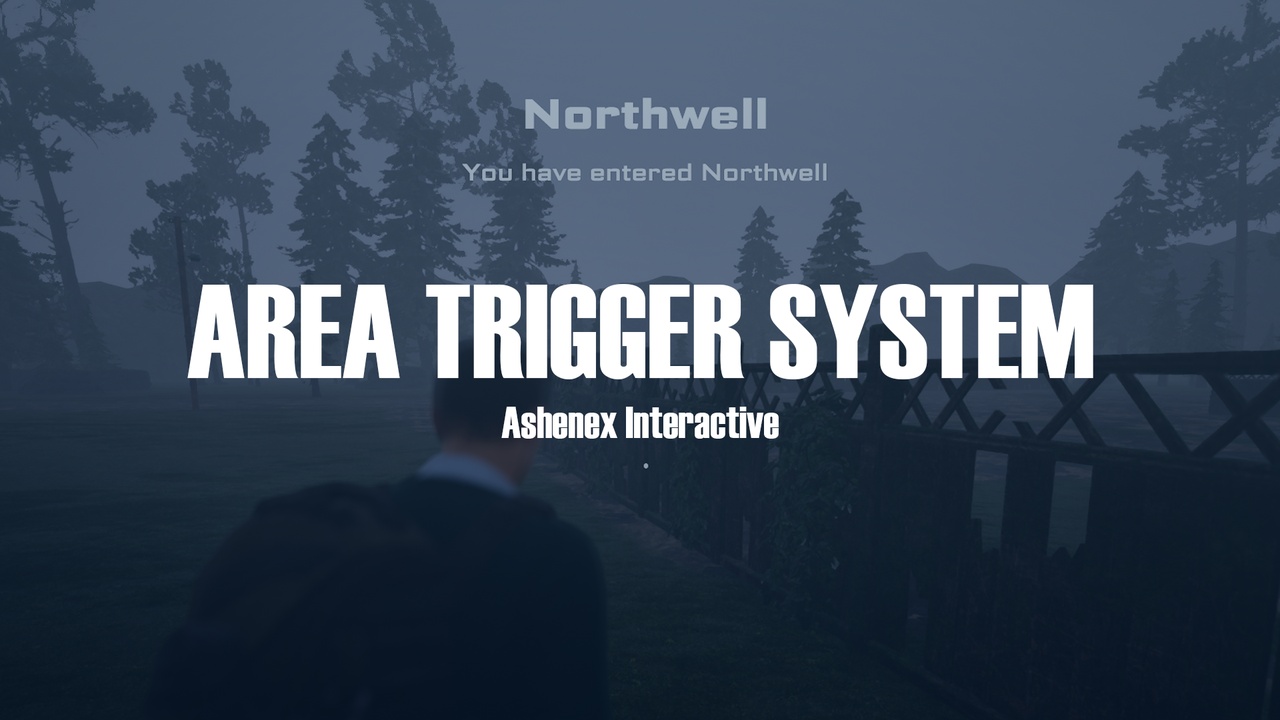
A lightweight, client-side Area Trigger UI system, designed to display contextual area information when a player enters a defined zone.
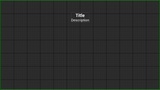
This system allows you to place box or sphere trigger actors in your level that show a customizable Area Title, Description and Reactivation Delay UI when the local player enters the trigger. The widget is fully client-only, ensuring clean behavior in multiplayer projects without unintended UI replication.
Built with simple and readable Blueprints, this pack is ideal both for production use and for developers who want to study, modify or recreate the system for their own projects.
Key Features
Client-side area trigger UI (no server UI replication)
Displays Area Title, Description, and Reactivation Delay
Configurable cooldown per trigger (widget only shows once per delay)
Supports Box Collision and Sphere Collision triggers
Multiplayer-safe: UI only appears for the triggering client
Minimal setup and lightweight logic
Clean, easy-to-understand Blueprint implementation
How It Works
Add the AreaTriggerComponent to your Player Controller
Place a BP_AreaTrigger_Box or BP_AreaTrigger_Sphere in your level
Configure the area data (title, description, delay)
When the local player enters the trigger, the UI appears
After activation, the trigger enters a cooldown before it can be shown again