

説明
Overview
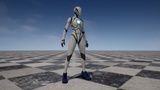
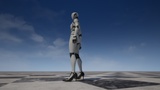
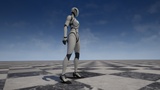
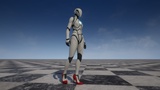
Showcase: High Heels for GASP
Showcase: HighHeelKit for MetaHuman X Lucy
QuickStart:UE5 High Heels + Foot Placement
Free playable demo HighHeelKit GASP
Free playable demo HighHeelKit for MetaHuman X Lucy
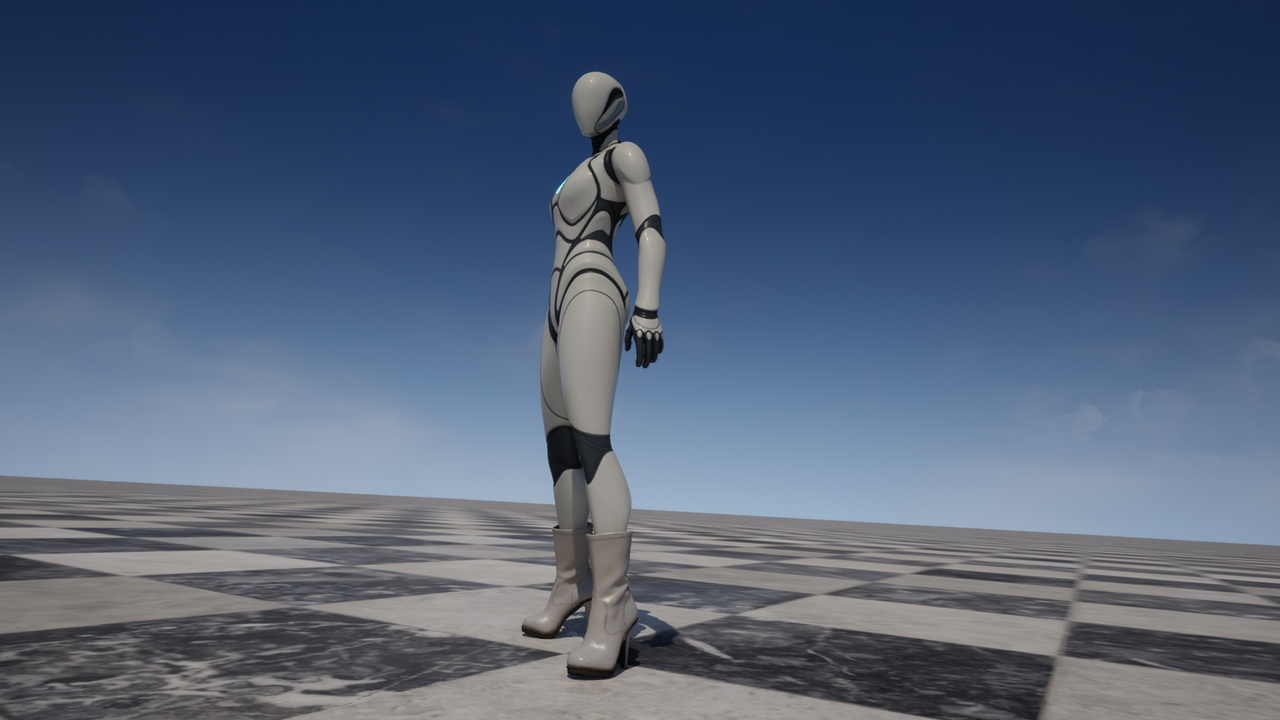
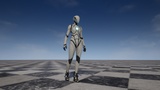
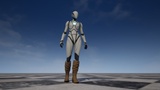
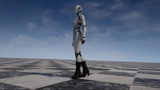
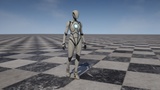
HighHeelKit applies a per-shoe foot posture (ankle + ball angles) to UE5 Mannequin
and MetaHuman characters through a post-process Animation Blueprint, so it layers on
top of ANY locomotion (GASP, Lyra, your own) without touching your animation graph.
Each shoe is a DataAsset preset an animator authors once; the system lifts the root
by the heel height so the foot stays planted on the ground.
New in 1.1.0 — native MetaHuman support
A second shoe set built for the MetaHuman skeleton, usable two ways:
- Drop-in — assign the DataAsset to the Footwear Component and the shoe is on.
Fixed size.
- Wardrobe / Outfit — the shoe resizes with your MetaHuman's body sliders.
Goes through Build.
Three one-click tools, all in the right-click menu:
- Setup HighHeelKit for MetaHuman — wires the post-process ABP onto the MetaHuman body
- Add MetaHuman Shoes to Wardrobe — adds the whole MetaHuman shoe set to a character
- Verify HighHeelKit Setup — a read-only checker that tells you exactly which step is
wrong, including level-instance overrides that silently win over the Blueprint
Documentation
HighHeelKit_SupportedSkeletons
Key features
- Data-driven and tunable: set ankle/ball pitch per shoe in a DataAsset. No runtime
clamping fights your authored poses.
- Anatomical angle limits: built-in ankle & ball clamps keep the foot inside its
natural range when walk / run / jump / attack is layered on top — no bone-snapping.
- Post-process AnimBP: works on top of any locomotion system, no graph edits.
- Grounded at any heel height: automatic root-lift keeps the foot planted; fades out
while airborne (e.g. ledge climbs) so hands still reach.
- Slope & crouch ground adaptation: a per-foot ground trace plus 2-bone leg IK keeps
each heel on ramps and uneven floors, and re-plants a foot when you crouch — no
sinking into slopes, no floating heel.
- Auto-scales to any body: the Mannequin-tuned defaults auto-fit each character's foot
size from its skeleton, so it looks right on any body type with no manual tuning.
- Runtime shoe switching: cycle footwear live (H / G demo binds, Enhanced Input). The
wardrobe is open-ended — add a DataAsset and a custom shoe joins the system, with no
limit on count.
- One-click ABP setup: right-click a SkeletalMesh → "Setup HighHeelKit" and the
post-process Animation Blueprint is assigned for you.
- Self-contained: ships its own UE5-Mannequin-compatible skeleton, post-process ABP,
materials and input actions. No dependency on in-project /Game/ paths.
What's included
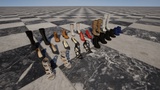
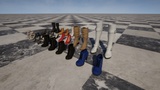
- 26 footwear meshes — 13 shoes x 2 skeletons (UE5 Mannequin / MetaHuman):
3 high heels, 5 boots, 3 long boots, 2 Roman sandals (open toe), + barefoot preset
- 27 FootwearPosture DataAsset presets
- 13 MetaHuman Wardrobe Items
- 1 post-process Animation Blueprint (ApplyFootwearPosture)
- 1 C++ runtime + editor module (Footwear component, AnimGraph node, one-click tools)
- 1 master material + material instances
- 2 Enhanced Input actions (next / previous shoe)
- 6 PDF documents
Free downloads — try before you buy
- Playable Demo (about 1.41 GB, no install): GASP traversal across all terrain,
13 pairs, press M to swap between Quinn and MetaHuman.
- MetaHuman Source Body project (about 0.87 GB): the MetaHuman shoes were modelled to
this body's foot — use it as the base for your wardrobe. This project does not
contain the plugin; install HighHeelKit first.
Compatibility
- UE 5.7 , 5.8 , Windows
- UE5 Mannequin skeleton (Manny / Quinn) — native
- MetaHuman — native (requires Epic's MetaHuman plugin)
- Other skeletons: works if foot/ball bone names map across (foot_l/r, ball_l/r) —
enter your own bone names in the Apply Footwear Posture node
- Tested with Game Animation Sample (GASP) locomotion
Dependencies
This plugin uses Unreal Engine's built-in Enhanced Input plugin (enabled
automatically) for the optional shoe-switching input demo. The MetaHuman shoe set
requires Epic's MetaHuman plugin. No third-party plugins required.
Support
- Email: [email protected]
- YouTube: https://www.youtube.com/@AnimsetWeaponMaster