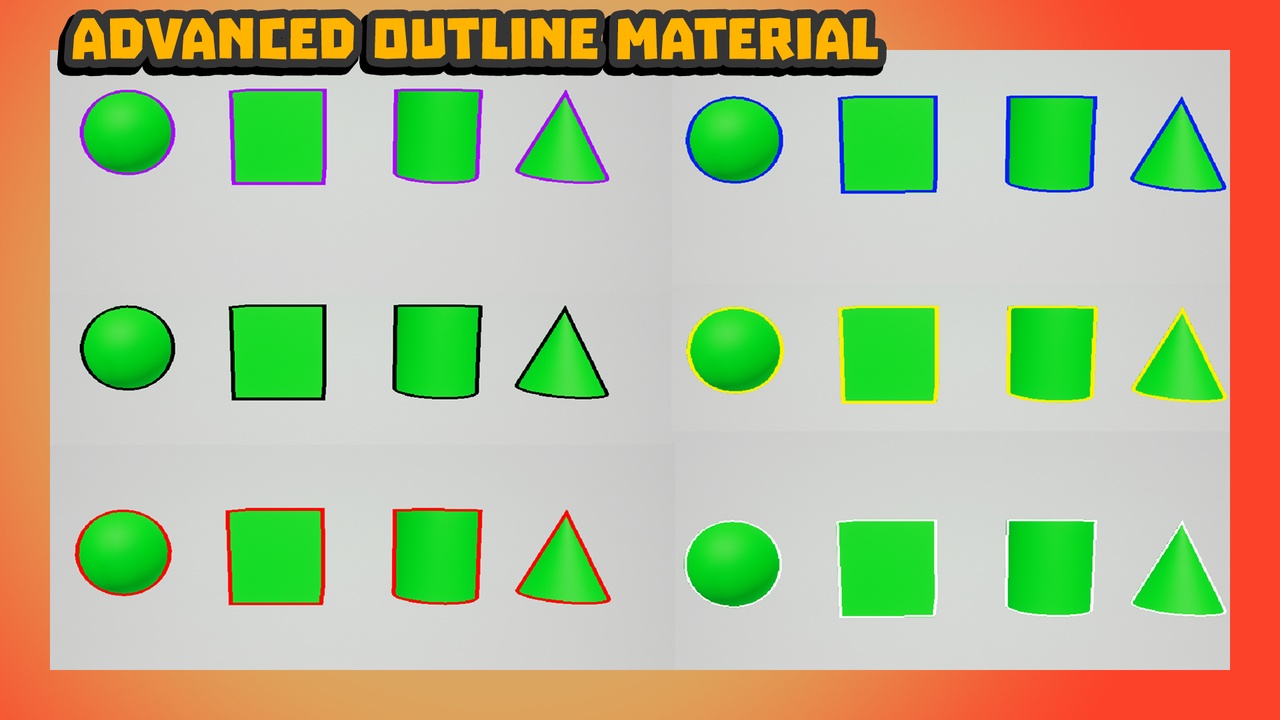
Description
Modular outline 5 different base colors! This pack comes with the master material as well so you can create material instances and make the outline whatever color and width you need.How to use it: Step 1: Place post process volume in the world or on your character.
Step 2: Type in the details panel infinite extent, then enable that.Step 3: Type in the details panel Post process materials. Press the drop down arrow. Press the + button to the right of " 0 Array Elements"
Step 4: Select Choose then press Asset Reference.
Step 5: Where it says None select which outline material you would like to use. Example: Mi_RedOutline.Step 6: Place a staticmesh or Skeletal mesh into the world or into a blueprint.Step 7: Select the mesh and in the detail panel type Render customdepth pass and enable.You will no see the object has an outline around it! (Note you will not see this inside of a blueprint only in the viewport or during gameplay)