
설명
▶ SHOWCASE | 🖹 DOCUMENTATION | 🎮OUR GAMES
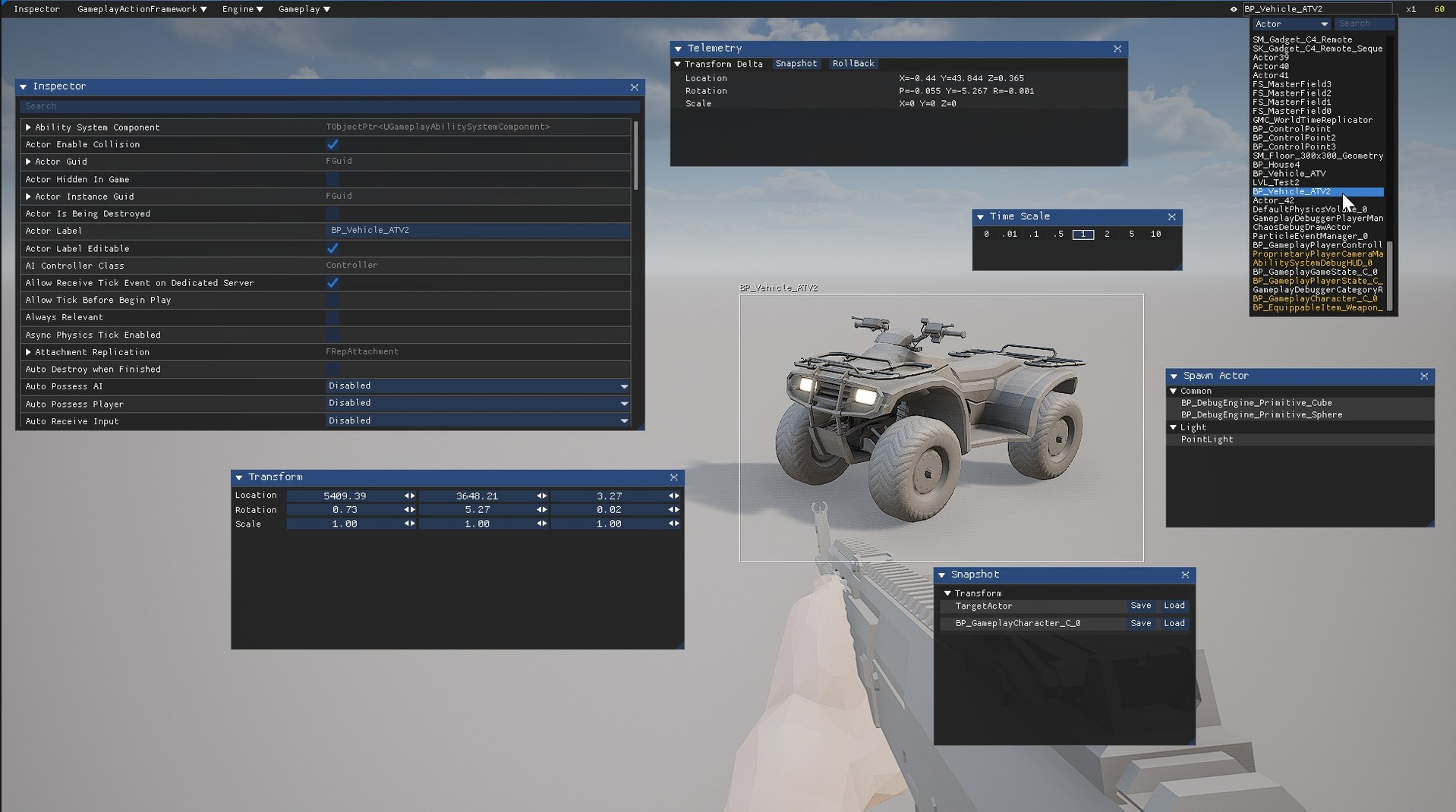
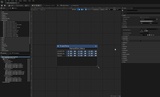
Debug Engine is a definitive, modular, runtime debugging framework for Unreal Engine that runs entirely on UMG and Blueprint — no C++ required.
Its extensible Blueprint-native API, hot-reloadable panels, and tag-based registration system make it trivial to inject custom diagnostics, visualize game state, and iterate on live gameplay instrumentation with minimal performance overhead.
The plugin is actively used in the development of our game POLYGON.
It provides a suite of panels to:
Deep-dive inspect any UObject and its nested references — beyond what Unreal’s default inspector can deliver;
Capture and roll back complex object state — even across sessions — via a lightweight, data-driven Property Bag.
Real-Time Telemetry: Stream and visualize property (movement, variables, custom metrics) for live performance tuning.
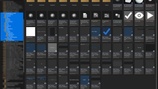
Spawn actors by category, with post-spawn decorators;
Ease author, register, and hot-reload your own custom UMG panels;
It’s designed for rapid iteration in Editor → Play and fully supported in packaged Development/Debug/Test builds (automatically excluded from Shipping). Debug Engine empowers your team to diagnose, prototype, and polish gameplay in record time.
Key Features
Object Inspector
Browse every field & nested object/struct by reflection.
Snapshots
Save/load object state via a flexible Property Bag system.
Telemetry
Real-time tracking of property (e.g. transform movement).
Spawn System
Categorized actor spawning with optional “decorators.”
Notifications
On-screen messages (Info/Warning/Error).
Custom Panels
Build your own UMG panels that plug into the main menu.
Blueprint-only API
All functionality exposed via Blueprint Callable nodes & delegates.
Quick start:
Install the plugin;
Launch the game in the editor;
Press "F1";
For information about each function, refer to the official documentation of the plugin.