

説明
LINKS
Overview
CorePlus Content is designed to make asset usage in Unreal Engine fast, organized, and effortless.
Instead of searching multiple websites, downloading ZIP files, or importing assets manually, CorePlus brings everything together in one place.
With a single click, you can browse, preview, license-check, and download assets into your project without leaving the Unreal Editor.
Key Features
✔ One-click asset downloads inside Unreal Engine
✔ Clear license details displayed per asset
✔ Curated content from popular 3D asset sites
✔ High-quality CorePlus-exclusive assets
✔ Clean folder structure and consistent naming
✔ Perfect for prototyping, learning, and production
✔ Integrates smoothly with all CorePlus modules
Price
CorePlus Content → Price increases as more packs are added
$5 per asset pack
Early buyers keep all current assets forever, regardless of future price increases.
Installation & Usage
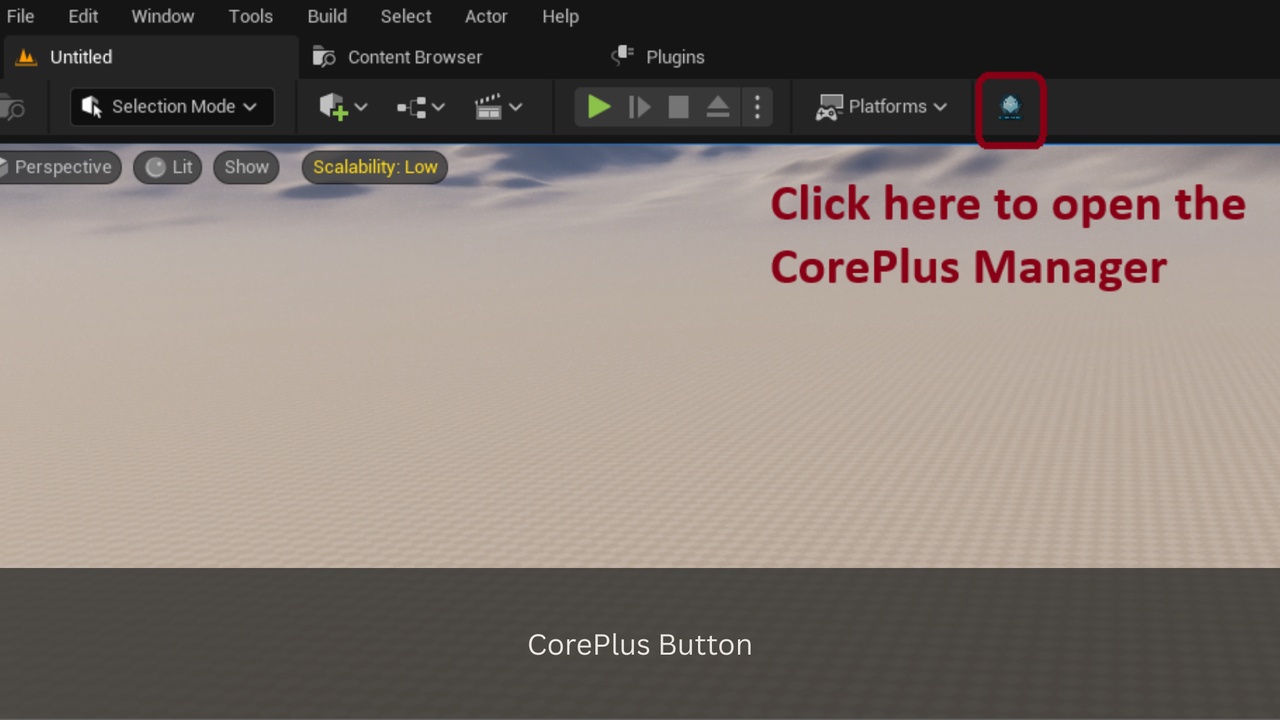
Install the CorePlus Plugin
Open your project
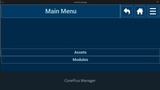
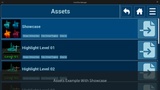
Go to the CorePlus Asset List window
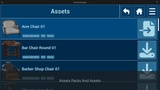
Browse the available asset packs
Click Download to add assets directly into your project
Current Assets/Module Packs & Assets
Asset Packs
Total: 6
One pack per category
Modules
Total: 1
Assets
Total: 294
The 294 assets consist of individual files, each representing a unique resource such as textures, materials, 3D models, music tracks, emitter systems, and other asset types. Each file is counted as a single asset, resulting in a total of 294 assets.
For detailed information on all asset and module packs, as well as individual assets, please visit the CorePlus Content and Free webpage.