설명
Note: This plugin is now integrated into Custom Mission UI
This free, light-weight plugin functions as in-game music controller with simple data assets used to set tracks for different tension levels. Create dynamic in-game music in 4 steps:
1. Import your audio tracks as loops
Create Data Assets defining tension level values and their associated audio loop to play (as many levels can be created as desired) with optional fade transitions and volume controls.
Create Data Table outlining your Levels, the Data Asset they should use, and starting tension level
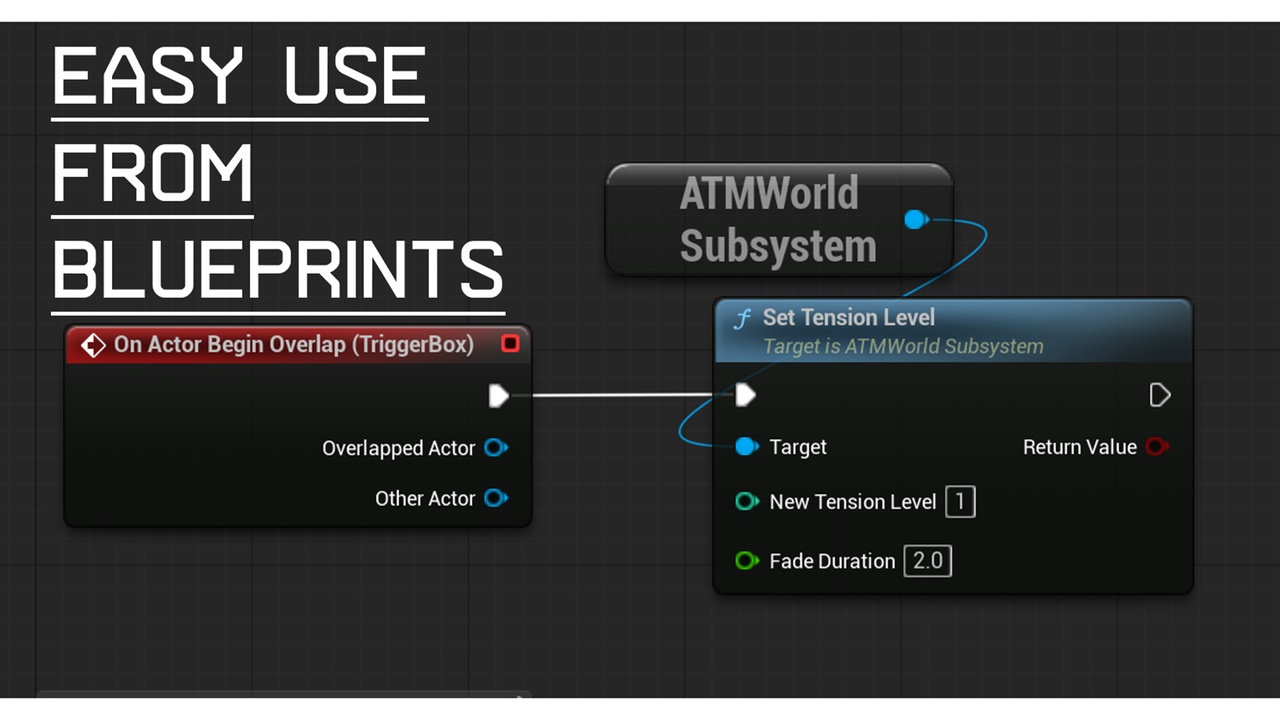
Use Blueprint exposed functions to set Tension Levels via triggers or alternatively use the "procedural" mode to automatically increase the level based on time.