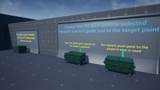
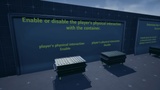
Описание
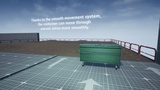
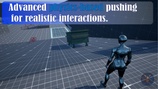
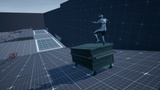
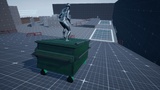
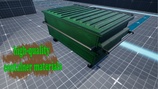
The AKO Push System – Container Dumpster Push is an advanced physics-based pushing system designed for wheeled containers and other heavy movable objects.
It is built to provide stable, controllable, and highly customizable while keeping the setup process straightforward.
🚨showcase video:
🔴Tutorial video:
Documentation Link:
🎯 Introduction | AKO_PushPlugin
Example Project:
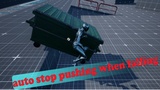
The system is designed around a Physics Constraint-driven approach instead of traditional Add Force or Impulse methods, giving you smoother movement, better control, and more consistent behavior during pushing, rotation, and wall interaction.
--
It also supports both First-Person and Third-Person characters, and includes separate configuration options to adapt the system to different gameplay styles and character setups.
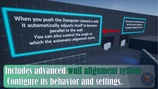
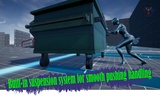
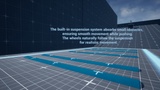
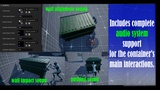
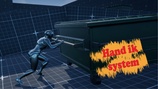
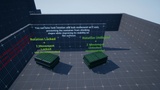
-- The system combines advanced physics-based movement, intelligent wall alignment, predictive collision handling, and a complete Push Positioning System to provide smooth and reliable container interaction. Motion Warping, Hand IK, suspension, terrain adaptation, automatic push point selection, customizable camera behavior, and integrated sound events all work together as part of a single modular framework.
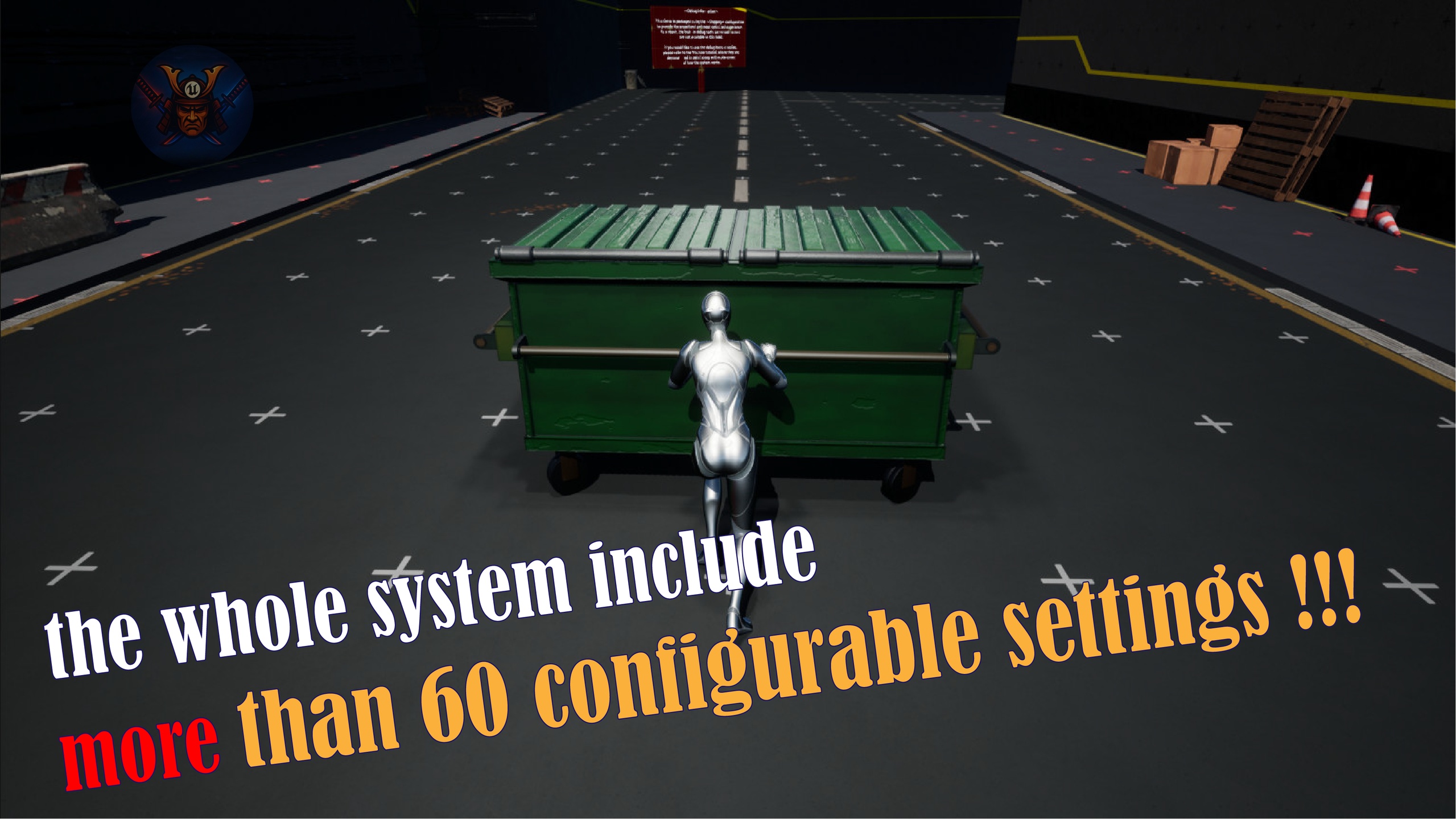
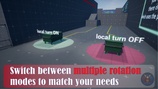
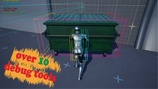
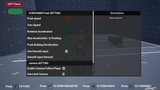
Every major system is fully configurable, allowing you to adjust movement, alignment, rotation, collision, positioning, physics, and interaction to fit the needs of your project. With more than 60 configurable settings, the system offers extensive control while remaining easy to integrate through its Blueprint-based architecture.
Included Content
Example content to help you quickly test and understand the system.
Documentation covering the main systems and settings.
Video tutorials demonstrating the core features and setup.
Optimized example project included for practical testing.
Notes
This system uses Motion Warping for part of its positioning system.
Important: The Motion Warping plugin must be enabled before adding the system to your project. Enabling it after importing the plugin may prevent Motion Warping from functioning correctly.
Required Plugins
The example project uses the following Unreal Engine plugins:
Motion Warping
Enhanced Input
Modeling Tools Editor Mode
Make sure these plugins are enabled before importing the project or plugin.
Support is available through our Discord community:
https://discord.gg/gt93s6E7N9