Description
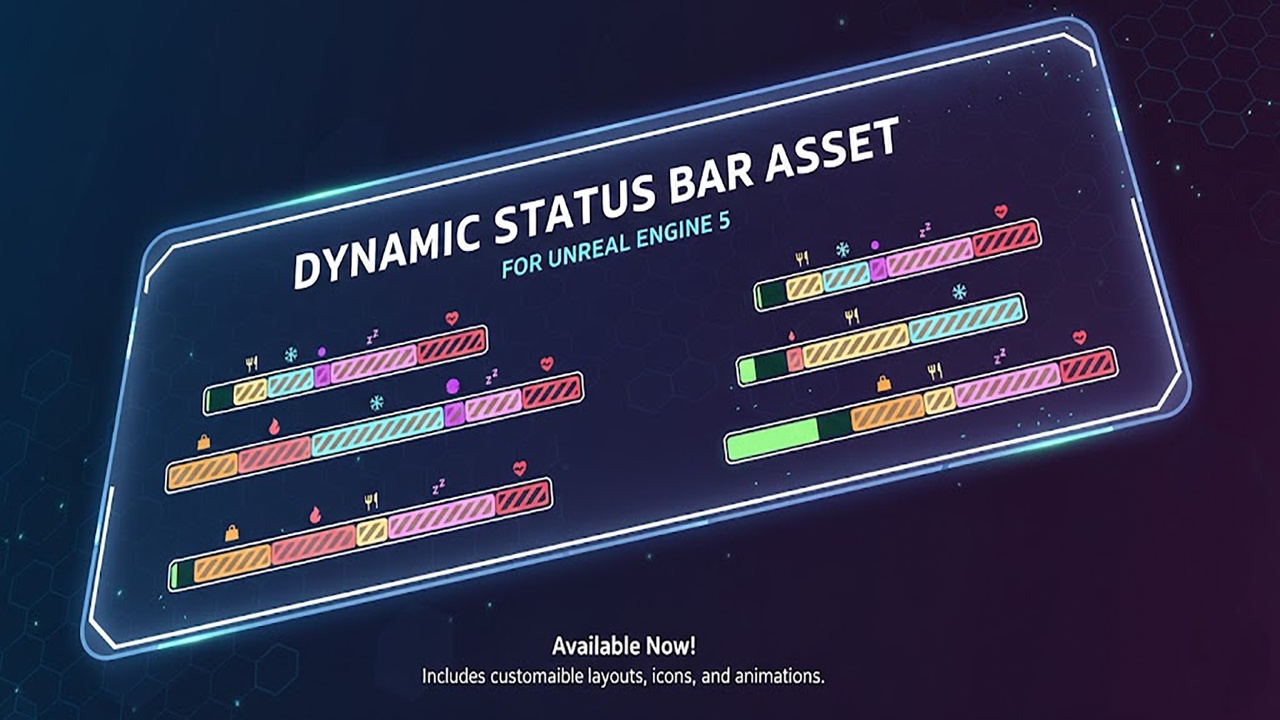
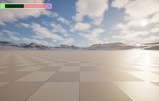
Elevate your game's interface with a highly modular and visually intuitive stamina system. Designed for developers who need more than just a simple progress bar, this asset provides a multi-layered approach to tracking player vitals, energy, or fatigue.
Whether you are building a hardcore survival sim, a fast-paced action RPG, or a tactical shooter, this system adapts to your mechanics through a powerful set of customization tools.
Youtube: https://youtu.be/RgoDvLRDVrs
Documentation: https://www.notion.so/Advanced-Dynamic-Stamina-Status-Bar-System-Documentation-2f334c244c38800c9ad8dd1ad3296c21
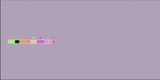
Key FeaturesModular Sector System: Break your bar into any number of segments. Perfect for representing "pips" of energy or specific stat thresholds that grow as the player levels up.
Multi-State Visuals: Out-of-the-box support for different visual states, including active fill, depletion buffers (ghosting effect), and permanent fatigue/locked sections.
Full Color Control: Every element—from the main bar and background to the "spent" animation—can be recolored via simple parameters to match your game’s palette.
con Integration: Includes a flexible slot system for status icons.
Smooth Animations: Built-in logic for fluid transitions, "shake" alerts for low energy, and responsive regeneration effects.
This asset is built with customization as the priority. You aren't locked into a specific "look." Using the exposed parameters, you can transform the aesthetic from a clean, minimalist sci-fi bar to a rugged, stylized survival meter in seconds.
Adjustable Thickness & Padding: Fine-tune the geometry of the sectors.
Icon Library Support: Easily swap the default icons for your own custom sprites.
Performance Optimized: Extremely lightweight logic ensures minimal impact on your UI thread, even with complex animations.
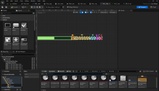
Note: This system is designed to be plug-and-play. Simply drop it into your HUD, link your variables, and you’re ready to go.