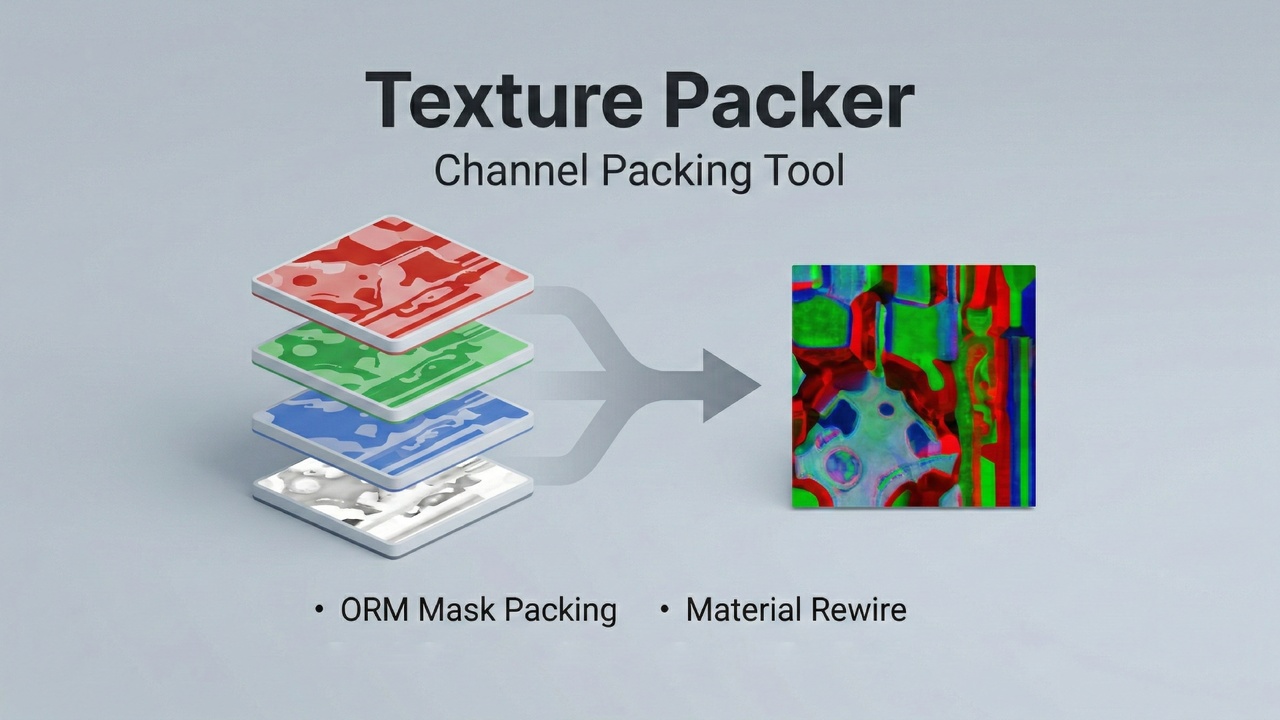
Pack, optimize and batch-convert your textures without leaving the Unreal Engine editor.
What it does
Select up to three input textures and combine them into a single packed ORM in seconds. Control each channel with invert, multiply, gamma correction, and sRGB-to-Linear conversion. Save directly to any Content Browser path and optionally rewire Materials that reference the source textures.
Texture Optimizer
Reduce file sizes across your project in one pass. Choose TinyPNG Quantization or JPEG Lossy compression, set a maximum resolution for automatic rescaling, and protect ORM maps from lossy compression. Preview affected textures and estimated output sizes before running.
Batch Processing
Process entire folders with By Set or By Folder modes. Point the tool at any /Game folder and pack everything in one click.
Presets
Use presets for UE Standard ORM and Unity Metal/Smooth, or save your own mappings.
Technical notes
Editor-only and not included in packaged builds. Inputs require Texture2D assets with valid Source data.
Documentation
https://exptools.xyz/docs/texture-pipeline/