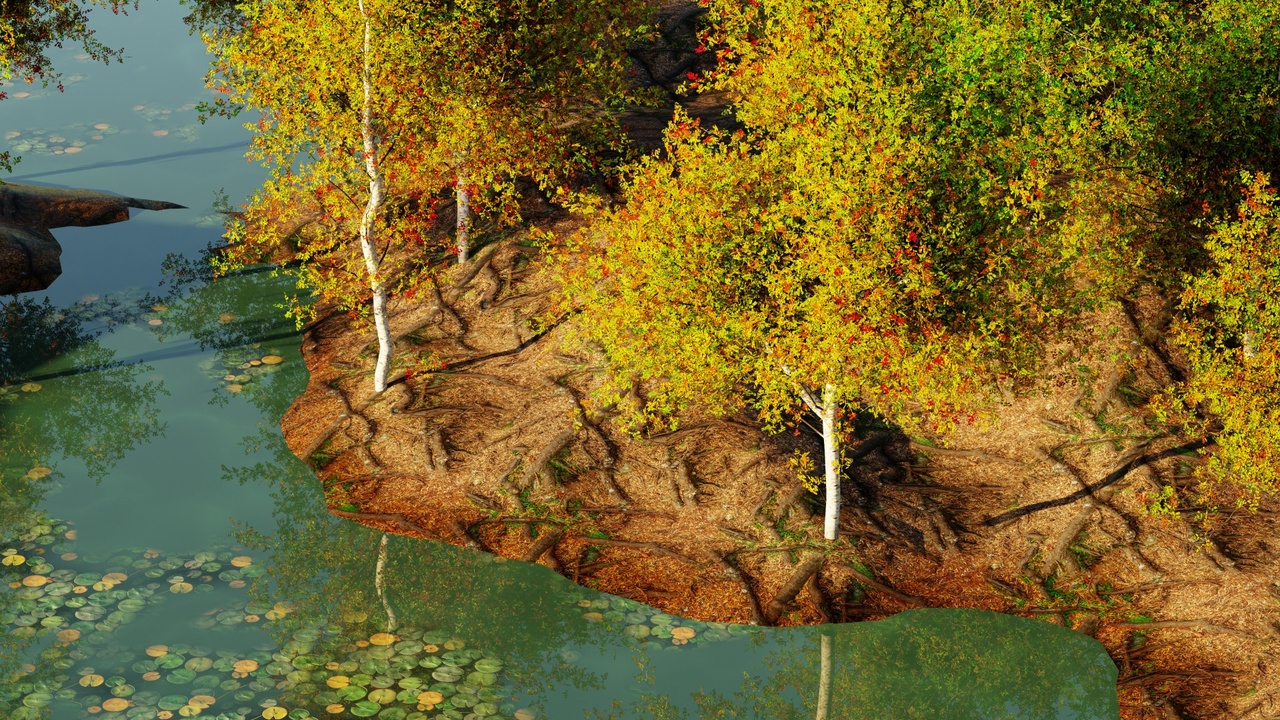
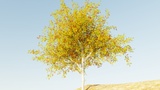
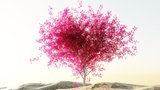
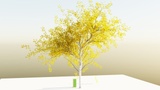
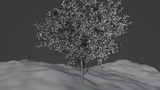
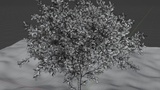
Açıklama
How To Use
There are Total 4 versions of generators:
birch_v1, birch_v2, birch_v3, birch_v4.
Every Version Has its Own Use:-
V-1 (Birch)
This Version is a Simple (Default) Version all the Complex Controls are in Geometry
nodes Tab. Most Use-full and Quick Controls are added to Modifiers panel.
its for adding trees to the scene quickly within few clicks.
V-2 (Birch+)
This Version is Best when you really wants a custom Shaped tree, Because it literally
Generate tree in whichever shape you draw To use it go to edit mode in Bezier curve(to
get press Shift+A in curve select Bezier curve) delete existing points add a geometry nodes
modifiers, select "Project River Birch V-+" node tree then in viewport select Draw tool (only appears
in edit mode) Draw any shape(s). it will generate bottom to top. you can manually move
the points of Bezier curve to get desired shape.
V-3 (Birch ++)
This version is for Distribution Unique Trees on any Given Surface. Every single tree will
be Unique. Same as previous versions major
controls are in modifiers panel and all shape modifying controls are in geometry nodes panel.
to avoid crashes density(in modifiers panel) is divided by 1000 by deafult. when assigning a
Vertex group or Weight paint as Mask in trees ,you might need to lower that 1000 divide it is
just after the density in geometry nodes tab.
V-4 (Birch V-4)
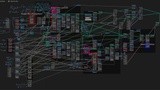
It is just the first version but all the use-full controls are in modifiers panel, so when you
make Duplicates of the tree and modify its shape other trees will not be influenced with
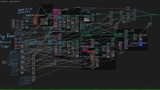
the changeds. I recommended going through all the Controls and Take a Look at the node
tree so you can fully understand it.
Thank you
Wish you Amazing generations, I hope this will help you in creating
amazing artworks.
Check out my arts: abhaysiddhartha
Release Notes
Fixed the bark stretch along the seams.
fixed trunk faces.
organized all the controls in Panels.
latest blender 4.2.