Description
Description:
Maintain a clean and professional project structure with Material Instance Renamer. This plugin eliminates the tedious task of manually renaming assets by automating the process according to your project's naming conventions. Whether you are cleaning up an existing project or starting a new one, this tool ensures all your Material Instances follow a consistent naming scheme (default MI_ prefix) with a single click.
Key Features:
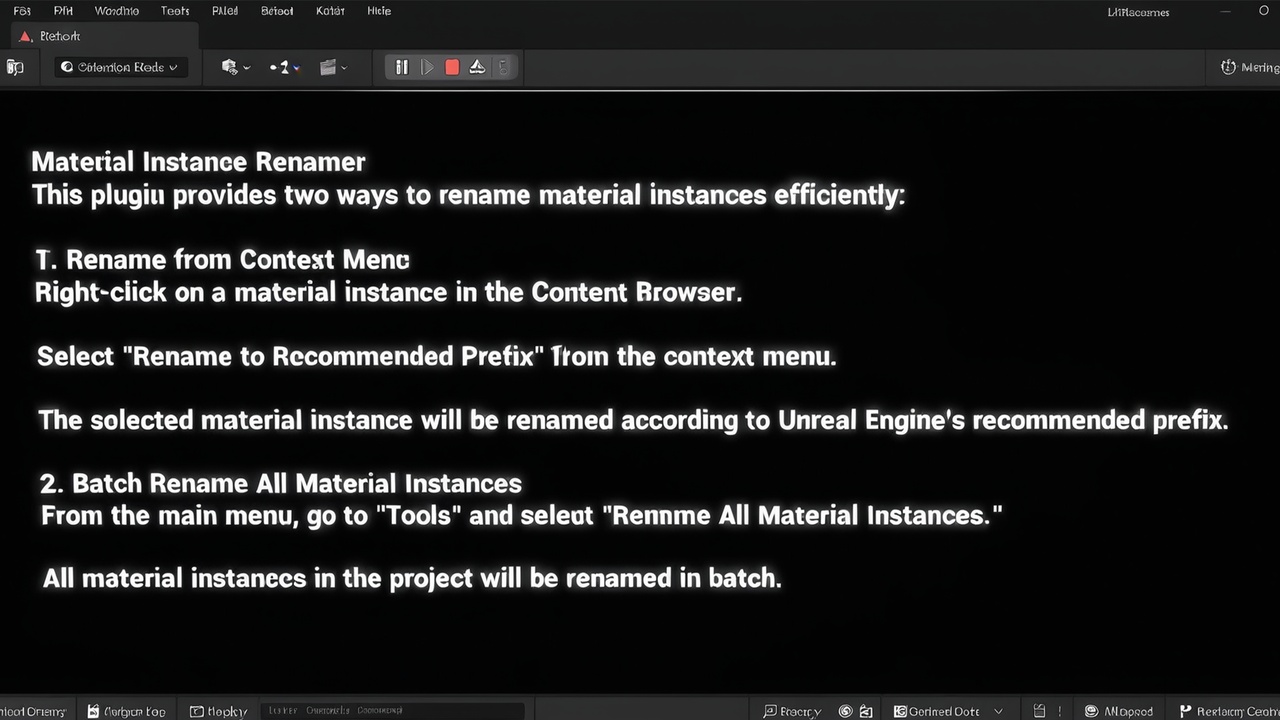
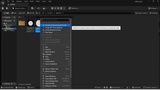
Batch Renaming: Instantly scan your entire project (/Game folder) and rename all Material Instances at once via the "Tools" menu.
Auto-Rename on Create: Automatically applies your naming convention the moment a new Material Instance is created. (Toggleable in Project Settings).
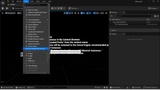
Smart Context Menu: Right-click any asset in the Content Browser to "Rename with Prefix". Works on single or multiple selections.
Intelligent Naming Logic:
Automatically strips old prefixes/suffixes (e.g., M_Sample_Inst -> MI_Sample).
Detects and fixes irregular names like MI_M_Sample.
Prevents redundant renaming if the asset is already correct.
Intelligent Naming Logic: Automatically strips old prefixes/suffixes based on your settings (e.g., M_Sample_Inst -> MI_Sample, or MM_Floor -> MI_Floor). Detects and fixes irregular names like MI_M_Sample. Prevents redundant renaming if the asset is already correct.
Fully Configurable Prefixes: Control both the Source Prefix (what to remove, e.g., 'M_', 'MM_') and the Rename Prefix (what to add, e.g., 'MI_'). Adapts to your specific workflow in the Project Settings.
Conflict Resolution: Automatically handles duplicate names by appending numeric suffixes (e.g., MI_Prop1, MI_Prop2) using Unreal's native asset tools.
Command Line Support (v1.3+): Run batch renaming tasks via commandlet, ideal for CI/CD pipelines.
Localized UI: Full English and Japanese support based on your editor language.
Technical Details:
Engine Compatibility: 5.4, 5.5, 5.6, 5.7
Platform: Windows (Win64)
Code: C++ Source Included
Why use this plugin? Consistent naming is crucial for project management, especially in indie development and small teams. This plugin saves you hours of manual work, allowing you to focus on creating games rather than managing files.