



Beschreibung
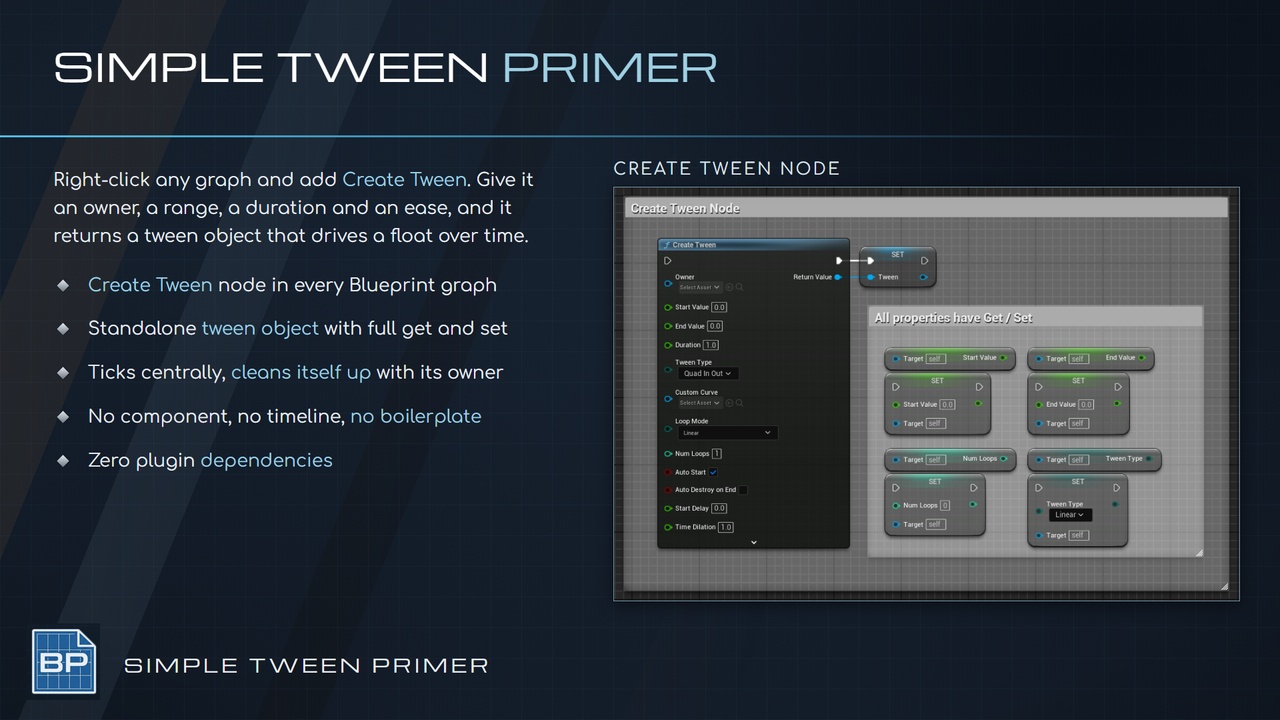
Primer Simple Tween adds a Create Tween node, returning a self-managing tween object that drives a float over time.
Right-click, Create Tween
Set a range, a duration, and an ease type
Hit play!
CORE FEATURES
Create Tween node callable from any Blueprint graph
41 built-in easing functions
Custom Curve mode driven by a Curve Float asset
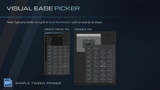
Visual easing picker on Tween Type pins
Steps modifier for stepped easing
Blend Exp modifier for curve sharpening
Loop modes: Linear, Reverse, FlipFlop
Infinite looping / Loop Count
Start, stop, pause, resume, and destroy at runtime
Scrub to any time or percent
Start delay
Per-tween time dilation
Automatic cleanup on owner destruction
Bulk tween queries and teardown per owner
Delegates for progress, start, loop, end, pause, and destroy
BP-overridable TweenClass with Can Start and Can Destroy gates
Optional verbose logging
How To
Right-click in any Blueprint graph and add Create Tween
Set Owner to self, then set Start Value, End Value, and Duration
Pick an easing function from the curve grid on the Tween Type pin
Bind On Tween Progress Changed and drive your value
Play!
USE CASES
Fading, sliding, and scaling UMG widgets without an animation asset per element
Driving material scalar parameters over time
Camera field-of-view and post-process transitions
Easing actor movement, rotation, or scale from Blueprint
Stepped counters and progress readouts
Looping idle and pulse effects that clean themselves up with their owner
PRIMERS
Part of the Primer series, this plugin prioritizes clarity, control, and practical workflows.