
Descrizione
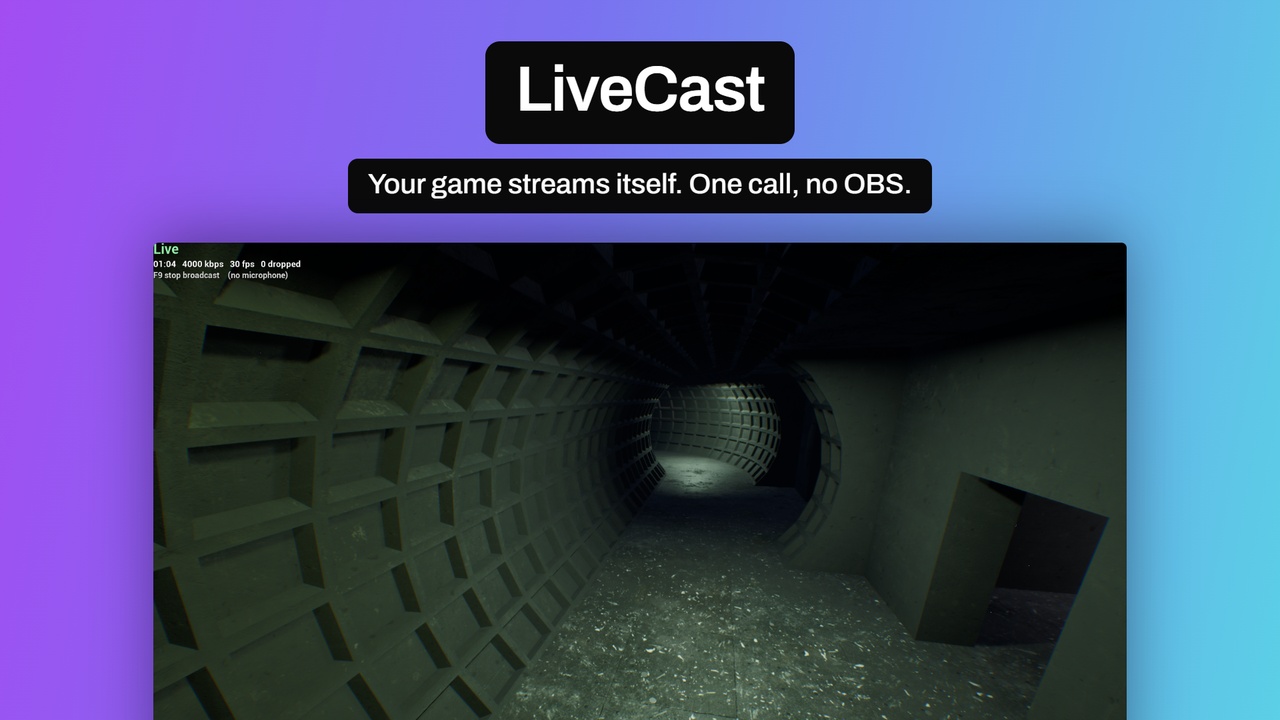
Broadcast your game from inside the engine.
LiveCast takes the frame Unreal has already rendered, encodes it on the GPU and publishes it over
RTMP — to Twitch, YouTube, Restream or your own server. Everything OBS does to get a game on the
air, happening inside the engine instead of beside it. No second application, no capture card,
nothing for your players to install.
That makes it useful for things a separate capture tool cannot do at all: a game that streams
itself at the press of a button, a spectator build that goes live unattended, a kiosk or event
machine with nobody to run the software, or an in-game broadcast feature you ship to your players.
One node starts it. Get the LiveCast subsystem, call Start Stream With Key. Capture, scaling,
hardware encoding, audio, reconnection and bitrate control are handled inside.
Broadcasting
* Start and stop from Blueprint — one node each
* Any RTMP destination: Twitch, YouTube, Restream, Castr, self-hosted
* Hardware H.264 on NVIDIA (NVENC) or AMD (AMF)
* Game audio and, optionally, the player's microphone, mixed and encoded to AAC
* Microphone mute and gain while live
* A Project Settings page for bitrate, size, framerate, delay, microphone and encoder choice
Survives a bad connection
* Automatic reconnection with backoff, and an immediate keyframe on recovery so viewers see a
picture at once
* Adaptive bitrate that reacts to a congested uplink and restores itself
* Squeezed to a tenth of its bitrate, it stepped down a five-rung ladder — 4000, 2800, 2000, 1400,
1000 kbps — in eight seconds, and climbed back over the next hundred
* A ten-minute broadcast throttled and released twice this way encoded 18 351 frames and dropped
none of them
Built for shipping, not just for testing
* Stream keys are never written to the log
* Stream keys are kept out of project config, so they cannot reach source control by accident
* The broadcast stops itself when play ends or the game exits
* Anti stream-sniping delay buffer, adjustable while live, costing megabytes rather than gigabytes
* Nothing but the game reaches the broadcast — a notification, a second monitor or whatever you
alt-tab to is not in the frame, so it cannot be broadcast by accident
Leaves your project alone
* No project configuration required
* Audio is resampled to what RTMP needs; back buffers are converted as needed, including 10-bit HDR
* The window can be resized while live — the picture is scaled to fit, never cropped
Live figures for your own overlay
* Bitrate, requested bitrate, uplink backlog, dropped frames, reconnect count, microphone level
* Five Blueprint events: started, stopped, reconnecting, reconnected, error with a typed reason
* A working example in the box: a map with sound, a controller thdat broadcasts on a keypress, and
a stream-health overlay you can redesign
Requirements and limits
* Unreal Engine 5.8, Windows 64-bit
* A hardware encoder is required: NVIDIA (NVENC) or AMD (AMF). Intel QuickSync is not supported —
Unreal's own codec layer ships no QuickSync video encoder on Windows
* RTMP only, not RTMPS. No SRT, no WebRTC. Facebook Live needs RTMPS and must be reached through a
multistreaming service
* Depends on Unreal's codec plugins AVCodecsCore, NVCodecs and AMFCodecs, which Epic marks
Experimental in 5.8. They ship with the engine and are enabled for you.
* AMD is verified on one card — a Radeon RX 6700 XT — and stated exactly rather than generalised
* One broadcast at a time; the encoded resolution is fixed for its duration
* A minimised window freezes the picture until it is restored. Losing focus is fine
* Encoding shares the GPU with your game
Verified live on Twitch and on YouTube, from a packaged Windows build, on NVIDIA and AMD hardware.
Quick Start
1. Install the plugin
2. Project Settings > Plugins > LiveCast — set your ingest URL
3. Project Settings > Plugins > LiveCast (this machine) — paste your stream key
4. Open Maps/L_LiveCastExample from the plugin content, press Play, then F9
5. In your own game: get the LiveCast subsystem and call Start Stream With Key